Apple iPad Review
A comprehensive hands-on review of the original Apple iPad from 2010, covering design, screen, built-in apps, third-party software, and the overall experience of this new device category.
The first flight from San Francisco after the iPad sales launch brought 1,200 devices to Moscow. I was lucky enough to get my hands on one and test it thoroughly. I want to note right away: I'm not an Apple fanboy. I've never owned an iPod or an iPhone. I'll try to be as objective as possible.
Packaging and Contents
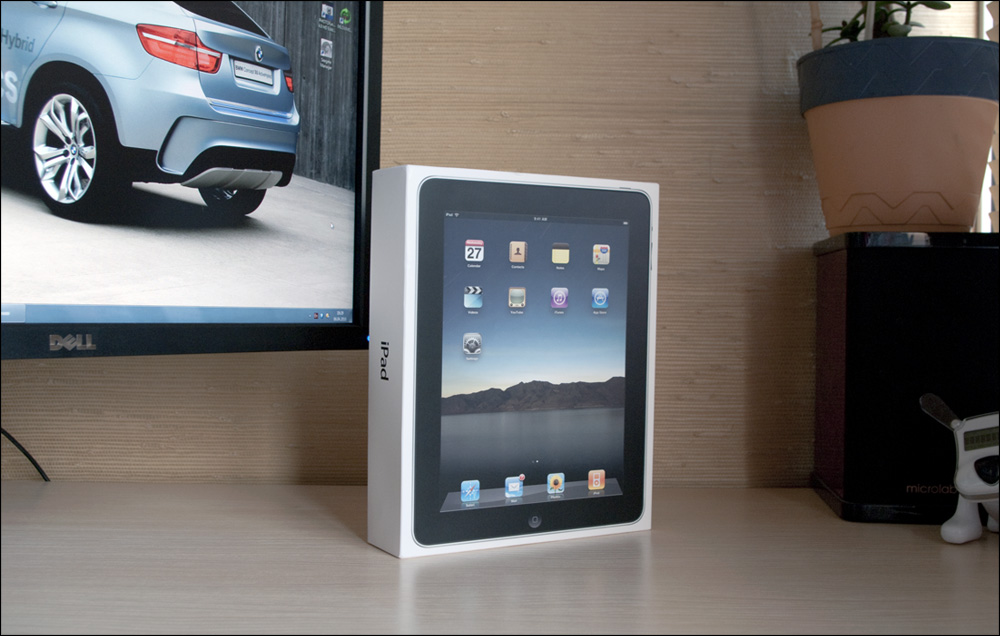
The minimalist white cardboard box contains: the device itself, a USB cable, and a power adapter (which doesn't fit Russian outlets, by the way). No manual, no headphones. For such an expensive device, they could have at least included a case.
Design and Build Quality
Dimensions: 243 x 190 x 13.4 mm, weighing 680 grams. It's slightly smaller than an A4 sheet of paper. You can hold it comfortably in one hand, but the smooth surfaces make it prone to accidental drops.
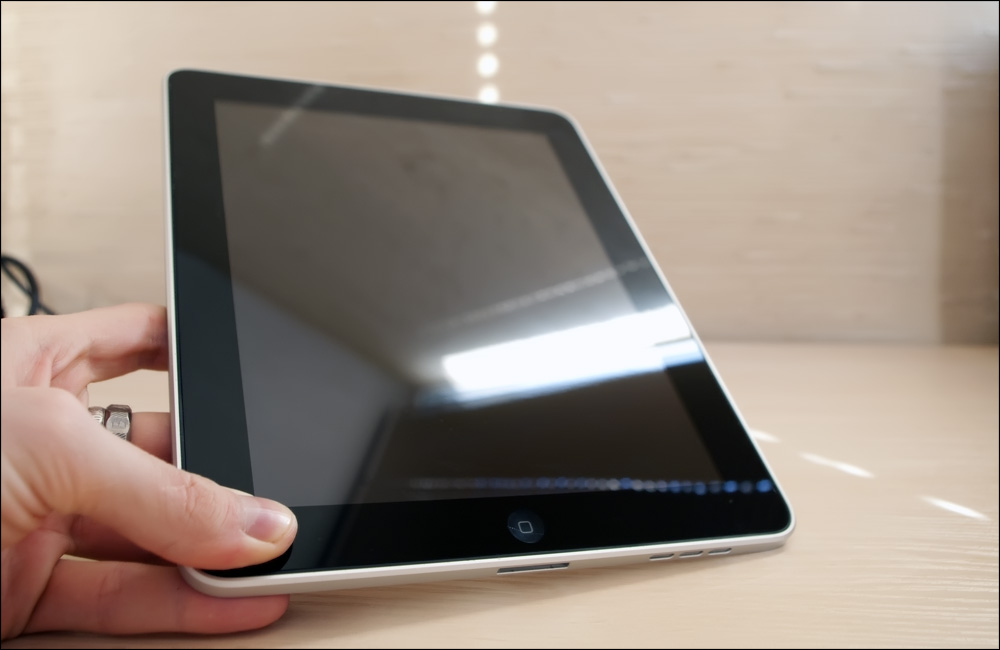
The aluminum rear casing provides excellent durability. The assembly quality is outstanding — perfectly fitted details with no play whatsoever. The sharp edges along the perimeter give it a distinct look compared to the iPhone.
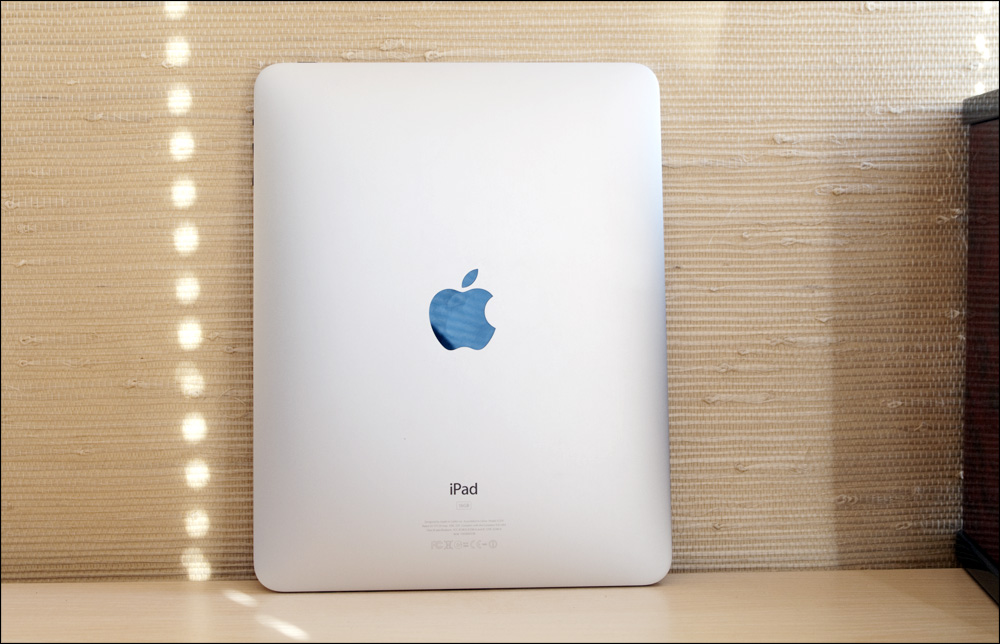
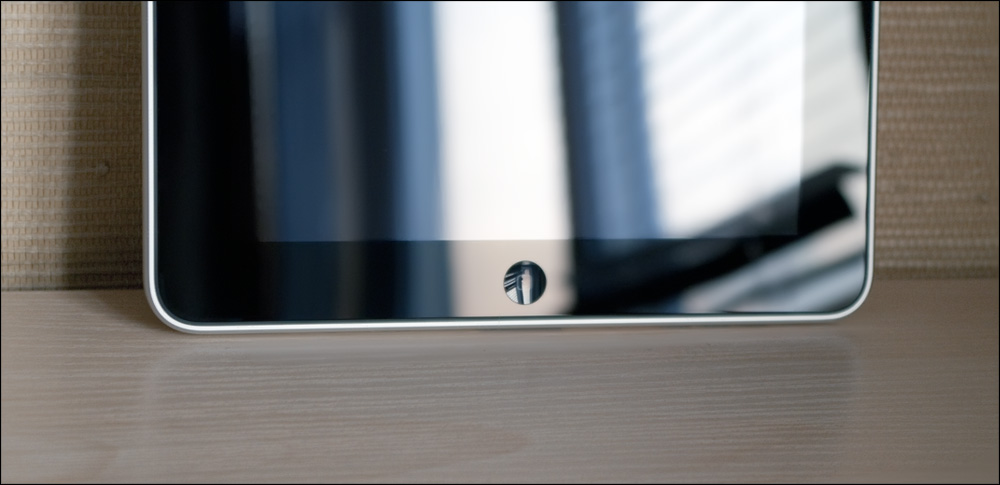
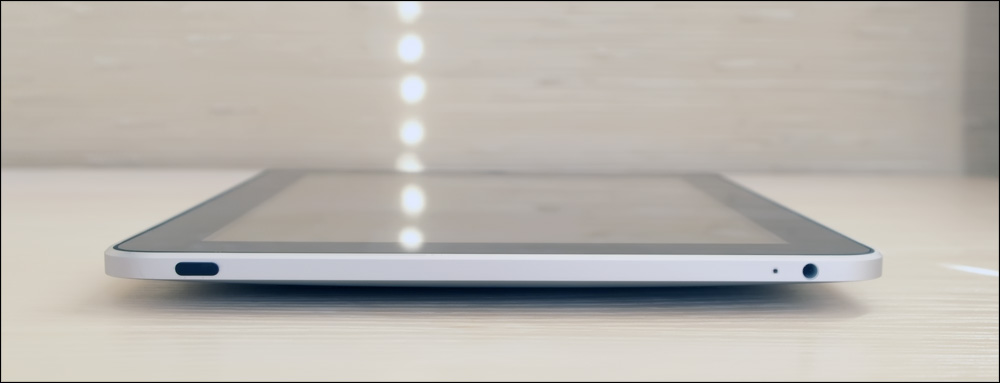
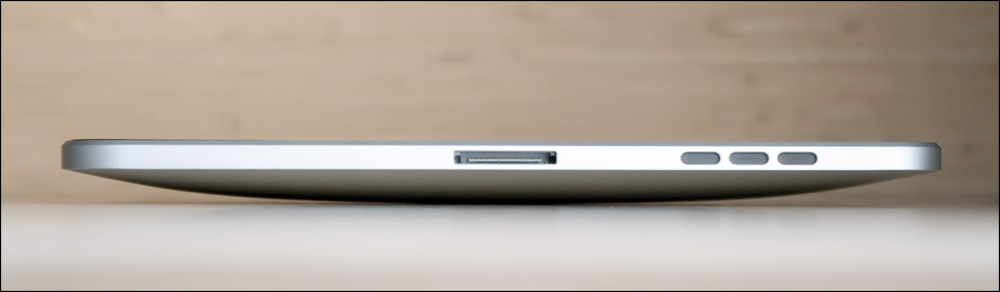
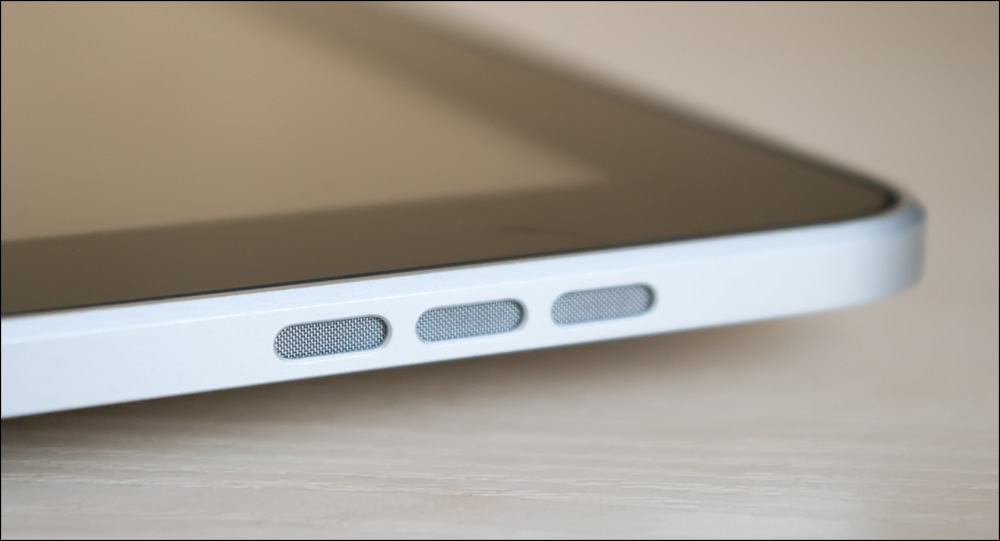
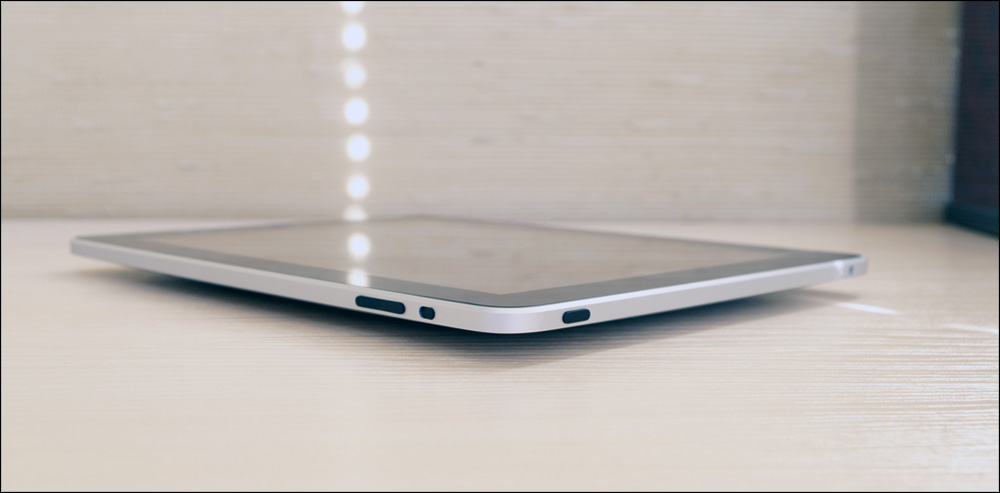
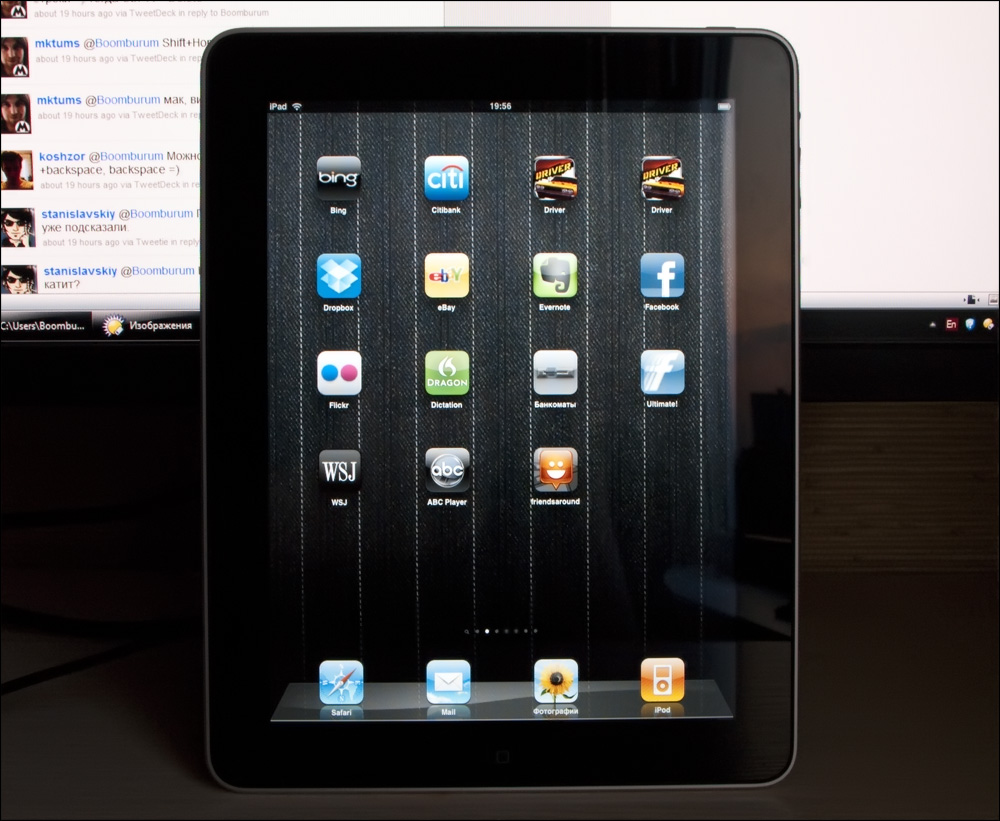
Controls: The left side is completely empty. The bottom has speakers and the charging port. The right side features volume controls and a screen rotation lock switch. The top has the power button and a 3.5mm headphone jack.
Screen
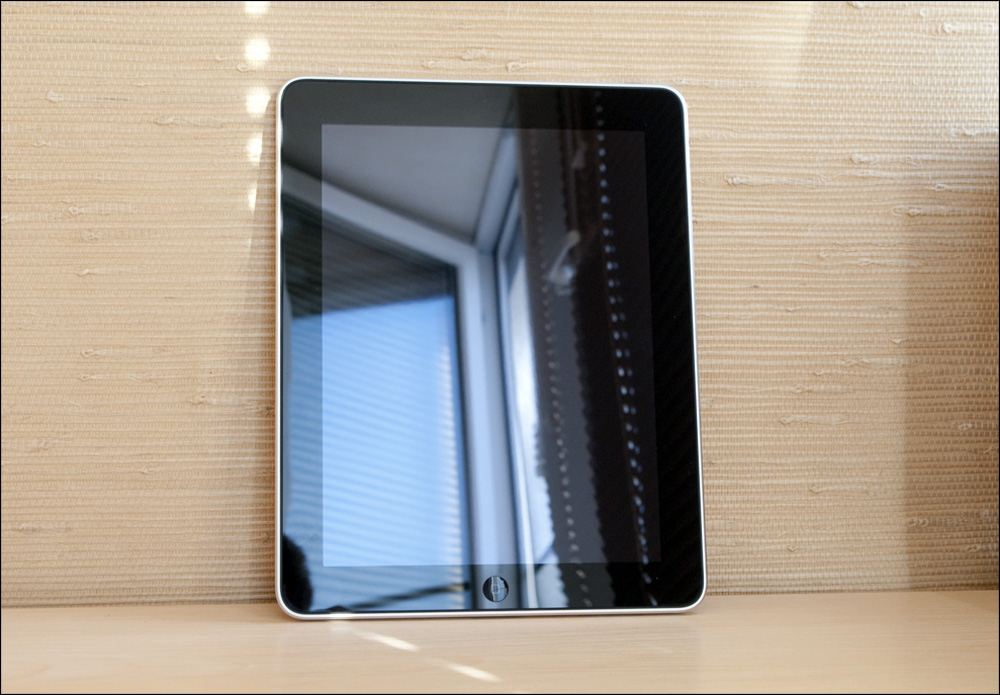
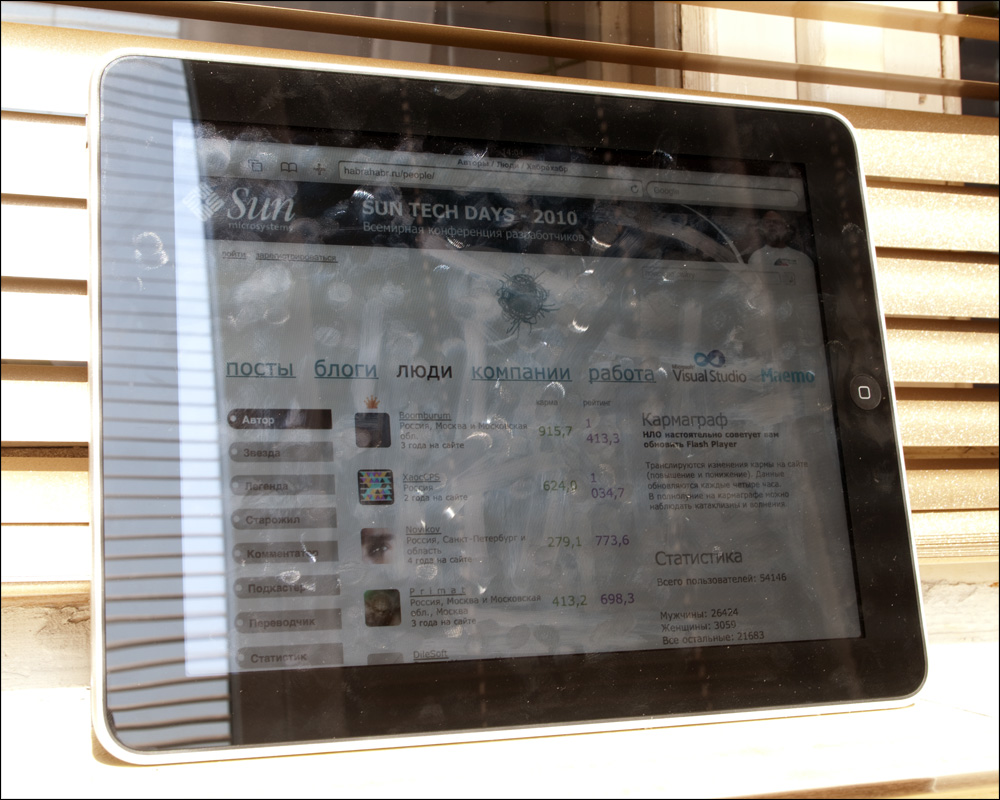
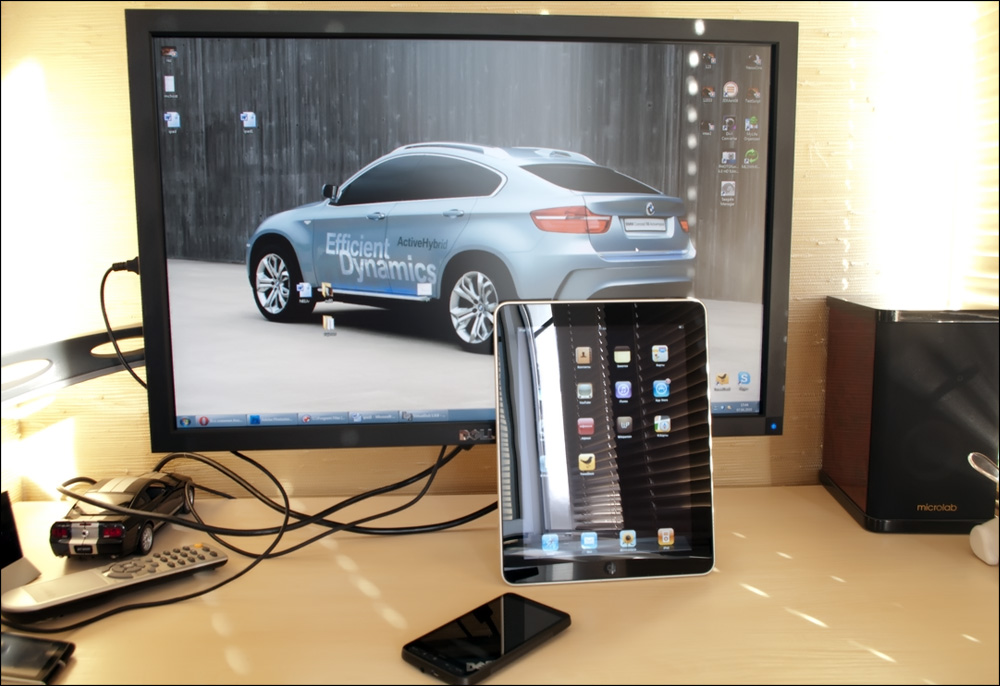
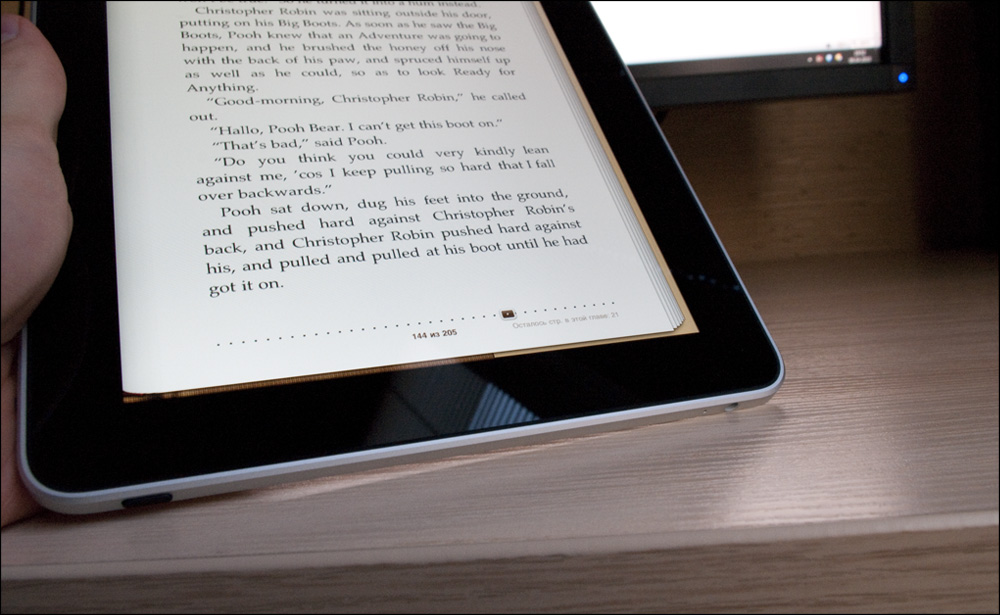
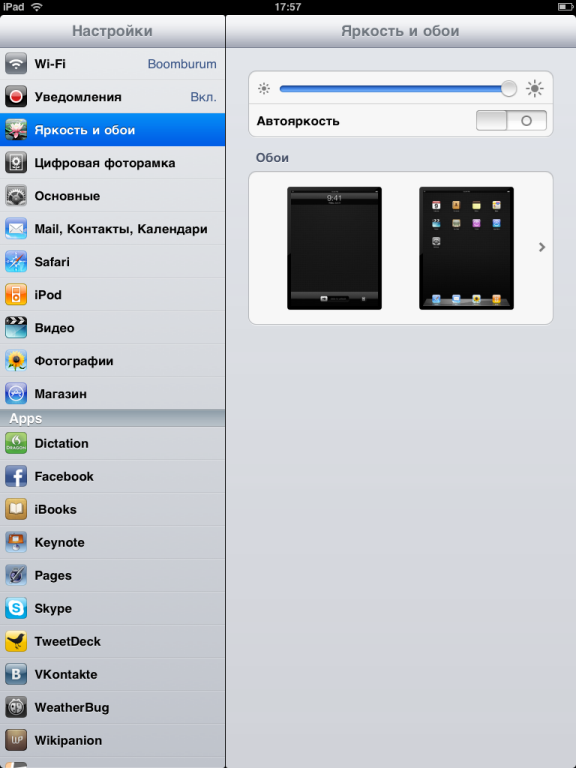
The 9.7-inch IPS touchscreen with 1024x768 resolution and multitouch support is gorgeous. The glossy finish, however, is a fingerprint magnet — despite the manufacturer's claims to the contrary. Brightness levels are impressive, allowing comfortable use both outdoors and in dimly lit rooms.
Startup and Operating System
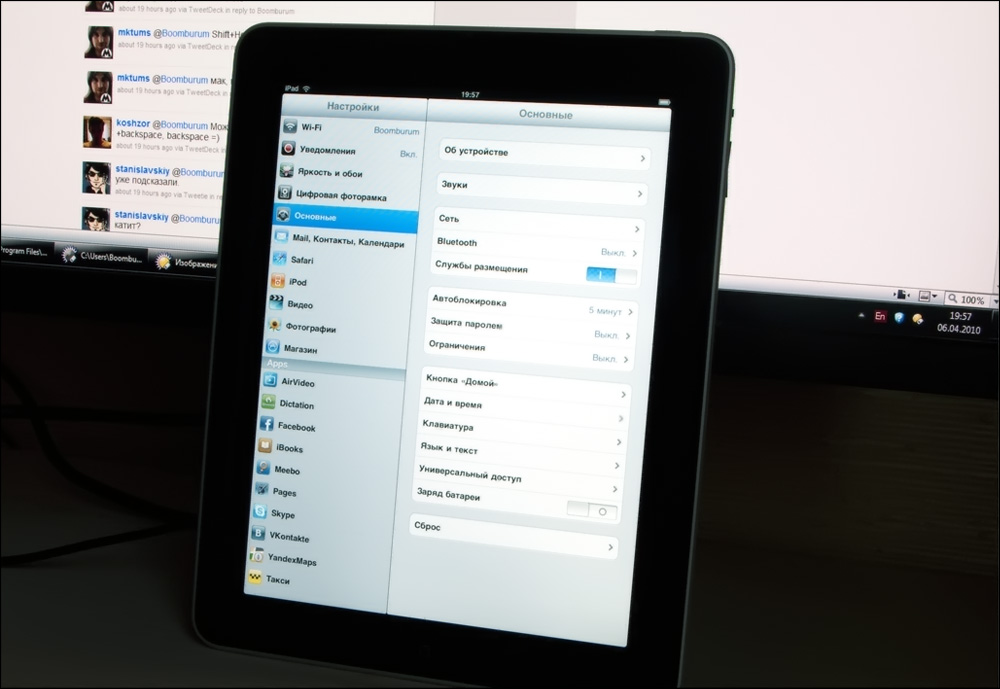
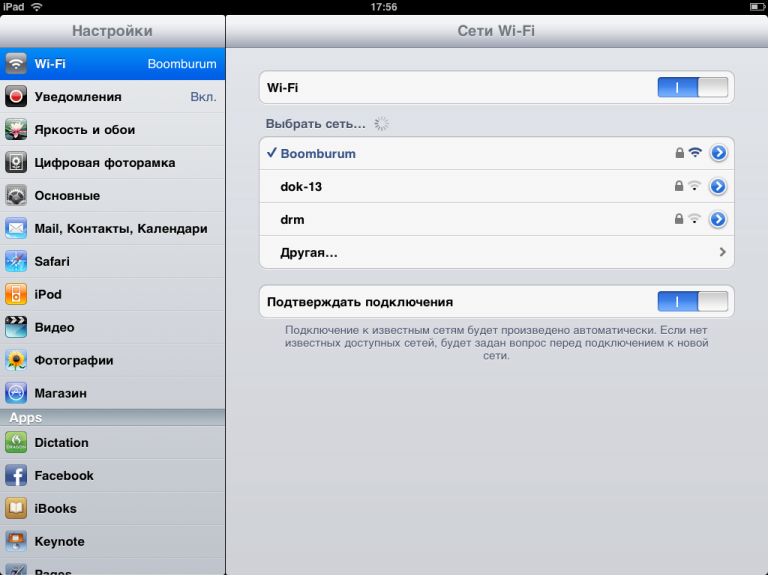
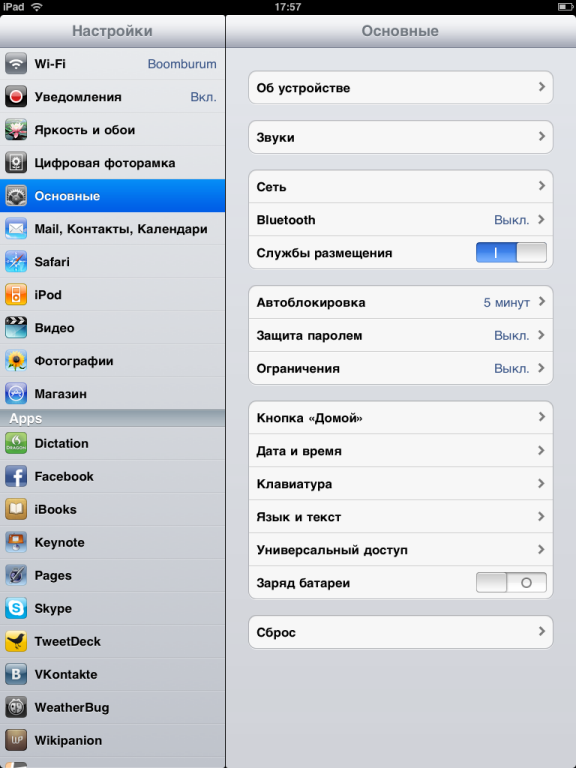
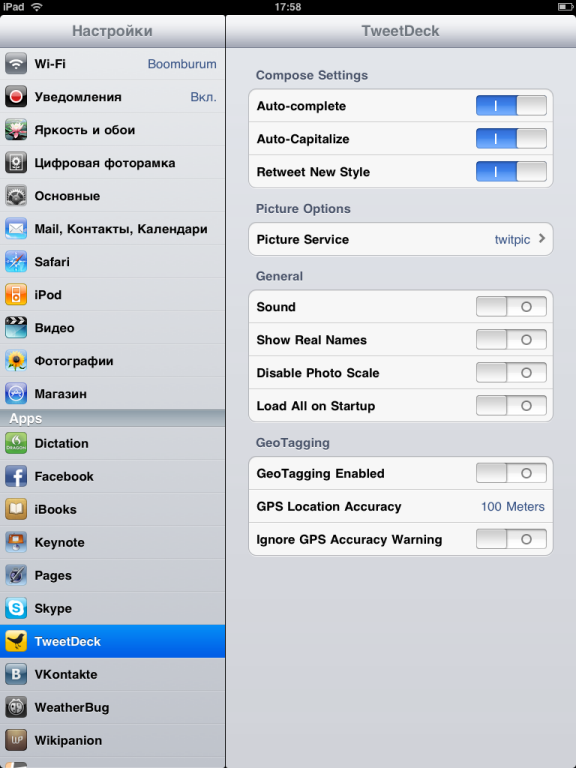
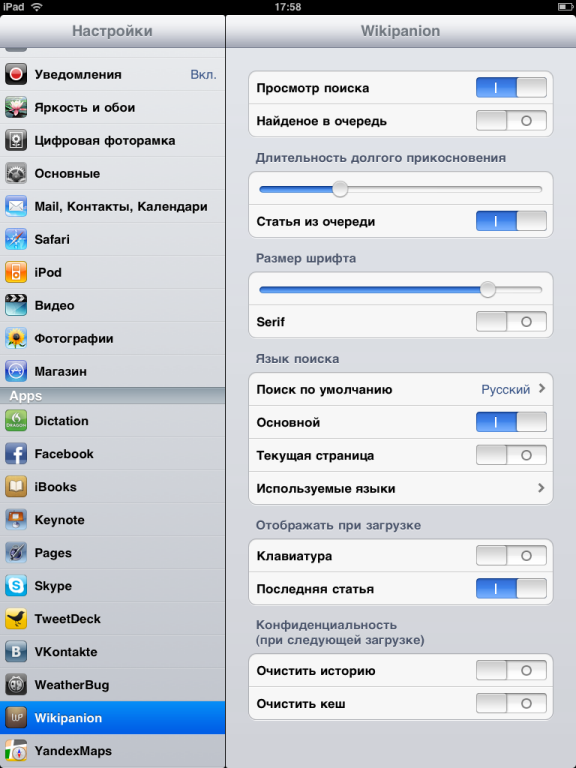
Boot time is about 15 seconds to full operation. Waking from sleep is nearly instantaneous. The settings interface uses a clean split-view layout with the menu on the left and settings detail on the right.
Wi-Fi connectivity is solid — it detects networks with strong signal and connects easily. The device can maintain an internet connection even with the display off for email and background sync.
Built-in Applications
Contacts
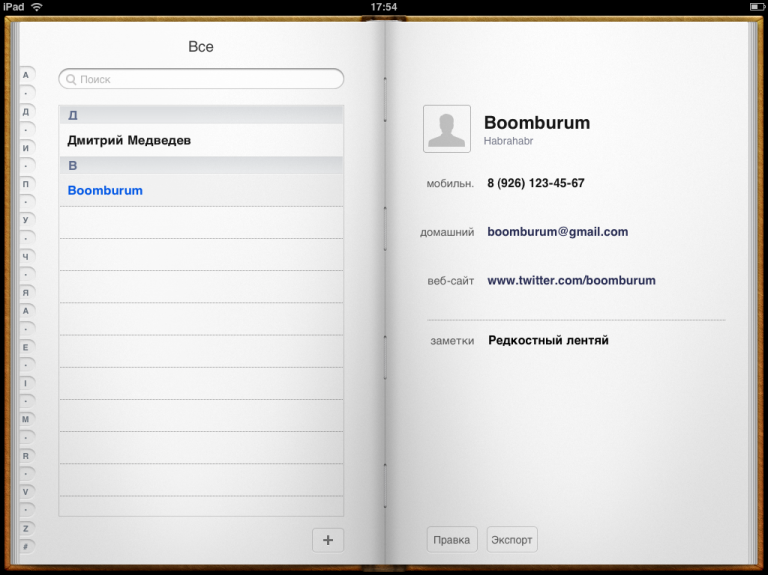
The contacts app features a book-style interface with an alphabetical listing on the left and contact details on the right. It supports synchronization, editing, and adding or removing entries.
Notes
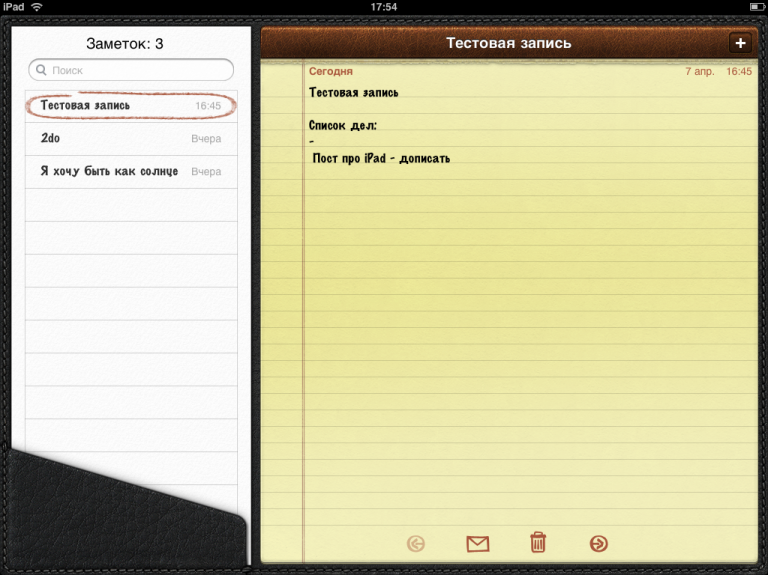
Styled like a yellow lined notepad with a leather journal aesthetic. Includes search functionality and the ability to export notes via email.
Calendar
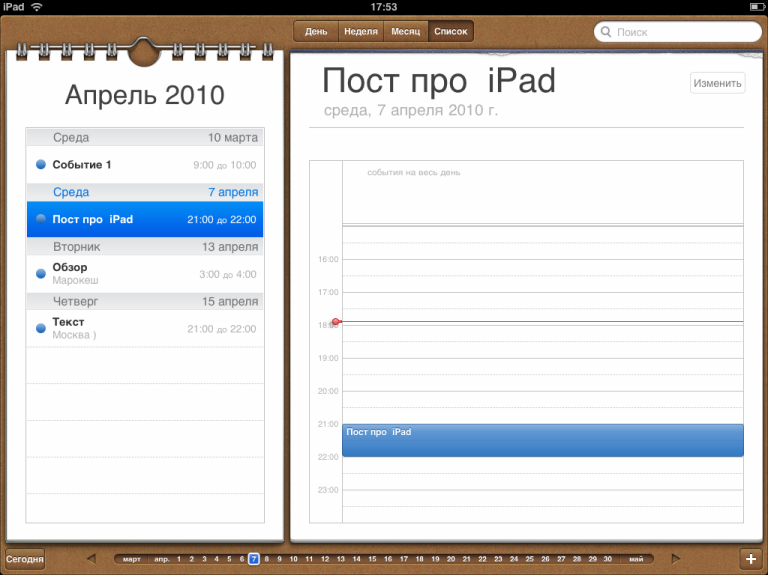
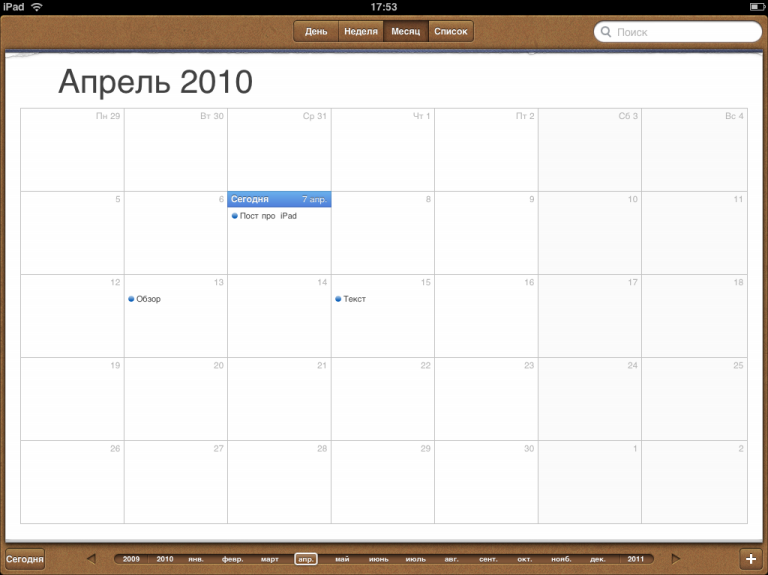
Multiple view options: Day, Week, Month, and List. A timeline selector at the bottom allows quick date navigation. The design mimics a physical calendar beautifully.
Maps
Google Maps integration with a satellite view option. Loading speeds are comparable to the HTC HD2.
YouTube
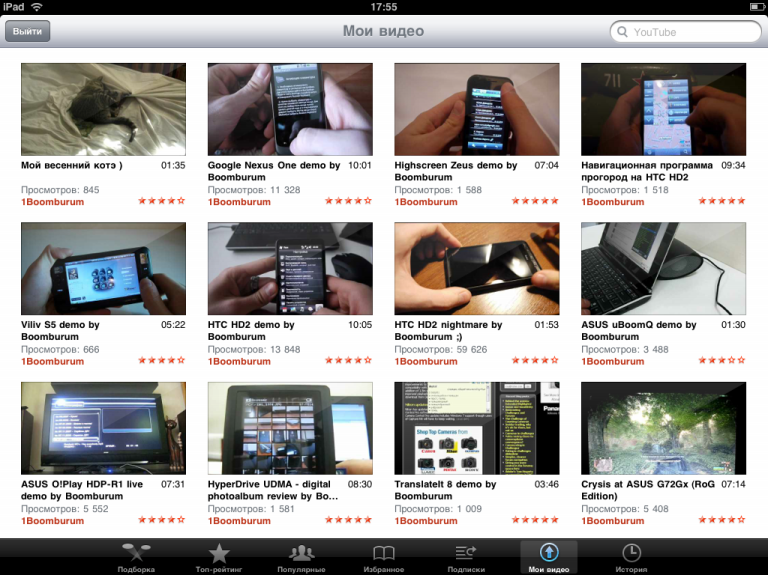
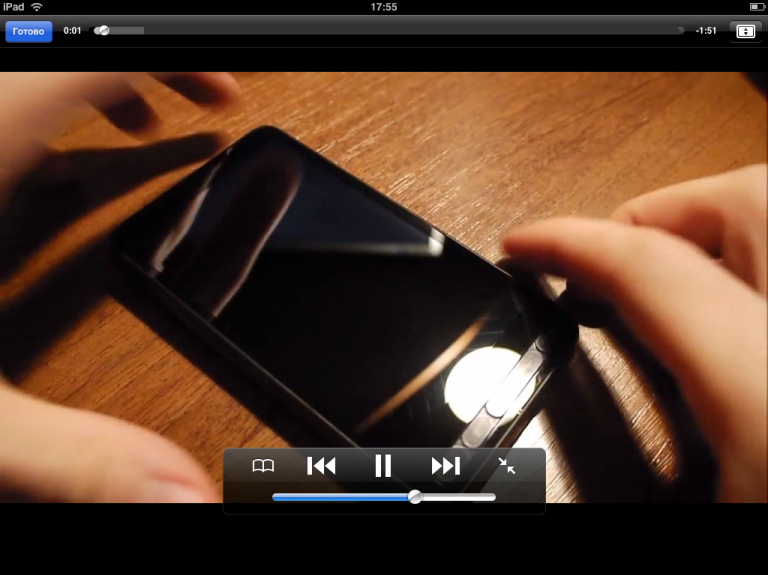
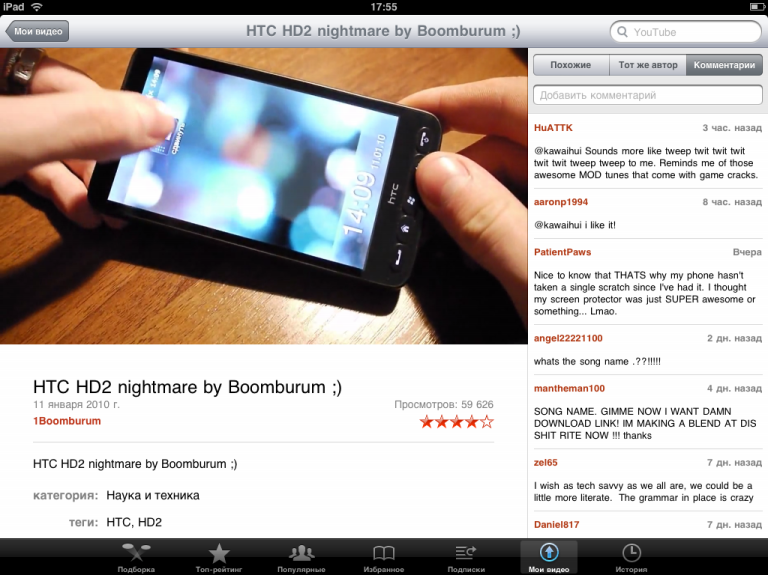
Full-featured YouTube client with video categories, ratings, and favorites. Login support enables access to "My Videos" and comments. Playback is smooth, including in fullscreen mode.
iBooks
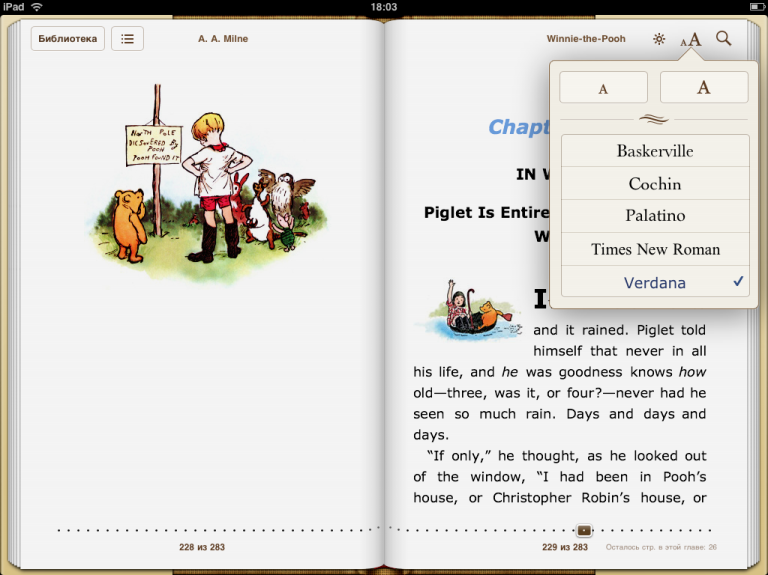
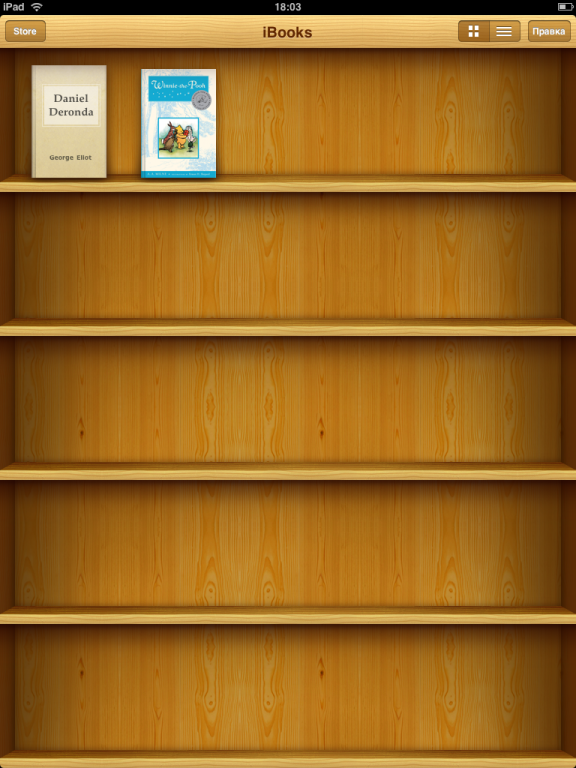
One of the most thoughtfully designed applications on the device. The book-style interface offers single or two-page display options. Font size and typeface are adjustable during reading. A virtual bookshelf organizes your library. The bundled edition of Winnie the Pooh with illustrations is a delightful touch.
iTunes and App Store
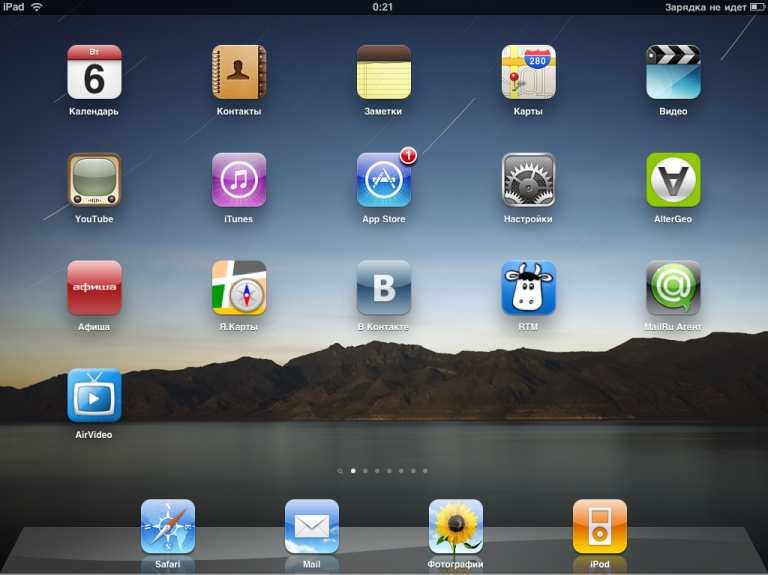
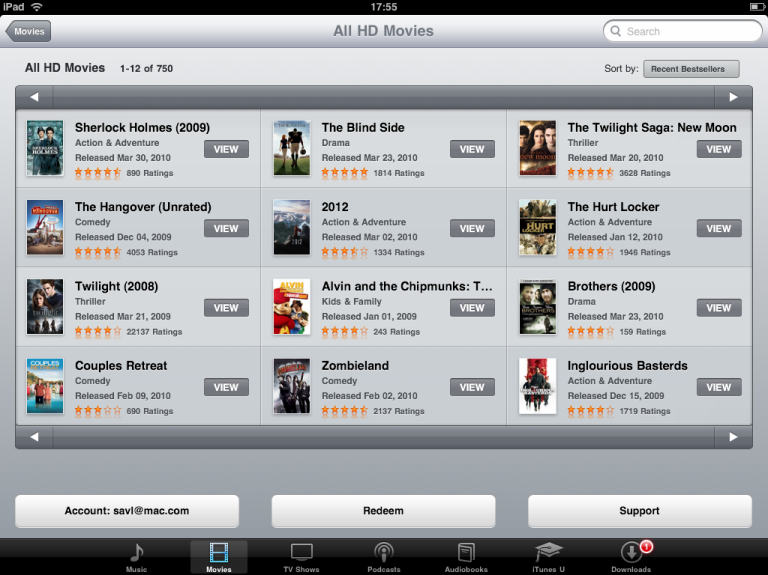
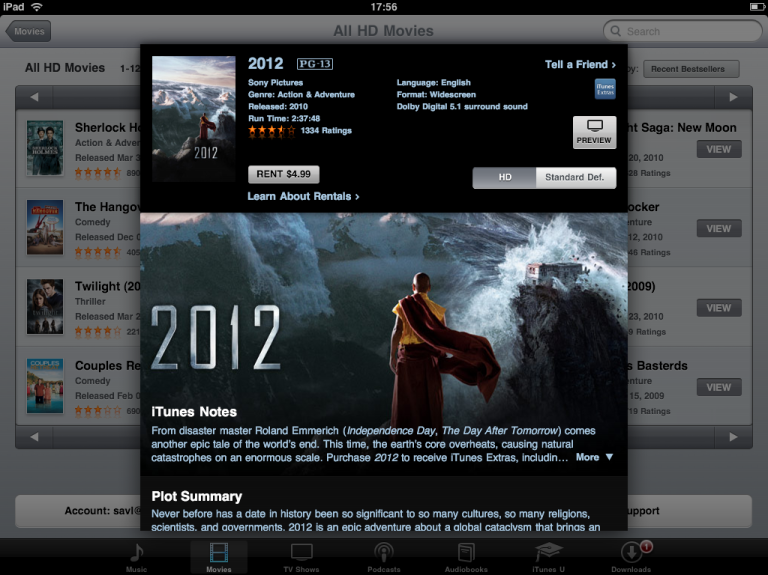
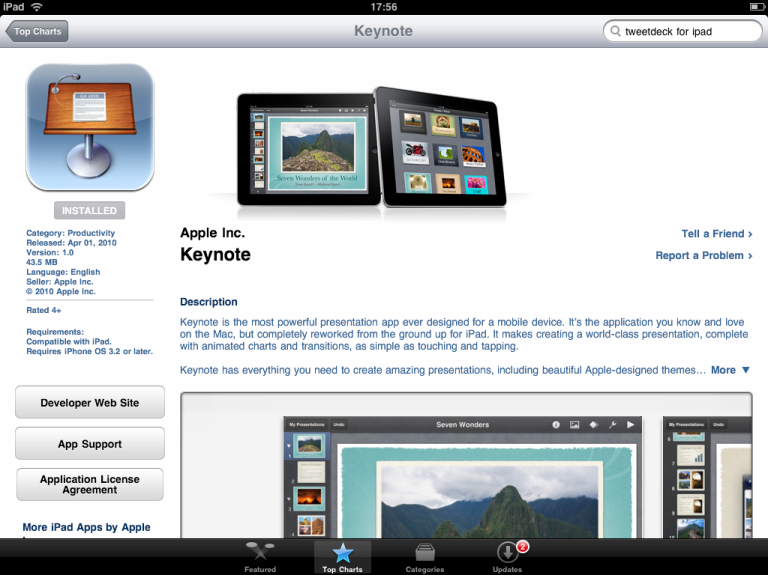
Catalog browsing is greatly enhanced by the larger screen. The installation process is unchanged from the iPhone.
Safari
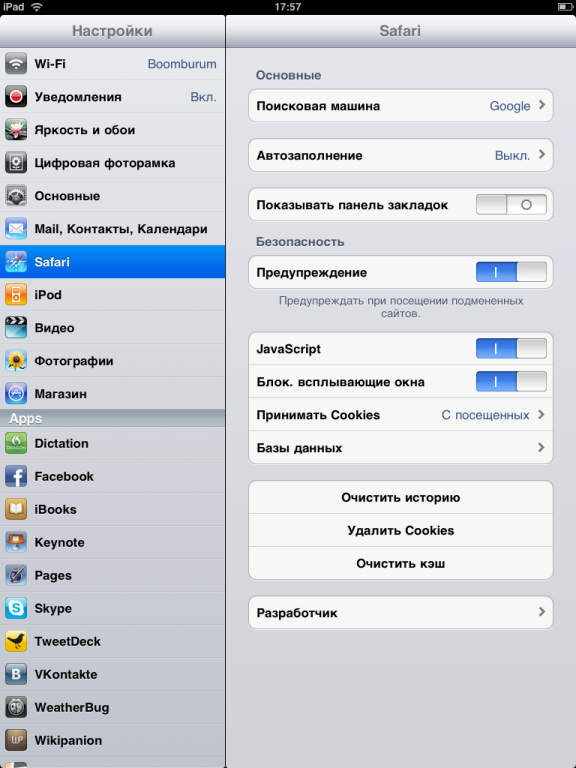
A fast browser that handles complex layouts well. The lack of Flash support is a notable omission. Page scaling works excellently, and you can have multiple sites open simultaneously — though there are no explicit tabs.
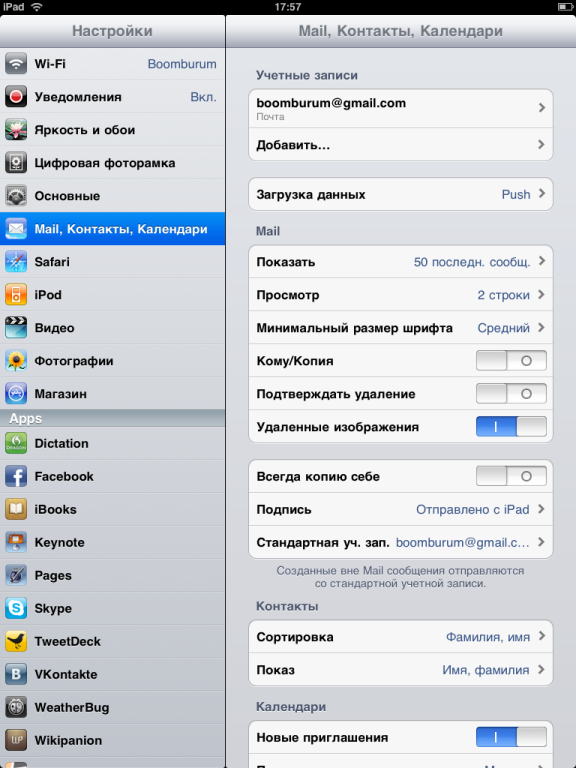
Supports multiple account types: Exchange, MobileMe, Gmail, Yahoo, and AOL. Full functionality includes folders, filters, search, composition, and attachments. Gmail integration works flawlessly.
iPod
Music player with sorting by artist, album, and genre. Supports podcasts and audiobooks. Playlist management is intuitive, and sound quality is on par with previous iPods.
Photos
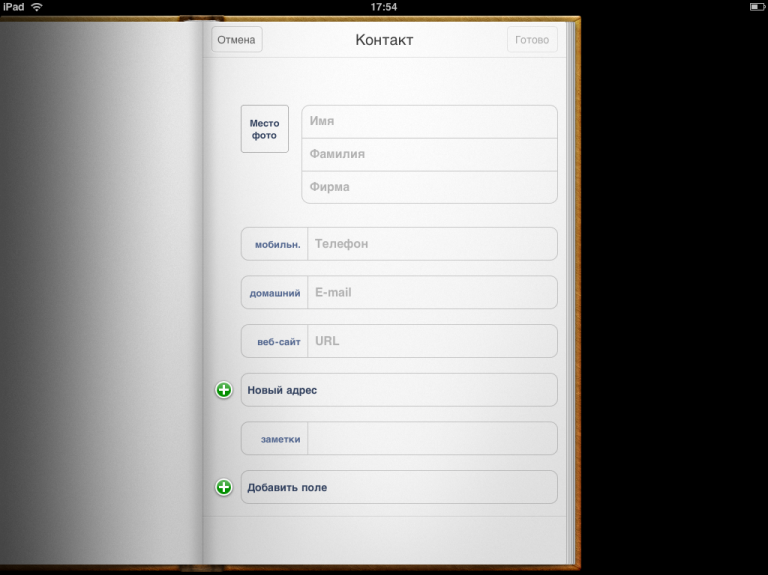
Image viewer with album organization, location tagging, and slideshow capability. Scrolling and zooming are fast and lag-free.
Video Player
Supports H.264 720p and MPEG-4. Full-screen playback runs without stuttering, and scrubbing through videos is smooth.
Third-Party Applications
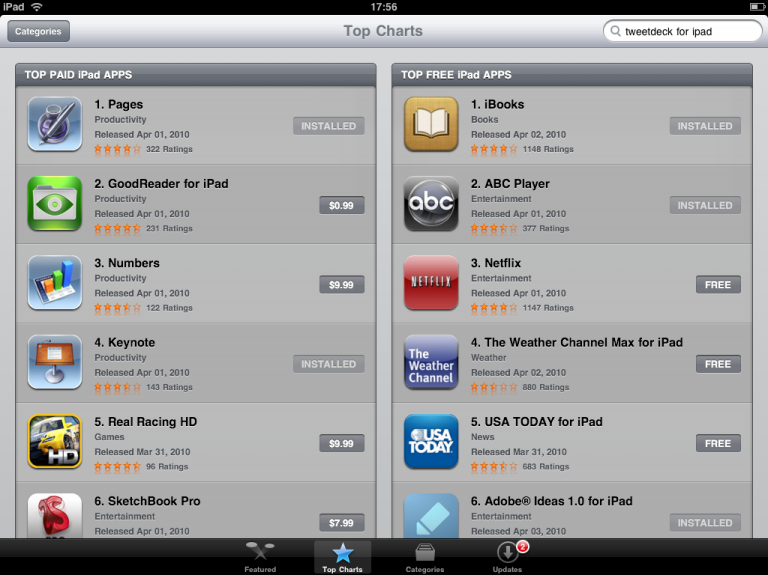
TweetDeck
iPad-optimized, but honestly quite weak. Limited functionality despite positive reviews elsewhere.
Wikipanion
An excellent solution for browsing Wikipedia. Convenient search and table of contents features make it a pleasure to use.
Adobe Ideas
A free drawing app with basic color and brush features. Primitive but functional for quick sketches.
NFS Shift
A playable racing game with accelerometer controls. Graphics are noticeably better than the iPhone version.
Labyrinth
Demonstrates the highly sensitive G-sensor. The responsiveness outperforms HTC Teeter significantly.
Skype
The mobile version is functional with chat and SkypeOut calling capabilities.
On-Screen Keyboard
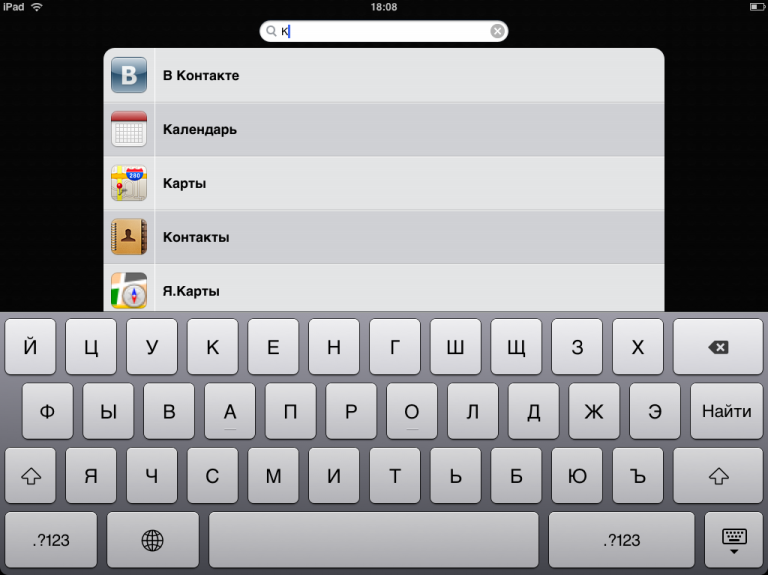
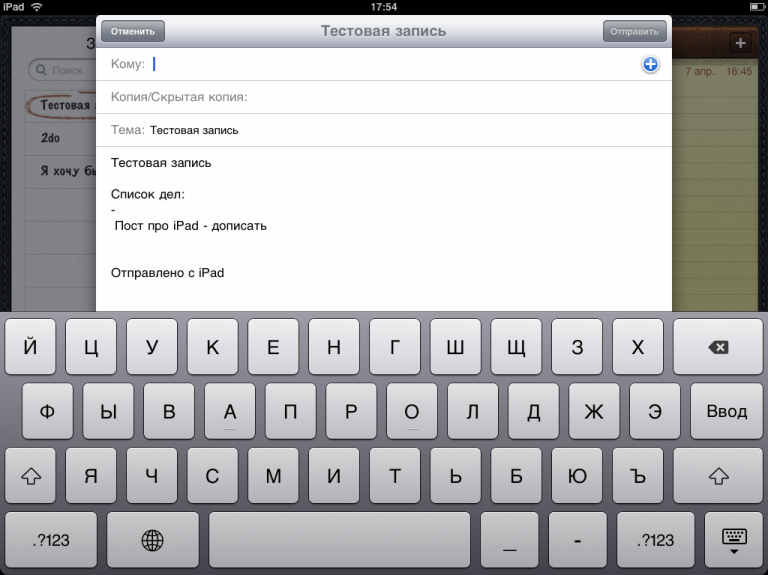
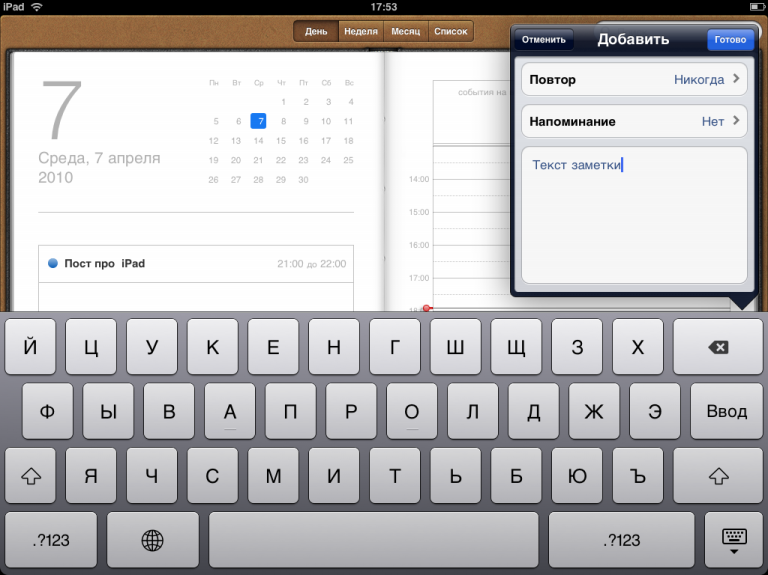
The keyboard takes up about half the screen but enables comfortable two-handed typing. It's adequate for basic text entry but not suitable for writing lengthy articles.
Notable Issues
No web camera. This is a significant omission — it would be useful for Skype video calls, contact photos, and apps like Evernote.
Battery life is surprisingly impressive: approximately 15 hours in normal mode and 10 hours with heavy video and network use, according to the manufacturer.
Charging problems: The device initially refused to charge when connected to a computer, only accepting charge in sleep mode. Some bitterness remains about this.
iTunes dependency: All functionality flows through the iTunes application, which is cumbersome and performs poorly on 64-bit Windows — slow, prone to connection refusals.
Screen orientation: The multiple axes of symmetry and lack of distinctive markings cause frequent confusion about which way is "up" during use.
Speaker: Adequately loud for personal use but produces unpleasant vibrations through the chassis during audio playback when you're holding the device.
Pros and Cons
Advantages:
- A genuinely new device class — truly innovative
- Attractive design with reliable aluminum construction
- Bright and vibrant IPS screen that surpasses many standalone displays
- Extensive built-in features with high polish
- Good performance with minimal lag
- Highly sensitive G-sensor
- Loud speaker
- Excellent battery life
Disadvantages:
- Minimal included accessories
- Glossy screen is a fingerprint magnet
- Weight becomes uncomfortable during extended single-hand use
- Caps Lock and Shift states not visually distinguished on the virtual keyboard
- Some apps produce sound even when muted
- Speaker bass reverberates through the chassis
- No microSD or microUSB slots
- Missing web camera
- No multitasking support
- Limited availability and high pricing
Market Context
Over 300,000 devices were sold on the first day, though Apple had expected double that. In Russia, initial black-market pricing reached 40,000–65,000 rubles depending on the configuration. The official Russian release timeline was uncertain, as Russia was not a priority market.
Verdict
The iPad introduces a meaningful new device category that challenges netbooks and MIDs. Apple has once again demonstrated their ability to create products that are rare but precise. While competitors will inevitably follow, the iPad currently owns this category.
Despite the criticisms, I can unreservedly recommend it to anyone who has identified concrete use cases. Between the built-in apps, the App Store ecosystem, and the quality of the screen, there are countless practical applications. I could personally find many uses for such a device, especially paired with a mobile hotspot. So I'm already starting to want one.