The Bean Recipe: How I Reverse-Engineered a Budget Button Phone, Hacked It, and Taught It to Run Native C Programs
A detailed walkthrough of reverse-engineering a budget Spreadtrum SC6500L-based phone (Explay B240) to achieve native code execution: from discovering debug symbols in the firmware to building a binary loader that runs C programs from a MicroSD card.
Preamble
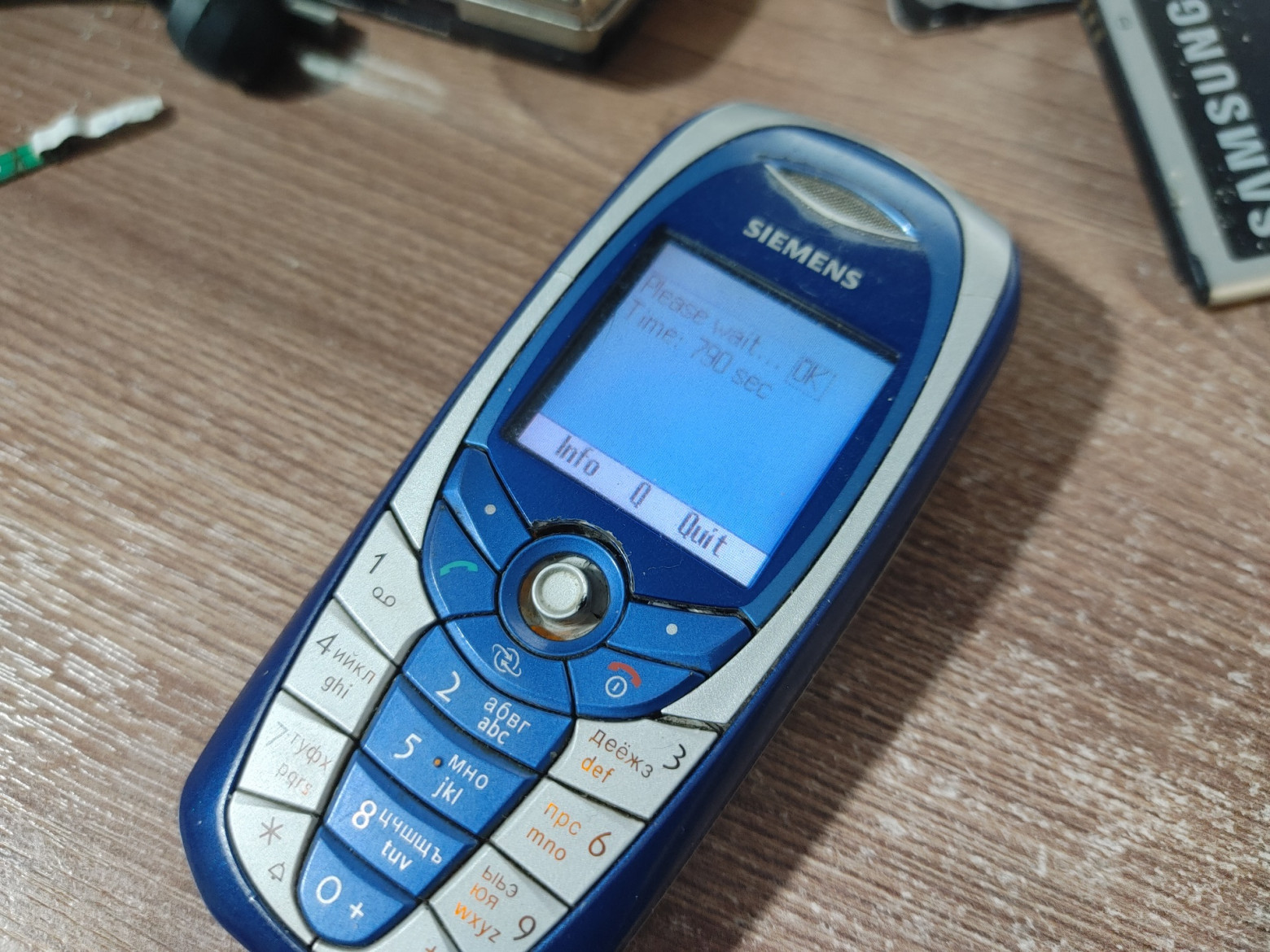
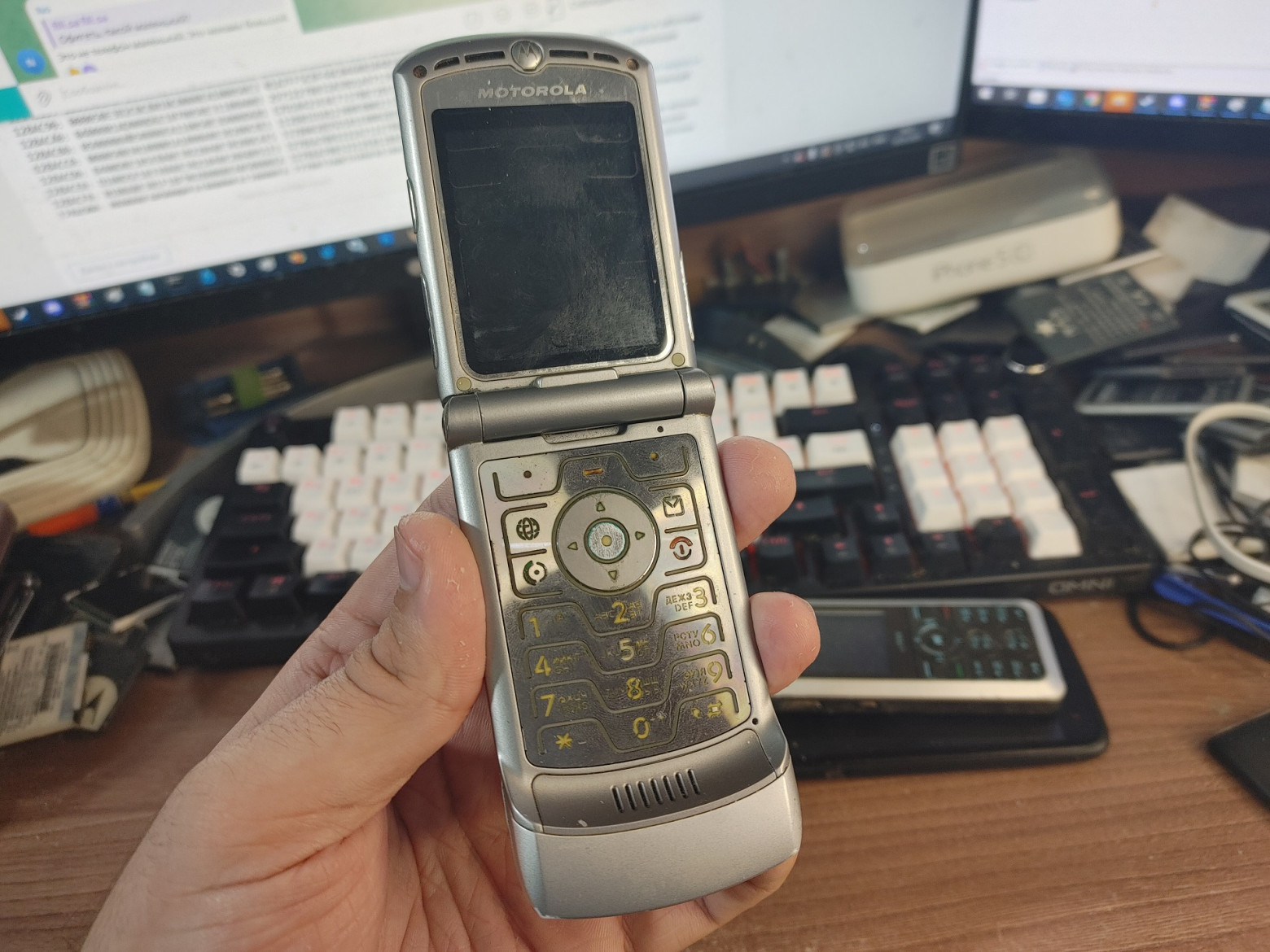
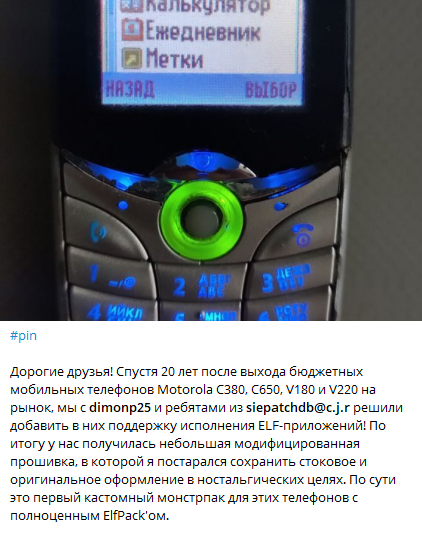
The early 2000s were a golden age for phone modding enthusiasts. People reverse-engineered Siemens A60 phones, Motorola RAZR V3i handsets, and many others to run native code despite locked bootloaders. This was known as the "elf scene" — a community of enthusiasts who created and shared small native applications called "elves" (ELF executables) for phones that were never designed to run third-party code. Remarkably, this modding community remains active to this day, with developers still optimizing emulators and firmware modifications.
This article explores how I applied those same principles to a modern budget button phone — the Explay B240 running a Spreadtrum SC6500L chipset — and successfully achieved native C program execution.
First Steps
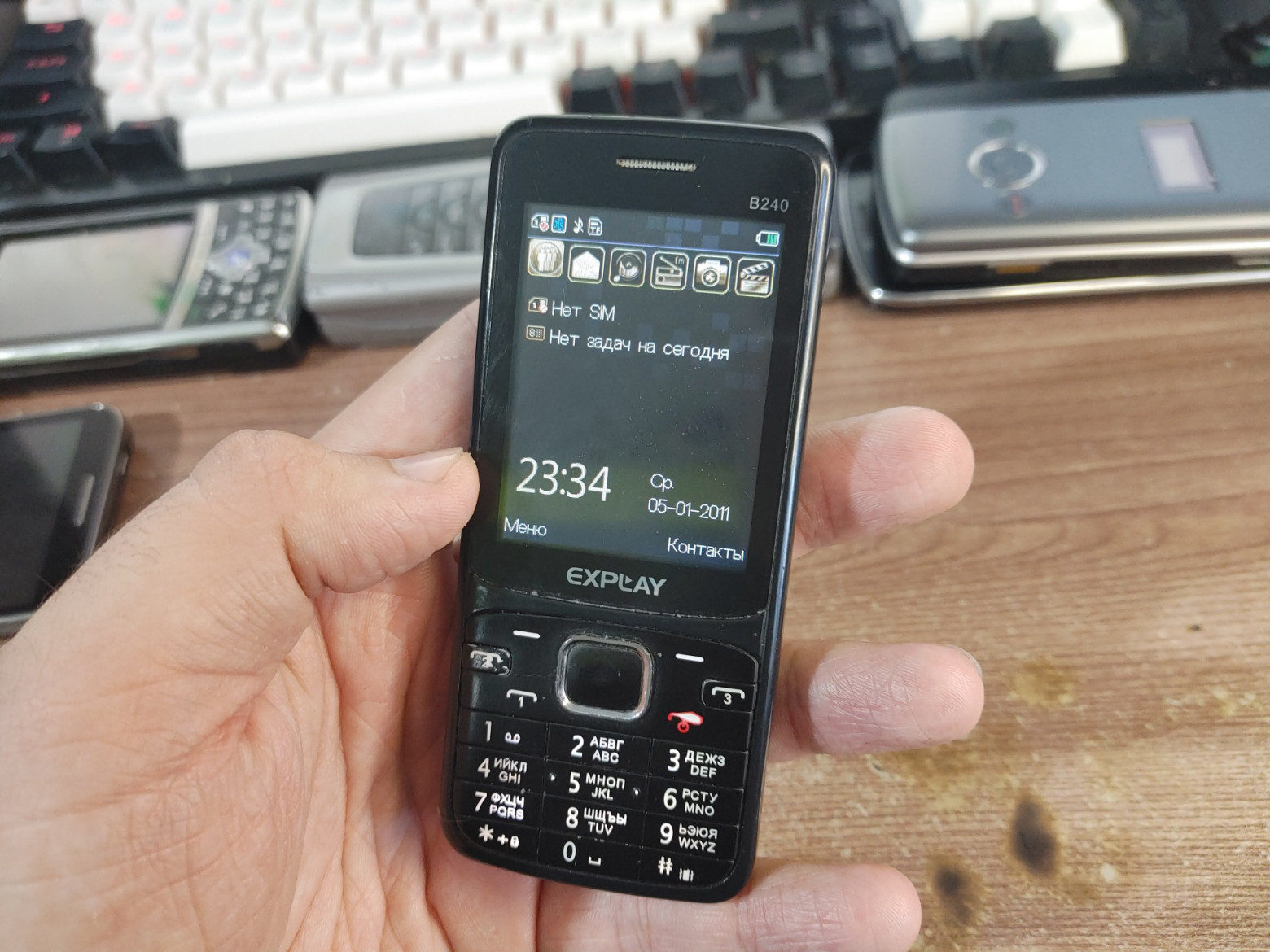
Choosing the right device was crucial. The Explay B240 caught my attention because of its Spreadtrum SC6500L chipset, which featured:
- ARM9EJ-S processor running at 208 MHz with DSP
- 4 MB PSRAM + 4 MB NOR flash memory
- LCD, SPI, I2C, I2S, GPIO controllers
- Integrated power management
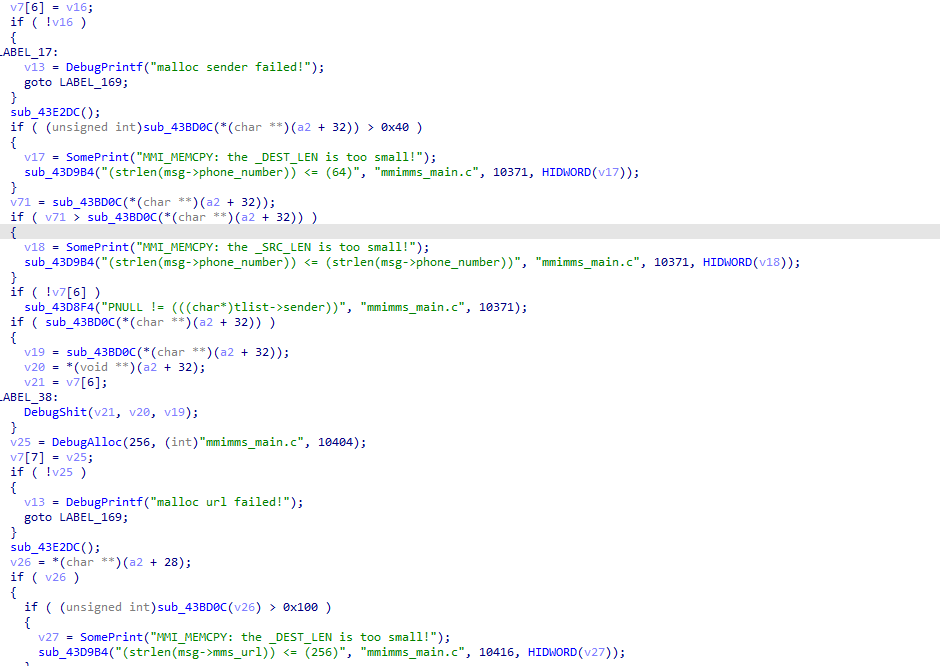
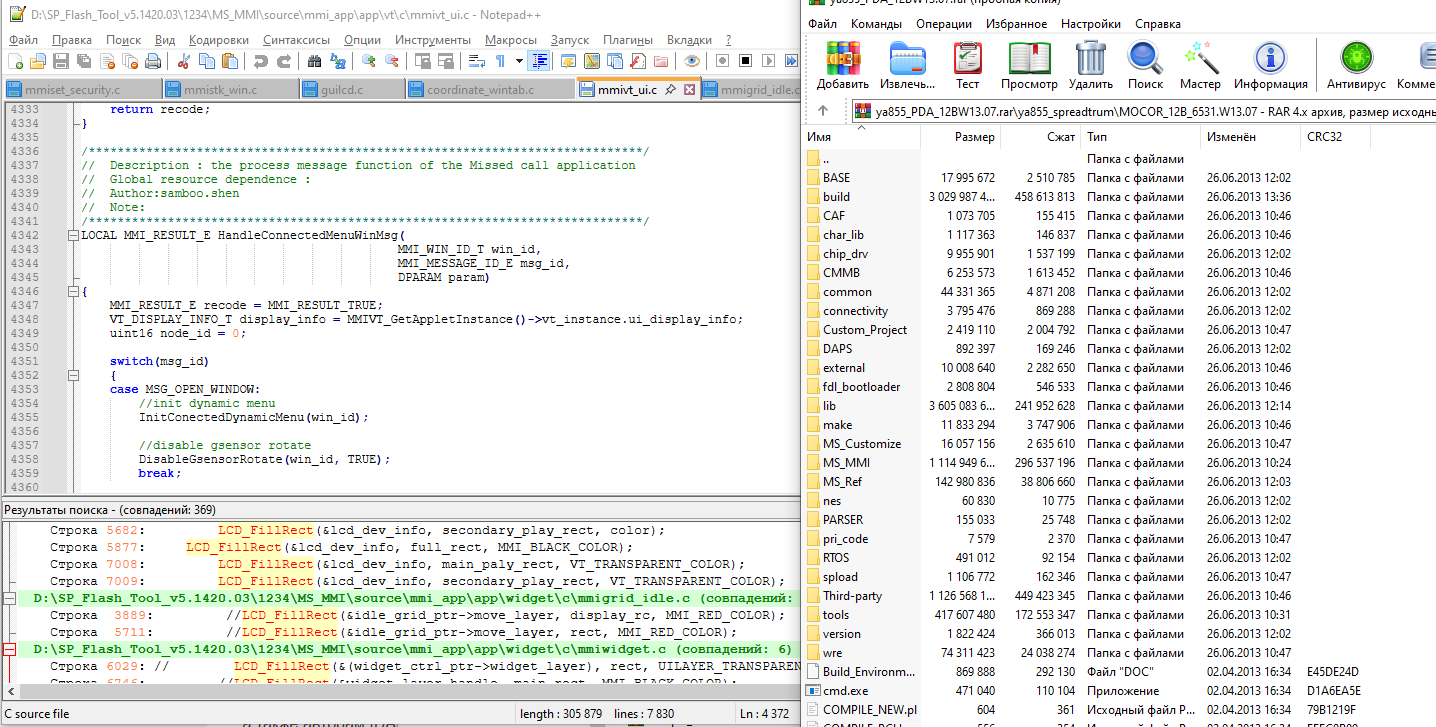
When I first loaded the firmware dump into a disassembler, I was pleasantly surprised to find an enormous number of debug strings. This is like finding a treasure map — debug strings reveal function names, module boundaries, and internal logic that would otherwise take weeks to decipher.
However, I quickly hit my first hurdle: the firmware used Big-Endian byte order. This isn't typical for ARM processors, which usually run in Little-Endian mode. Getting the disassembler configured correctly for Big-Endian THUMB instructions was essential before any meaningful analysis could begin.
Hijacking the MMI Window
My strategy was to find a way to inject code into the phone's existing software framework. The MMI (Man-Machine Interface) subsystem manages everything the user sees and interacts with — it's the phone's GUI layer. The plan was:
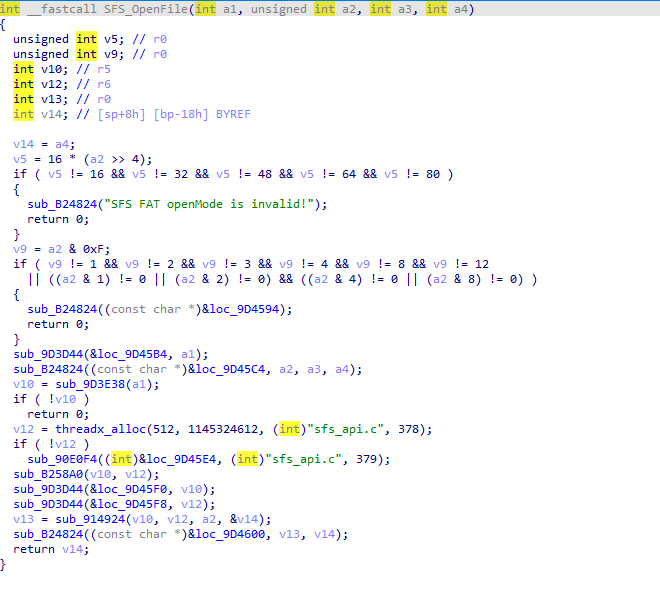
- Locate file system functions:
SFS_OpenFile,SFS_GetFileSize,SFS_ReadFile,SFS_CloseFile - Patch the built-in Sokoban game's window message handler to redirect execution
- Create a C# patch editor with pattern-matching capabilities for reproducible patching
The first successful patch was humble but thrilling: it prevented the backlight from turning off. A small victory, but proof that code injection worked.
Here's an example of the pattern-matching approach used in the C# patch editor:
public static int FindWindowHandlerFunction(byte[] firmware)
{
    int offset = Patcher.PatternSearch(firmware,
        "B5 FE 1C 04 20 00 4B C2 25 01 33 A0", 0);
    return offset + 2;
}
Understanding Phone Subsystems
The firmware architecture turned out to be layered and reasonably well-structured:
- RTOS (ThreadX/Nucleus): The real-time operating system providing multitasking, synchronization primitives, timers, and memory management
- Hardware Drivers: LCD controller, audio subsystem, DSP communication interface
- MMI Subsystem: Window manager, GUI widget framework, and all built-in applications (phonebook, messages, games, etc.)
I analyzed the MMIAPIFMM_OpenFile function structure and identified file type associations through switch-case statements. This revealed how the phone decides what to do when you open a file — play it as audio, display it as an image, or treat it as something else entirely.
Display Implementation
Reverse-engineering the LCD framebuffer access was critical for any visual output. I needed to understand how the phone's display system worked — where the pixel buffer lived in memory, how to mark regions as "dirty" (needing redraw), and how to trigger a screen refresh.
void LcdClear()
{
    LcdId lcd = { 0, 0 };
    Rect rct = { 0, 0, 240, 320 };

    uint16* fb = ((uint16*(*)(LcdId* id)) 0x321DEA + 1)(&lcd);
    uint16 startEnd[4] = { 0, 0, 240, 320 };

    ((void(*)(LcdId* lcdId, uint32 start, uint32 end, uint16 col))
        0x9701C4 + 1)(&lcd, ((uint32*)&startEnd[0])[0],
        ((uint32*)&startEnd[0])[1], 0xFFFF);

    for(int i = 0; i < 240 * 320; i++)
        fb[i] = 0xFF00;

    ((void(*)()) 0x966378 + 1)(); // Update rect
}
The + 1 offset in function pointers is a THUMB instruction set quirk — the least significant bit indicates the processor should use THUMB mode rather than ARM mode when branching to that address.
The Binary Loader
This was the crown jewel of the project — a binary loader that could read executable files from a MicroSD card and run them. The trick was finding global variables I could repurpose for storing state. I hijacked unused variables from the web browser module to store the loaded executable's address and execution state.
/*
 * Spreadtrum binloader
 * (c)2025 Bogdan Nikolaev
 */

#define LOAD_ADDRESS_VARIABLE 0x46F9224
#define STATE_VARIABLE 0x46C37F4
#define STATE_NUMBER 0xCAFEBABE

int HandleBoxmanWinMsgHook(uint32 window, uint32 msgId, uint32 dparam)
{
    uint32 readBytes = 0;
    uint32 handle;
    void** loadAddr = (void**)LOAD_ADDRESS_VARIABLE;
    unsigned int* stateVariable = (unsigned int*)STATE_VARIABLE;

    if(msgId == MSG_CLOSE_WINDOW || msgId == MSG_KEYDOWN_CANCEL)
    {
        MMKCloseWin(window);
        *stateVariable = 0;
    }

    if(*stateVariable != STATE_NUMBER)
    {
        wchar_t* str = (wchar_t*)loadAddr;
        handle = FileOpen(str, 0x31, 0, 0);

        if(!handle) goto err;

        uint32 size = 0;
        FileGetSize(handle, &size);
        *loadAddr = Alloc(size, "m", 1);

        if(!(*loadAddr)) goto err;

        FileRead(handle, *loadAddr, size, &readBytes);

        if(readBytes == 0) goto err;

        *stateVariable = STATE_NUMBER;
    }
    else
    {
        LoaderContext ctx = {
            __api_table,
            loadAddr
        };
        WindowFunc func = (WindowFunc)(*loadAddr + 1);
        func(&ctx, window, msgId, dparam);
    }

    return 1;
err:
    CreateDebugFile(u"D:/E");
    return 1;
}
The entire binary loader compiled to just 294 bytes — small enough to fit into the patch space available in the firmware.
Automated Function Discovery
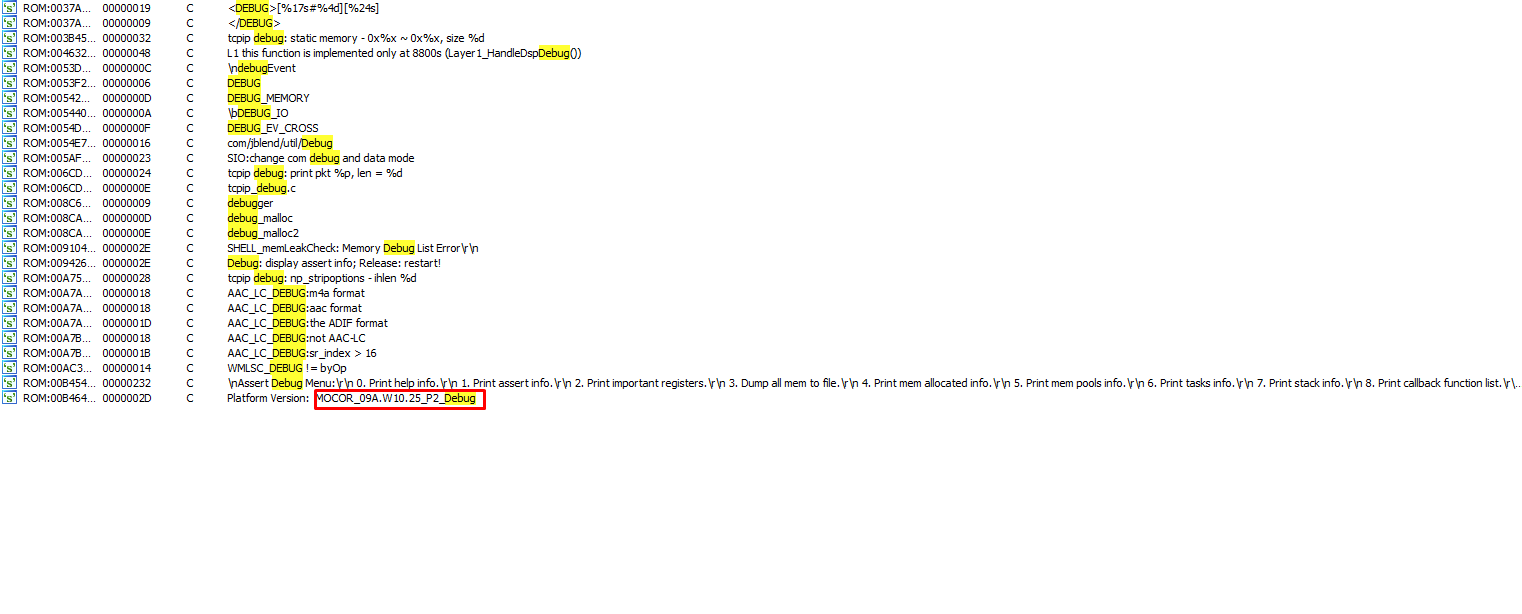
To make the loader useful, loaded programs needed to call phone OS functions. I created an automated pattern-based function discovery system that could find function addresses across different firmware versions:
public static ImportedFunction[] Functions = new ImportedFunction[]{
    new ImportedFunction("Alloc",
        "B5 F7 1C 07 25 00 37 19 B0 82",
        "void*",
        "unsigned int size, char* where, unsigned int lineNumber"),
    new ImportedFunction("wstrlen",
        "1C 01 D1 00 47 70 88 0A",
        "uint32",
        "wchar_t* str"),
    new ImportedFunction("FileOpen",
        "B5 FE 1C 05 09 08",
        "uint32",
        "wchar_t* fileName, uint32 accessMode, uint32 shareMode, uint32 fileAttributes"),
    new ImportedFunction("FileRead",
        "B5 FF 1C 06 1C 17...",
        "uint32",
        "uint32 handle, void* buffer, uint32 bytesToRead, uint32* bytesRead"),
};
Each function is identified by its unique byte pattern prologue. When patching a new firmware version, the tool scans for these patterns and automatically generates the correct function address table.
Challenges and Debugging
The project involved two sleepless nights debugging THUMB instruction offset issues. The most treacherous bug was forgetting the +1 offset for THUMB function pointers — the first bit of an address tells the ARM processor to switch to THUMB mode, and omitting it causes the processor to interpret THUMB instructions as ARM instructions, leading to immediate crashes or bizarre behavior.
The most nerve-wracking moment was the 280-second firmware flashing process. One wrong byte, one interrupted transfer, and the phone would be permanently bricked — a $15 paperweight. There's no recovery mode, no JTAG accessible without desoldering chips. You press "Flash" and watch the progress bar crawl forward, hoping your power doesn't flicker.
Results and What's Next
The project achieved several milestones:
- Successfully identified debug symbols in production firmware
- Discovered the Big-Endian architecture through pattern analysis
- Created a portable patching framework usable across firmware versions
- Implemented a binary loader in just 294 bytes
- Achieved arbitrary code execution through MMI window hijacking
- Enabled direct framebuffer manipulation for custom graphics
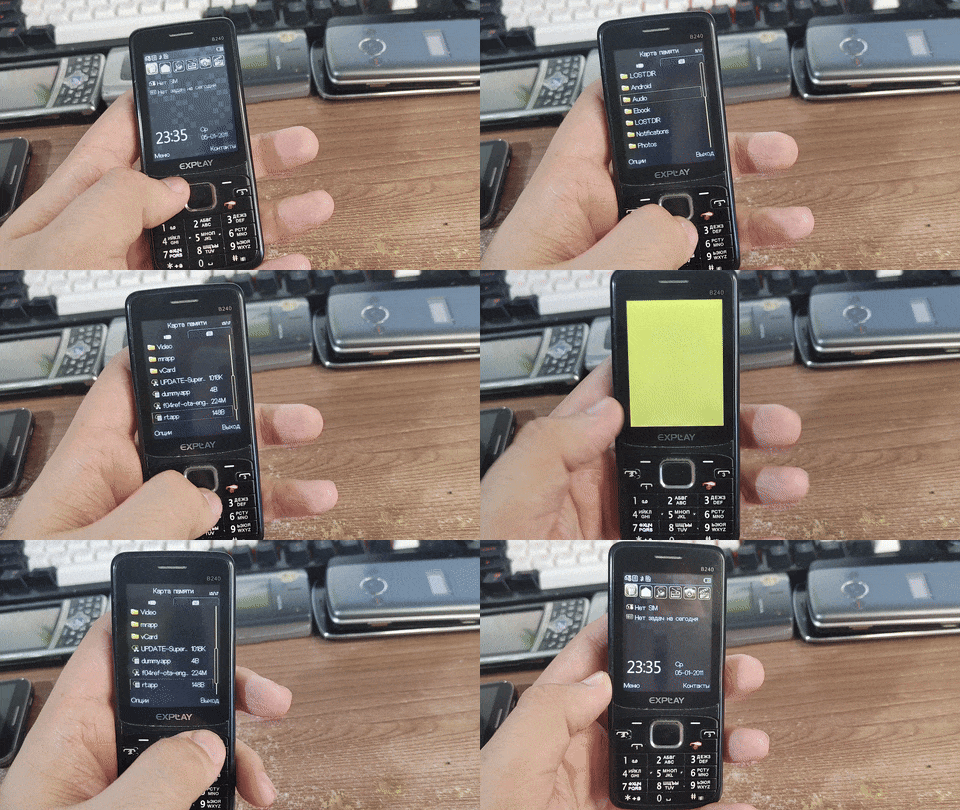
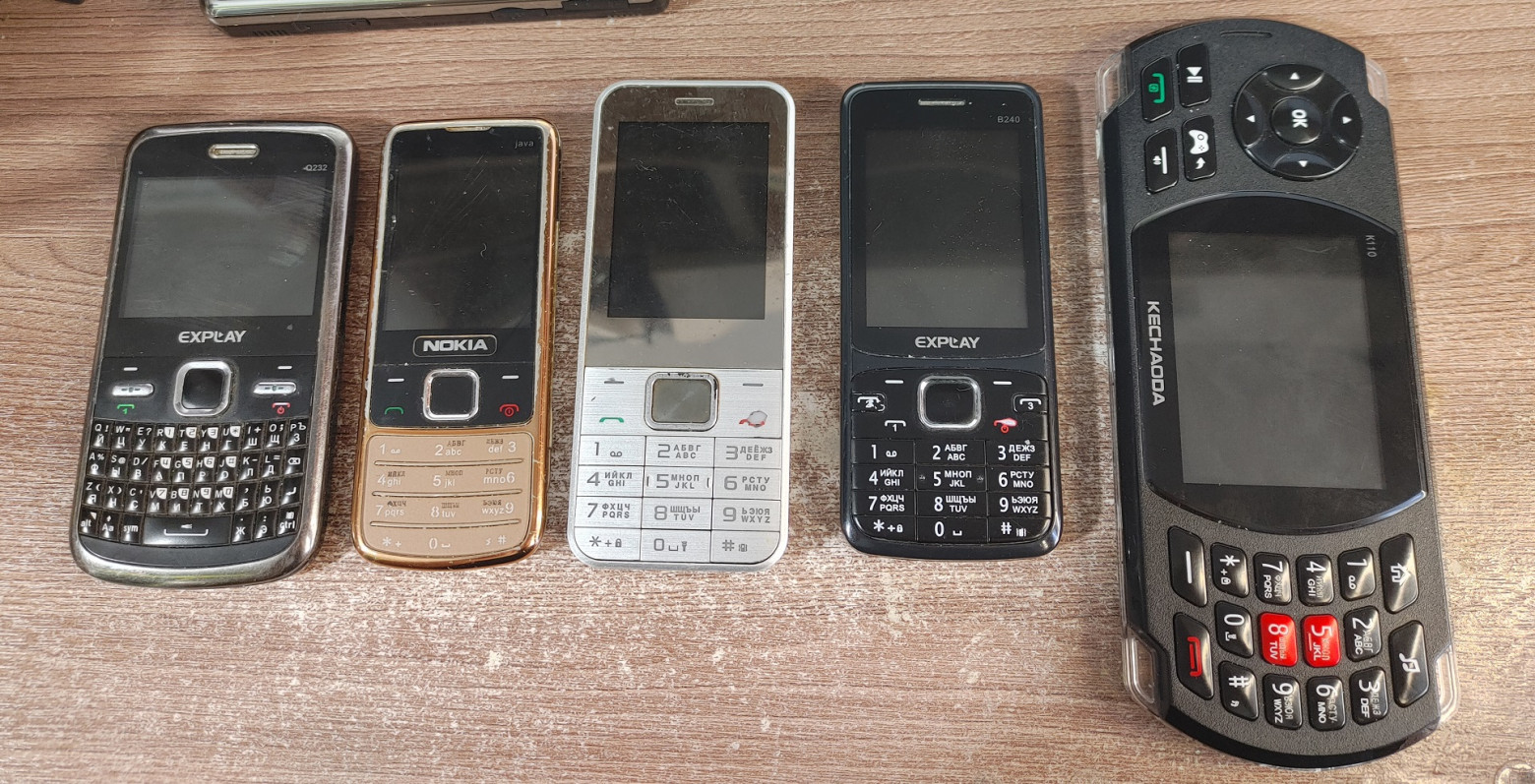
Future installments promise a Snake game implementation and retro console emulators running on the phone. The author is also seeking additional devices for experimentation:
- Devices with gamepad support or gaming-oriented buttons
- Budget Android phones (Xiaomi Mi, Meizu)
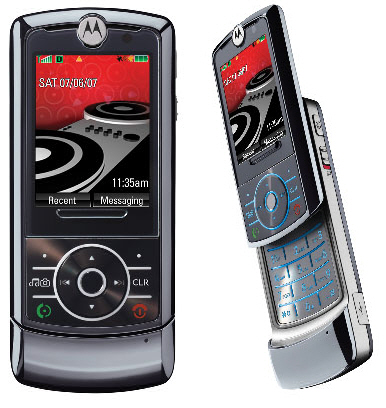
- Linux-based devices (Motorola RAZR, ROKR series)
- Old fake flagship phones from 2010–2014

This project demonstrates that reverse-engineering budget phones remains entirely feasible, especially when debug information is present in the firmware. The early 2000s elf scene spirit lives on — we just need to look at different hardware.
FAQ
What is this article about in one sentence?
This article explains the core idea in practical terms and focuses on what you can apply in real work.
Who is this article for?
It is written for engineers, technical leaders, and curious readers who want a clear, implementation-focused explanation.
What should I read next?
Use the related articles below to continue with closely connected topics and concrete examples.





