Corporate Secrets for 1500 Rubles: What We Found on Discarded Hard Drives from a Flea Market
Security researchers purchased used corporate hard drives from online marketplaces and bankruptcy auctions, then recovered millions of sensitive files including passwords, client databases, and confidential documents using freely available tools.
What happens to corporate hard drives when they're decommissioned? In theory, they should be securely wiped or physically destroyed. In practice, as our research shows, they often end up on flea markets and online classifieds — with all their data intact.
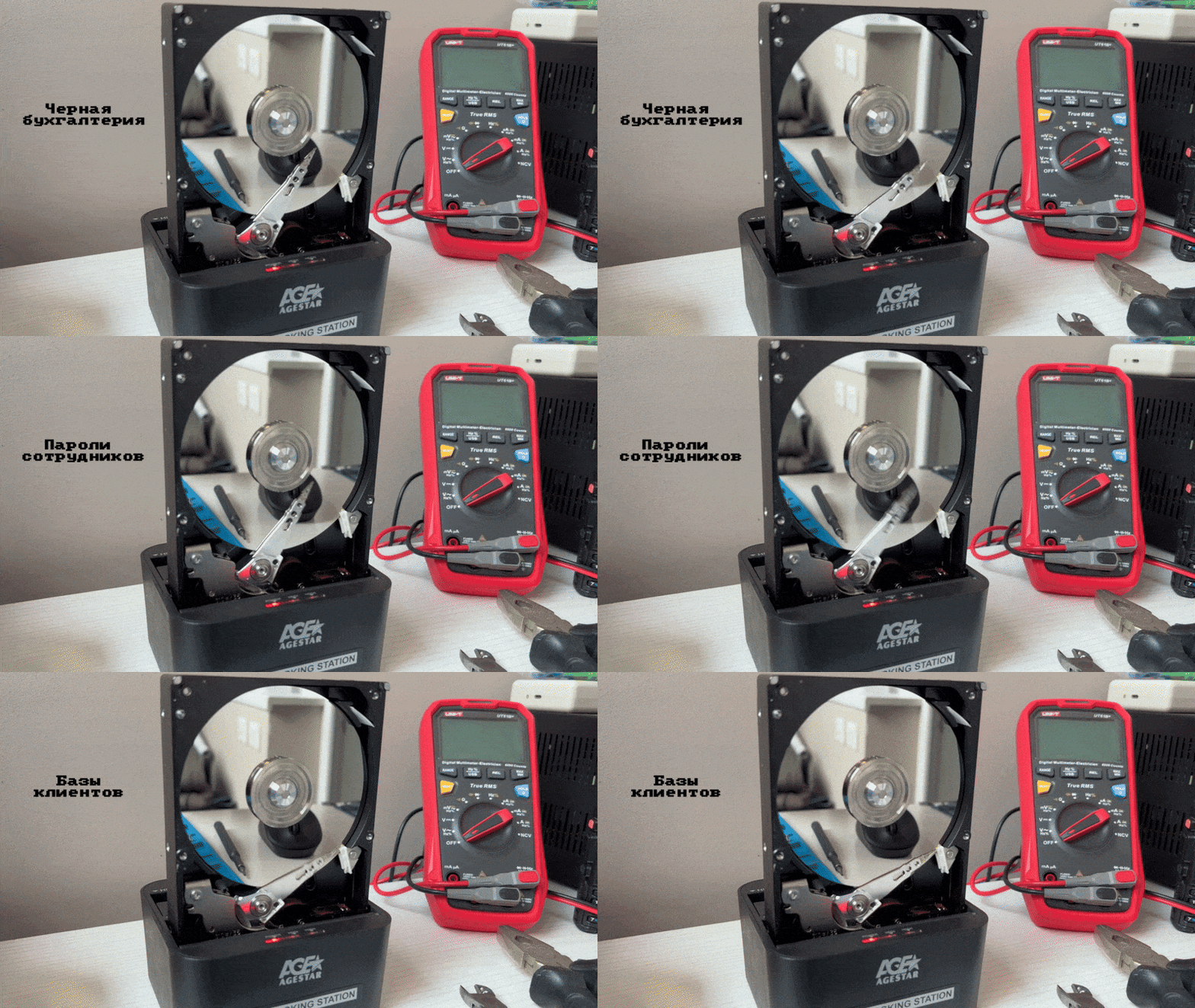
We decided to test how much sensitive corporate data could be recovered from drives purchased on the secondary market. The results exceeded our worst expectations.
The Experiment Setup
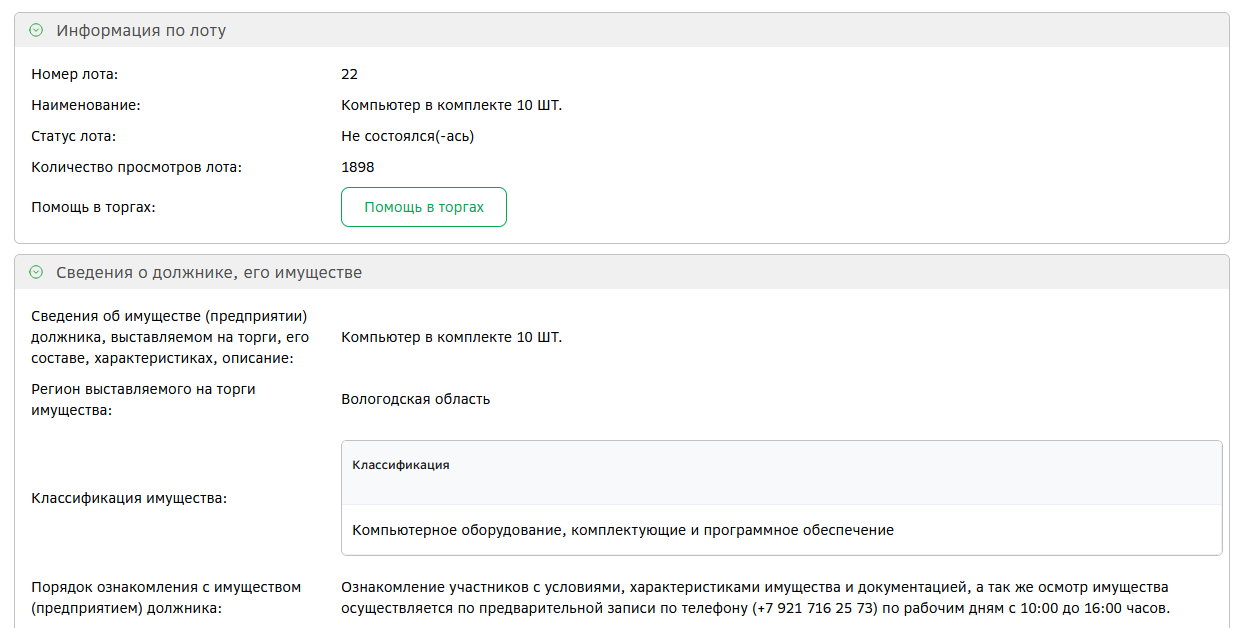
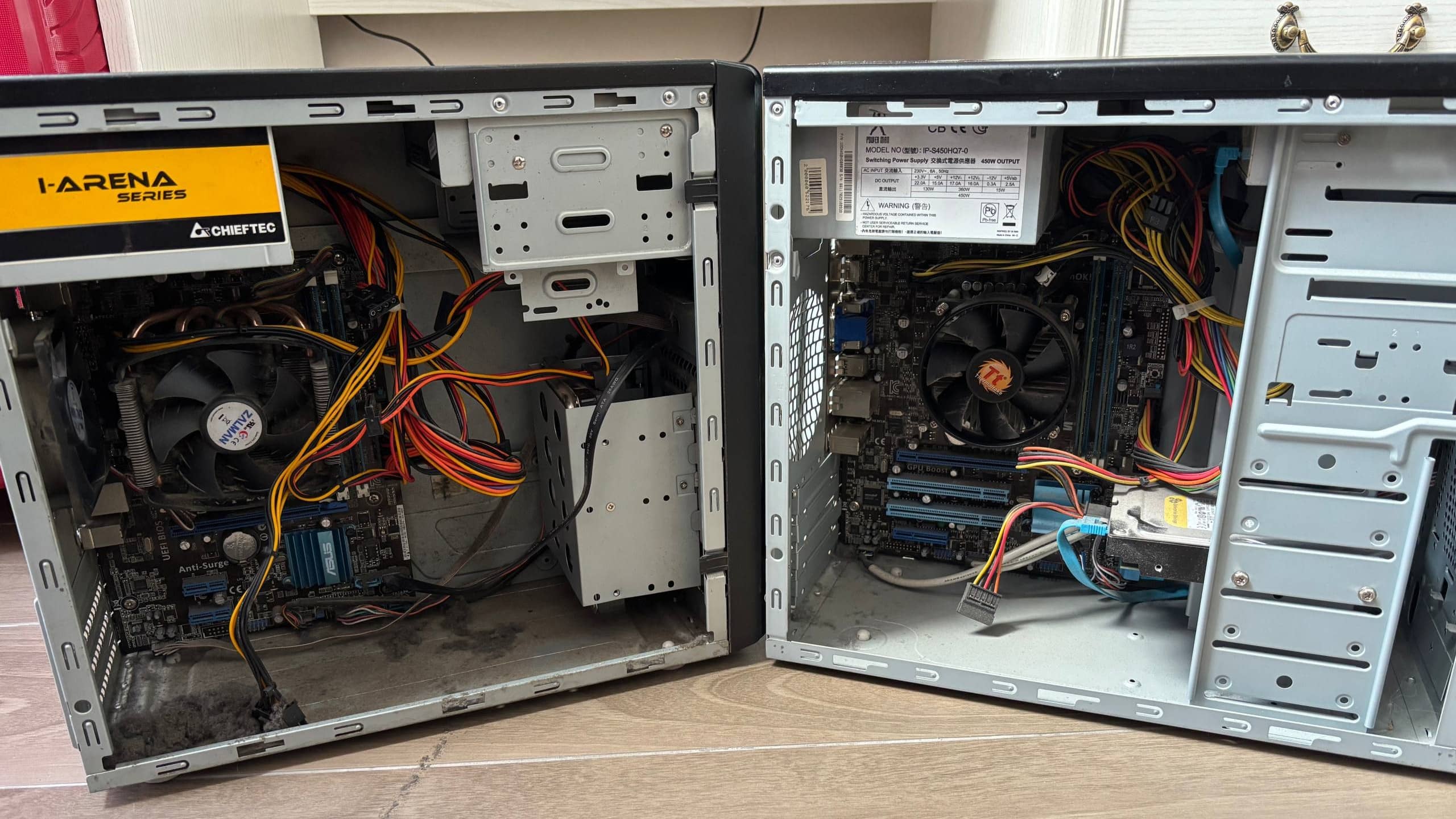
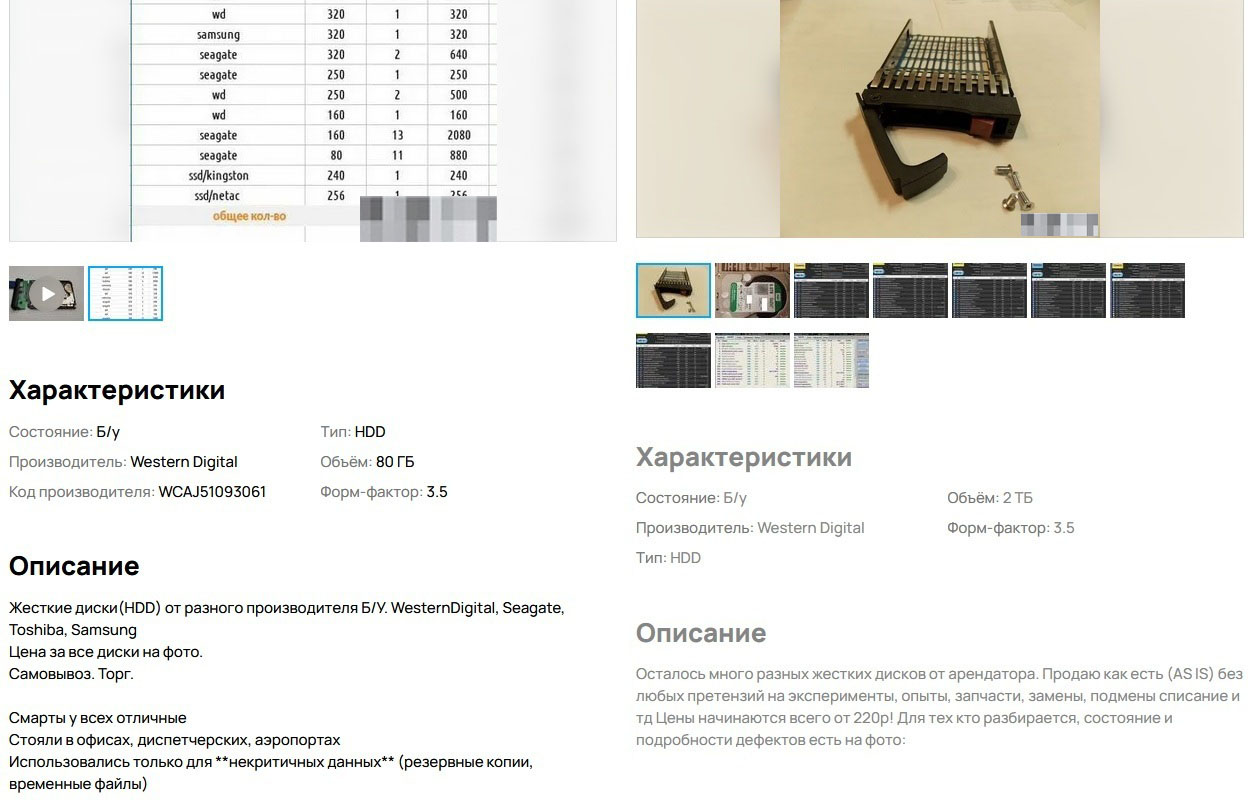
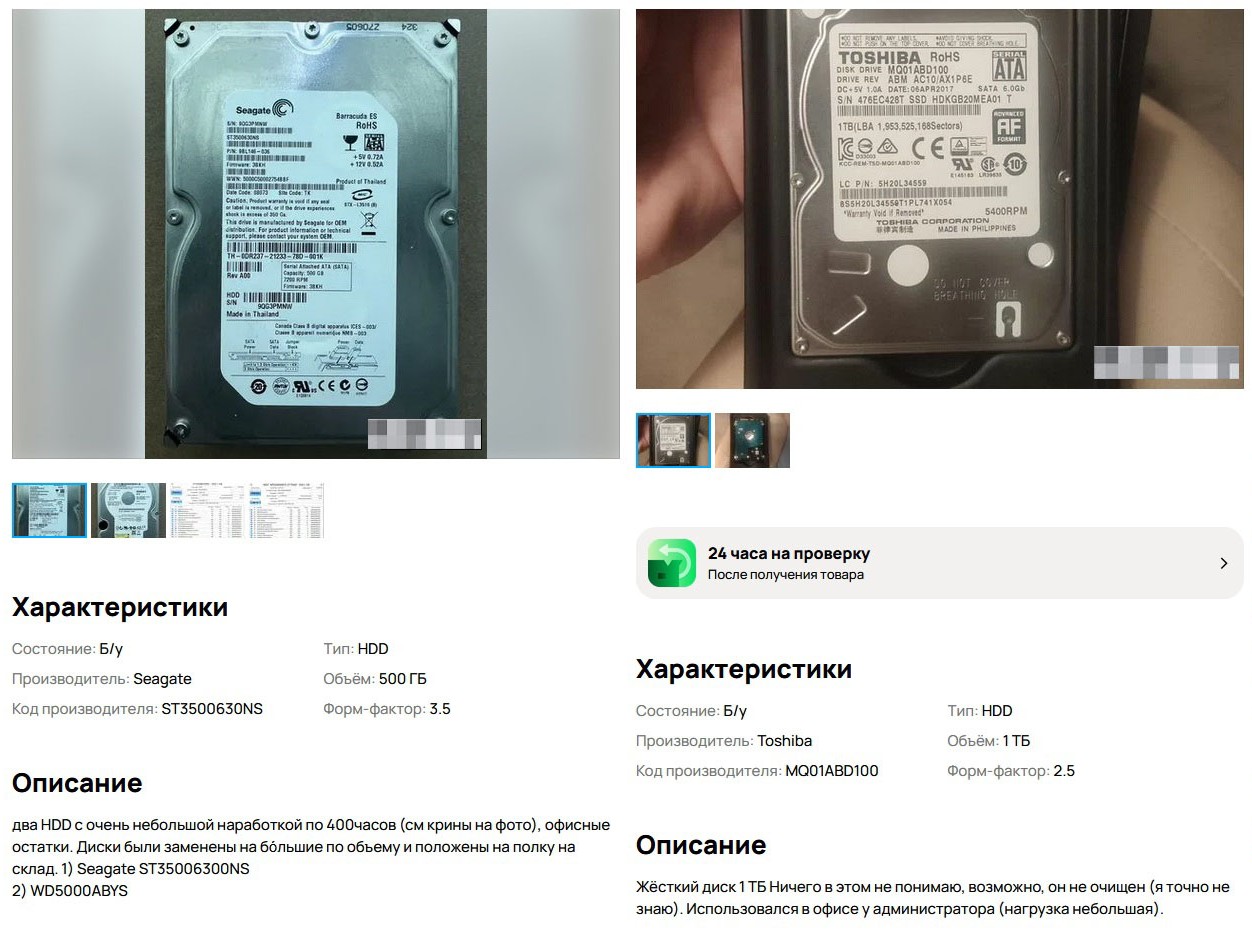
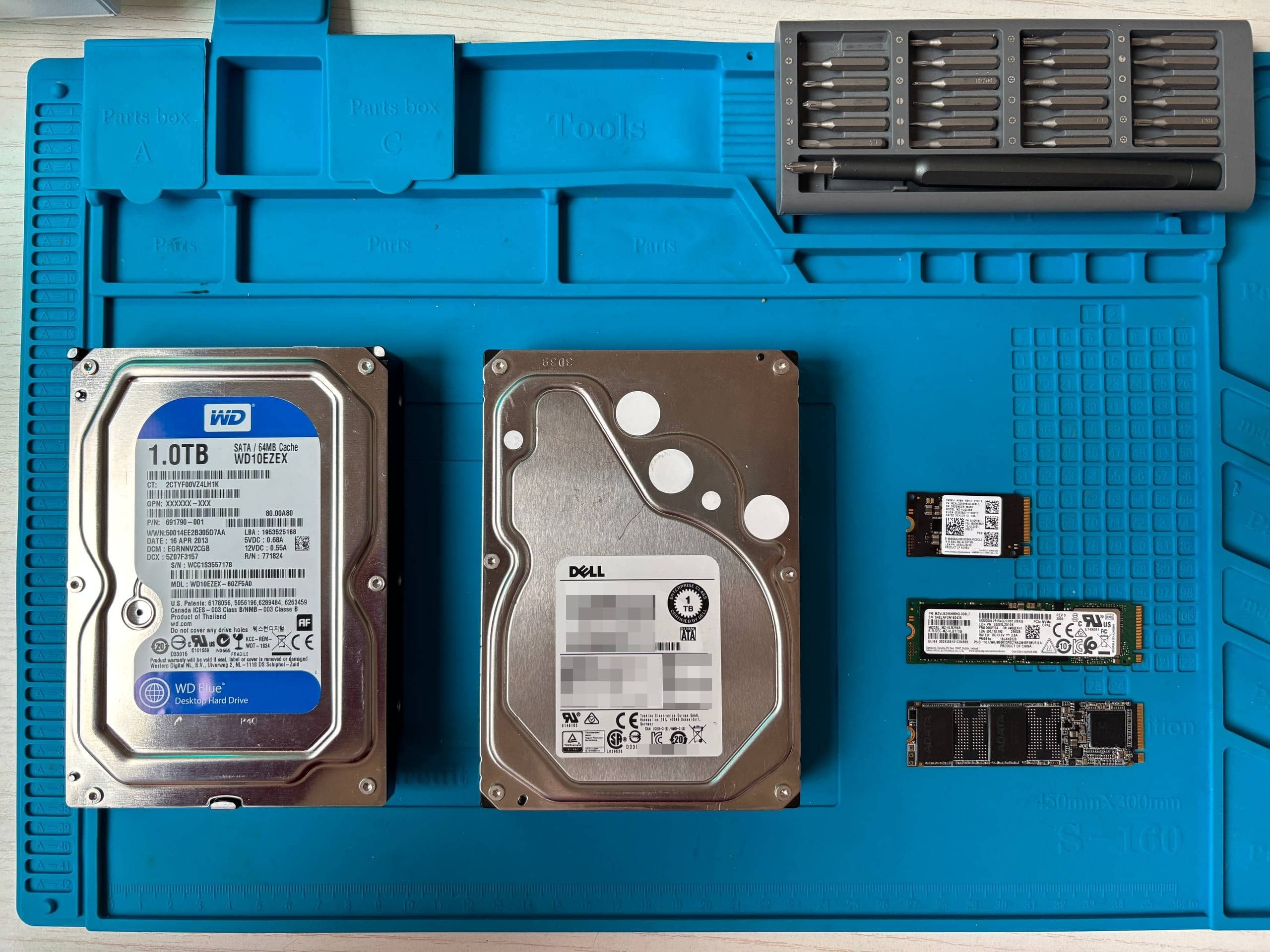
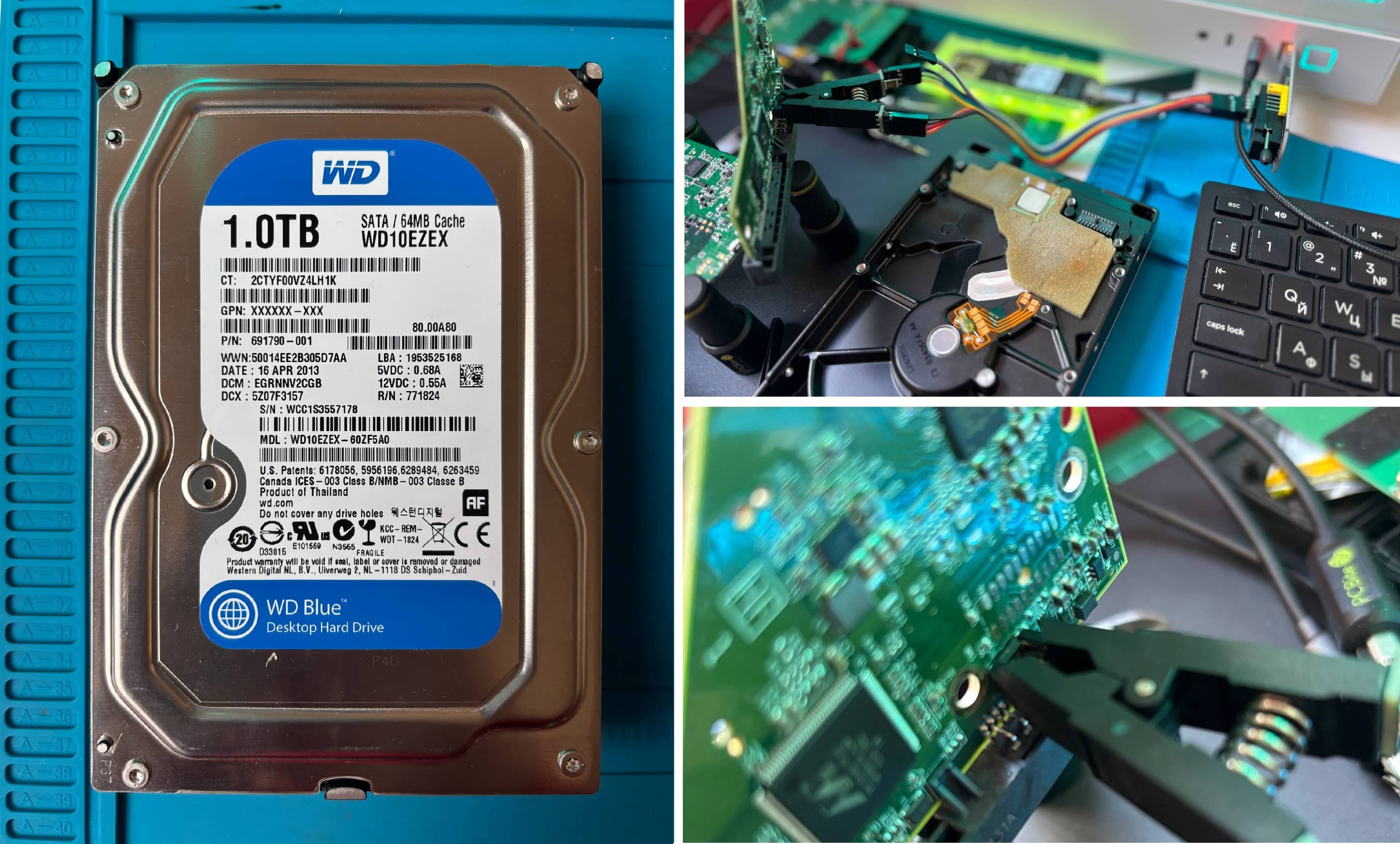
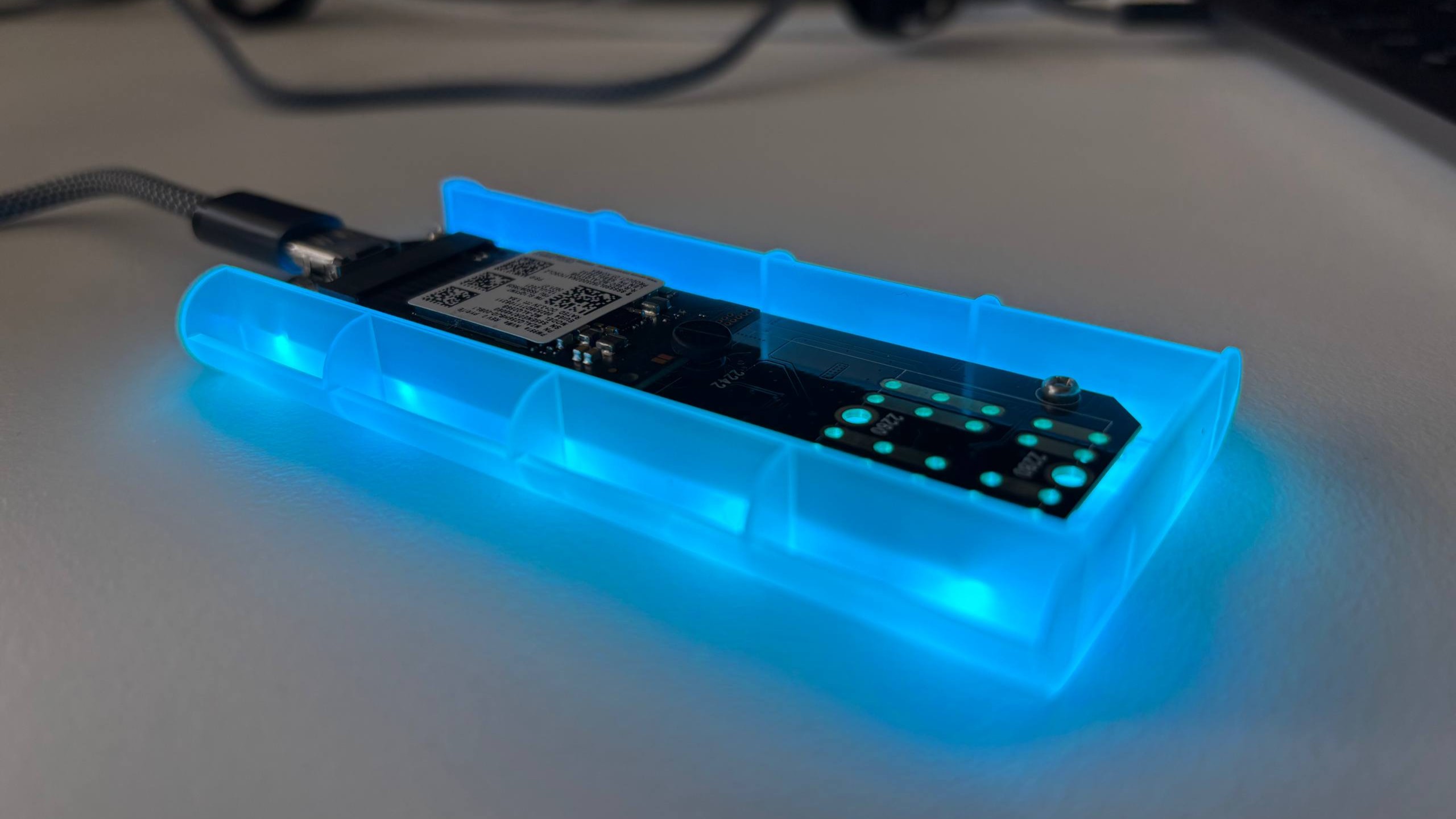
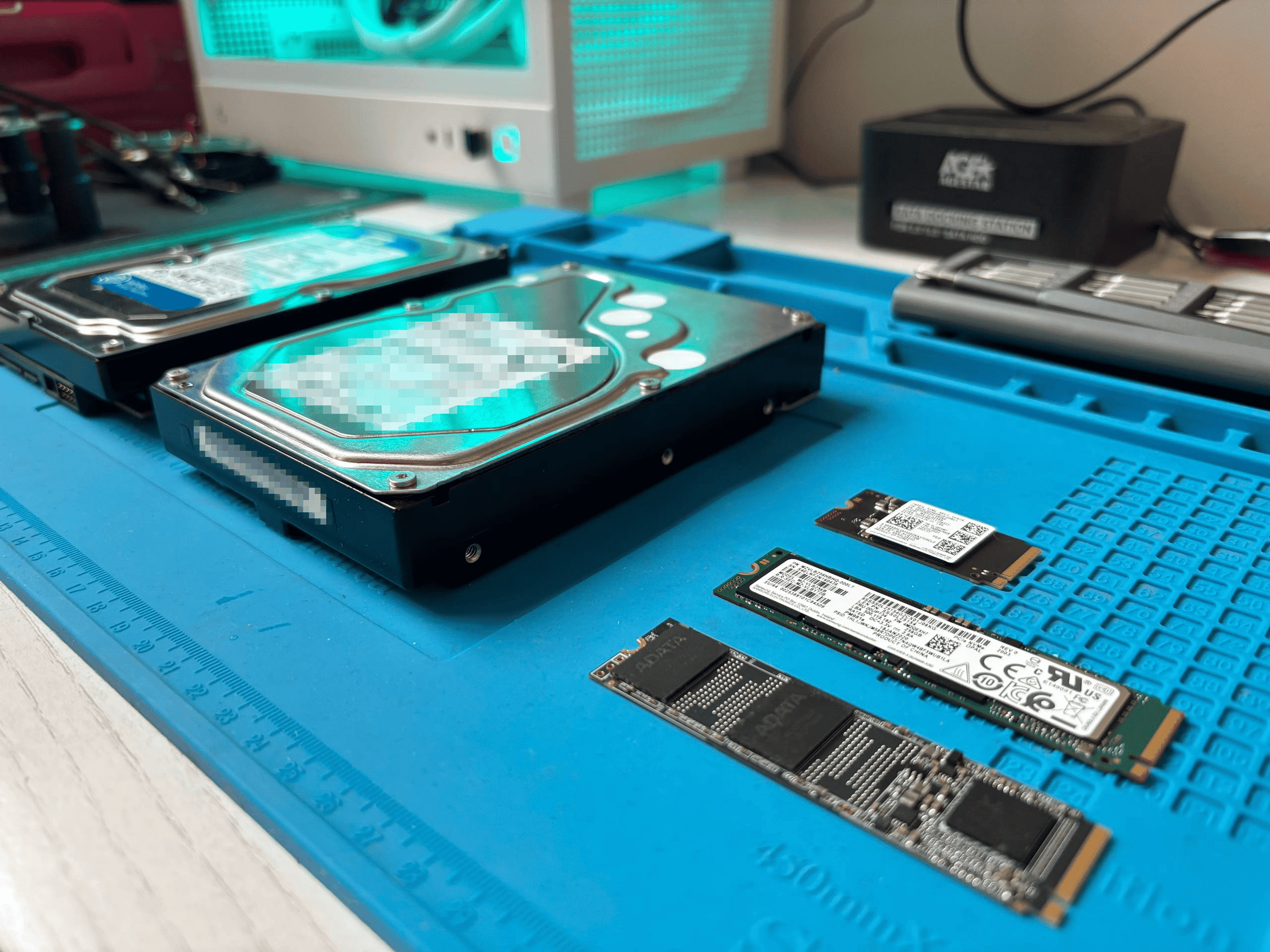
We purchased 8 storage devices from online marketplaces and bankruptcy auctions — 3 HDDs and 5 SSDs — with a total capacity of 4.2 terabytes. The total cost was surprisingly low, with individual drives going for as little as 1,500 rubles (roughly $15).
Our toolkit was deliberately basic — nothing that an average technically literate person couldn't obtain:
- USB-to-SATA adapters (about 8 years old)
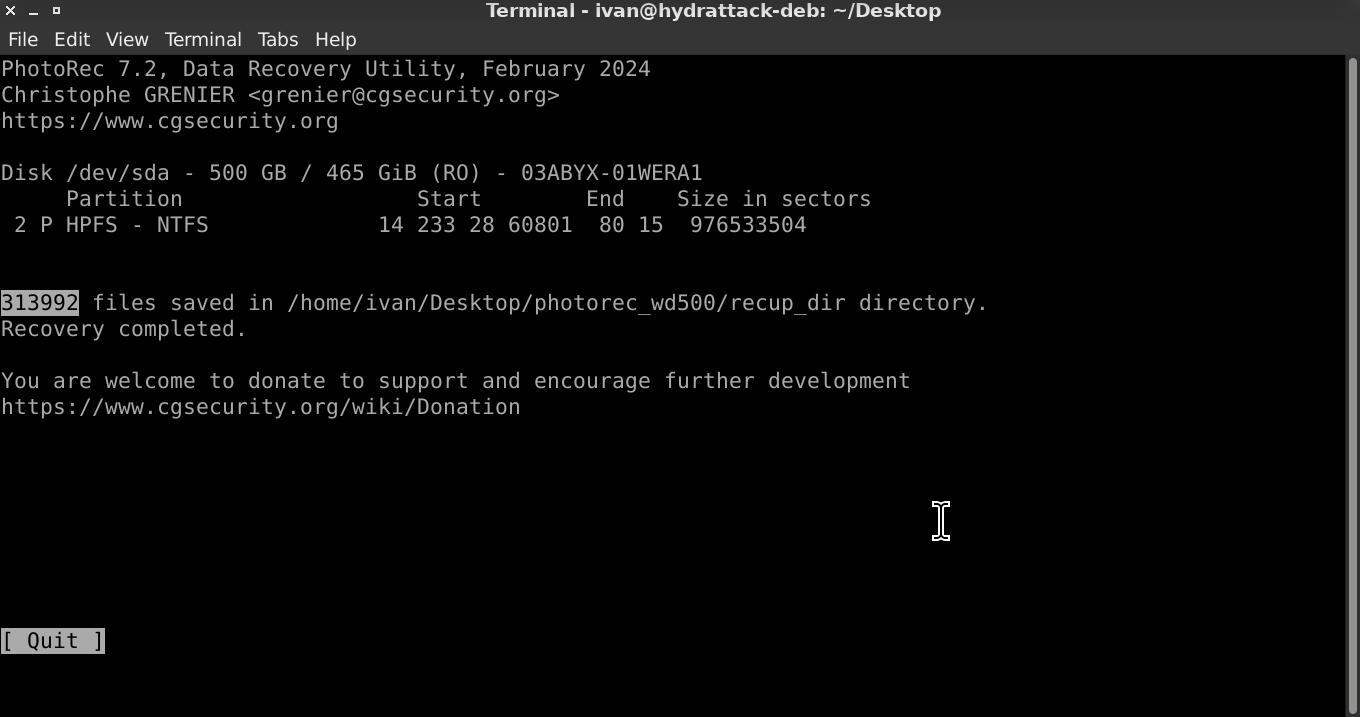
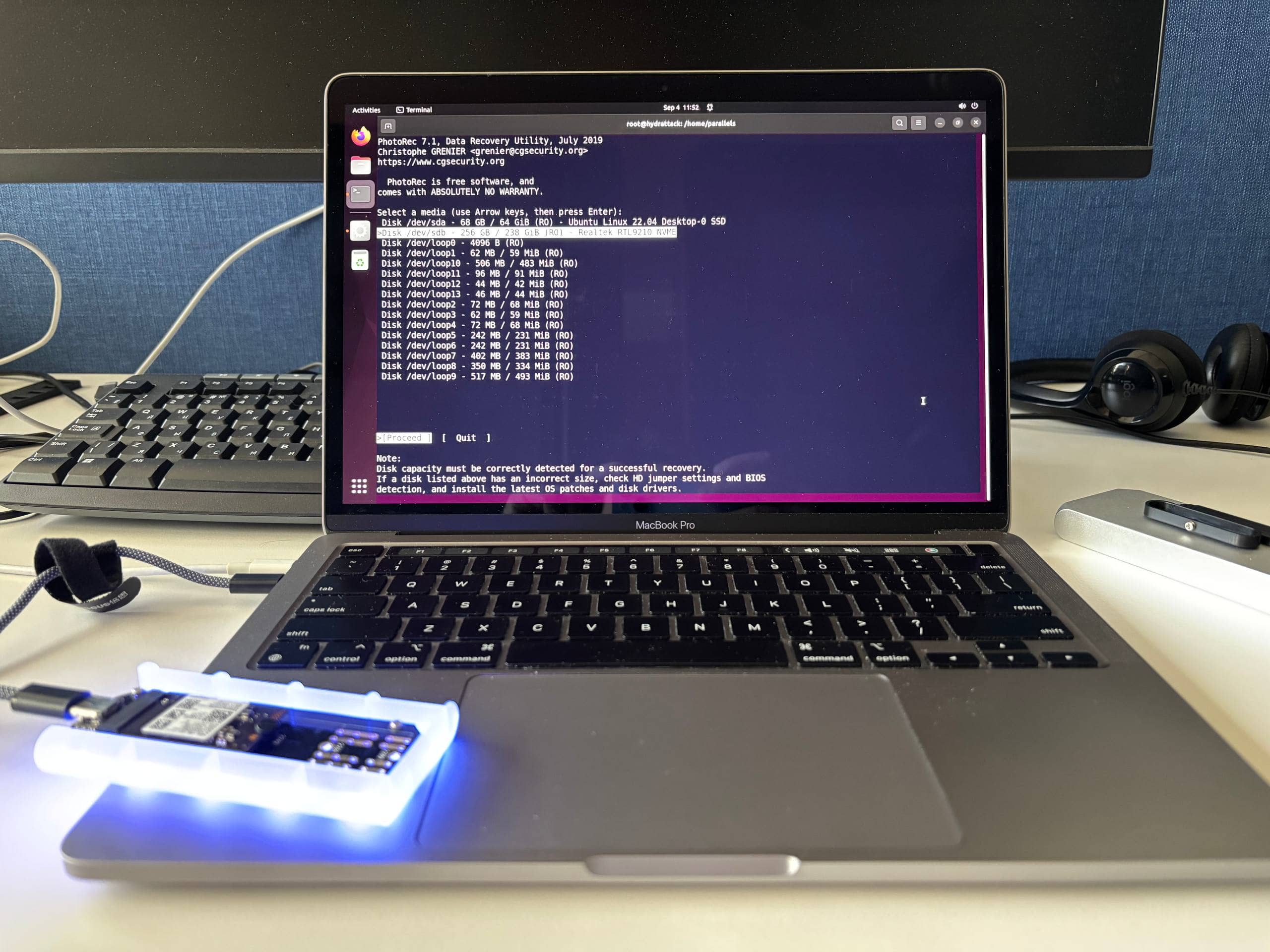
- PhotoRec — free, open-source file recovery software
- Bash scripting for file organization
- Hashcat for password hash cracking
How PhotoRec Works
PhotoRec operates by scanning disk sectors for file signatures, completely ignoring the file system structure. This means it's effective even when partition tables have been deleted or drives have been "quick formatted" — because quick formatting only clears the file allocation table without actually overwriting the data on the platters.
The Results: 10.9 Million Files
Across all 8 devices, we recovered approximately 10.9 million files. At the total purchase price, that works out to an average cost of 0.001 rubles per file.
Detailed Breakdown by Drive
| Drive Model | Type | Capacity | Files Found | Density (files/GB) | % of Total |
|---|---|---|---|---|---|
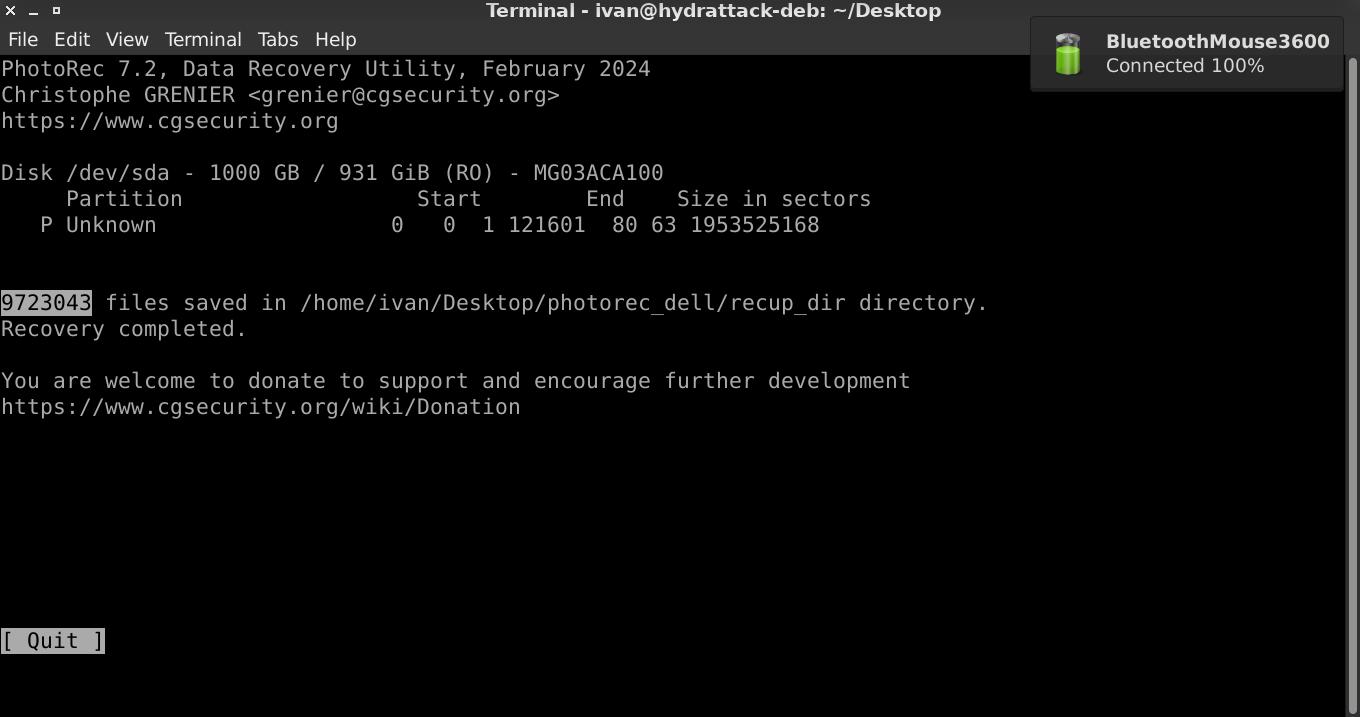
| Dell MG03ACA100 | HDD | 1000 GB | 9,723,043 | 9,723 | 89.2% |
| Toshiba DT01ACA050 | HDD | 500 GB | 543,523 | 1,087 | 5% |
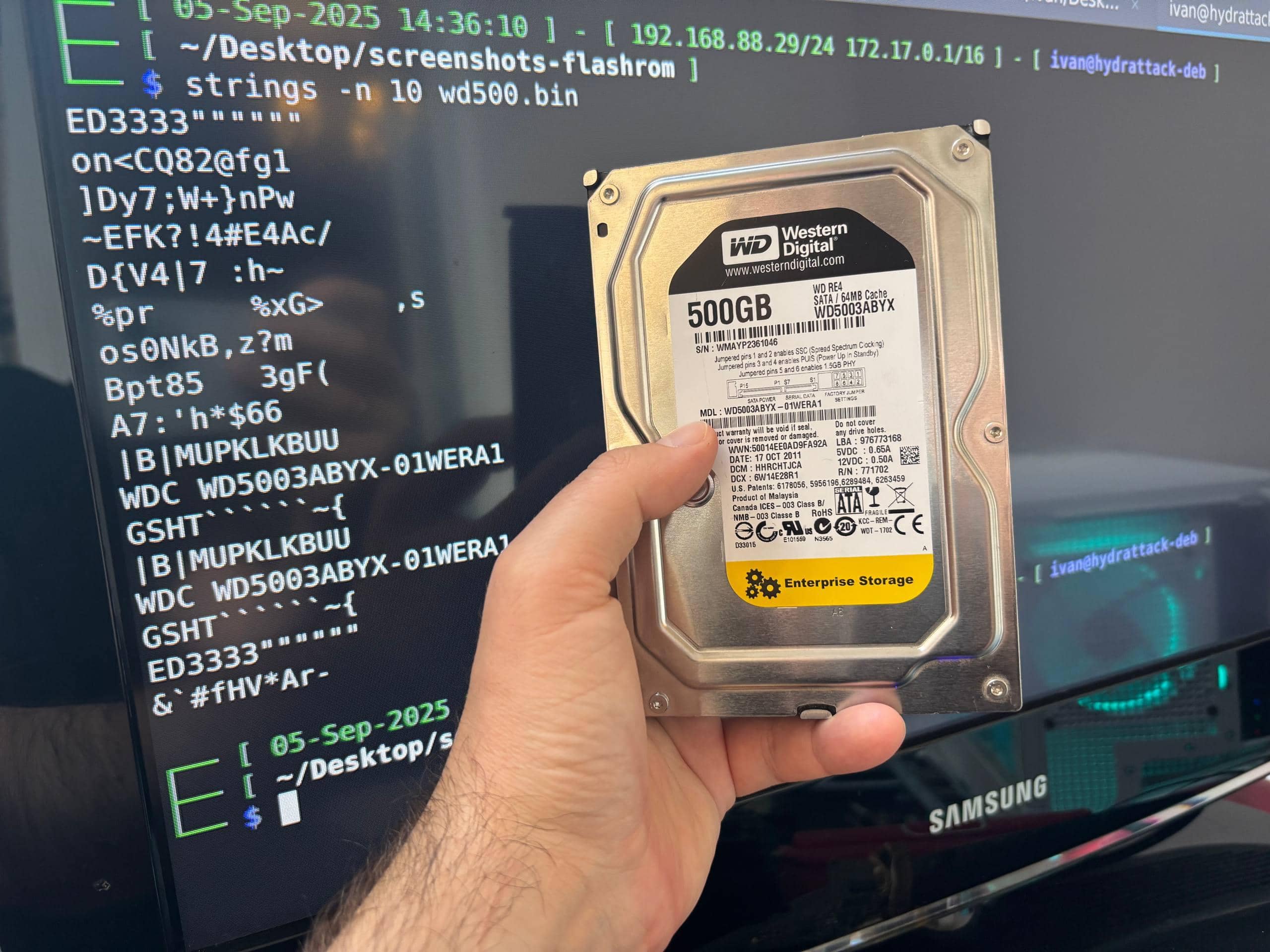
| WD5000AAKX | HDD | 500 GB | 313,992 | 628 | 2.9% |
| ADATA SX6000PNP | NVMe | 256 GB | 208,767 | 815 | 1.9% |
| Transcend D230S | SATA SSD | 256 GB | 112,519 | 440 | 1% |
| Kingston SUV500MS480G | SATA SSD | 480 GB | 190 | 0.40 | ~0% |
| Samsung MZ-ALQ256B | NVMe | 256 GB | 198 | 0.77 | ~0% |
| Samsung MZ-VLB1T0B | NVMe | 1000 GB | 208 | 0.21 | ~0% |
HDD vs. SSD: A Dramatic Difference
The contrast between HDD and SSD recovery rates was striking:
| Type | Average Recovery Rate |
|---|---|
| HDD | 3,813 files/GB |
| SSD | 251 files/GB |
HDDs retained 15 times more recoverable data than SSDs. The reason is architectural: SSDs implement TRIM commands that trigger garbage collection, physically erasing deleted data at the hardware level. HDDs, by contrast, only mark space as free when files are deleted — the actual content remains on the platters until it's overwritten by new data.
Sorting the Recovered Files
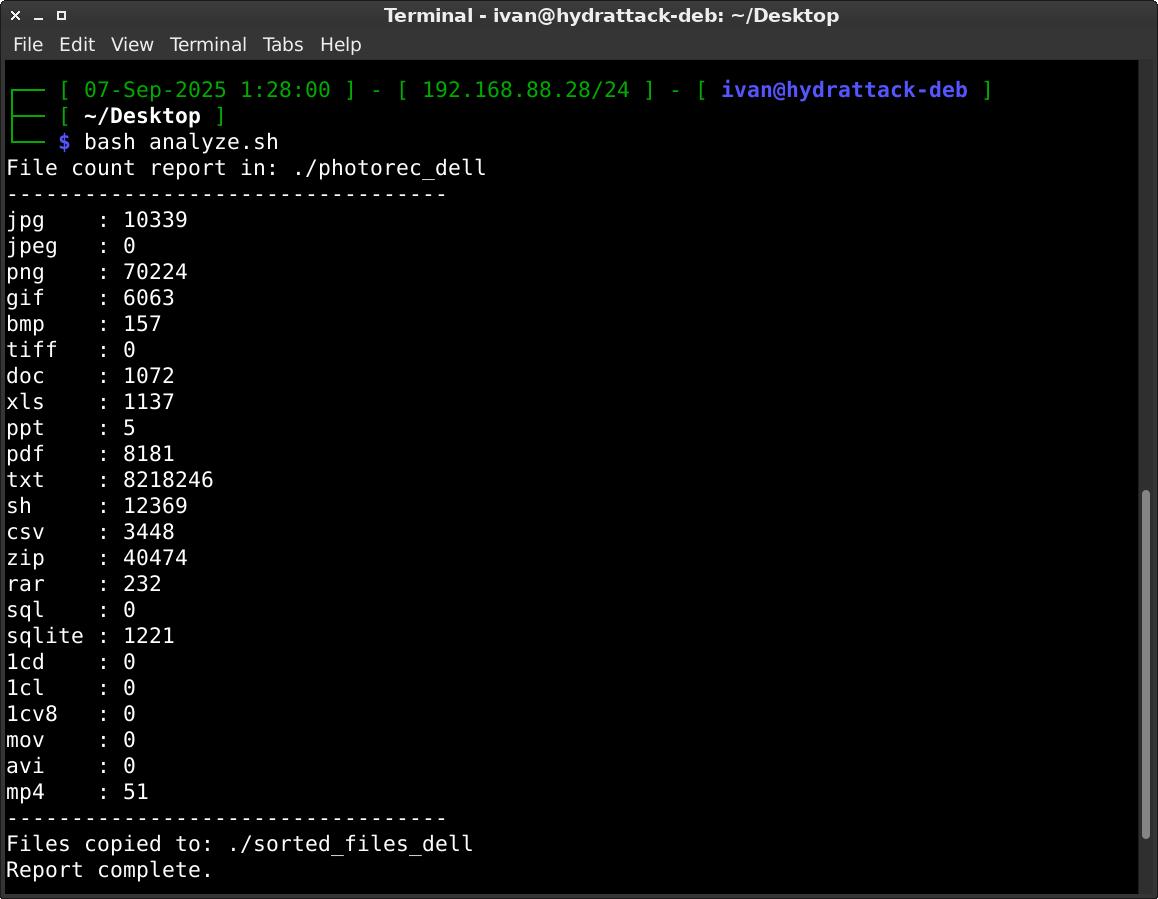
To make sense of millions of recovered files, we wrote a bash script to sort them by extension:
#!/bin/bash

# Define extensions in an array
extensions=("jpg" "jpeg" "png" "gif" "bmp" "tiff" "doc" "xls"
"ppt" "pdf" "txt" "csv" "zip" "rar" "sql" "sh" "1cd" "1cl" "1cv8" "sqlite")

# Directory to search in
search_dir="./photorec_transcend"

# Directory where sorted files will go
output_dir="./sorted_transcend"

mkdir -p "$output_dir"

echo "File count report in: $search_dir"
echo "----------------------------------"

# Loop over extensions
for ext in "${extensions[@]}"; do
    count=$(find "$search_dir" -type f -iname "*.${ext}" | wc -l)
    printf "%-6s : %d\n" "$ext" "$count"

    if [ "$count" -gt 0 ]; then
        # Create subdirectory for this extension
        mkdir -p "$output_dir/$ext"

        # Copy files into the subdirectory
        find "$search_dir" -type f -iname "*.${ext}" -exec cp -n {} "$output_dir/$ext/" \;
    fi
done

echo "----------------------------------"
echo "Files copied to: $output_dir"
echo "Report complete."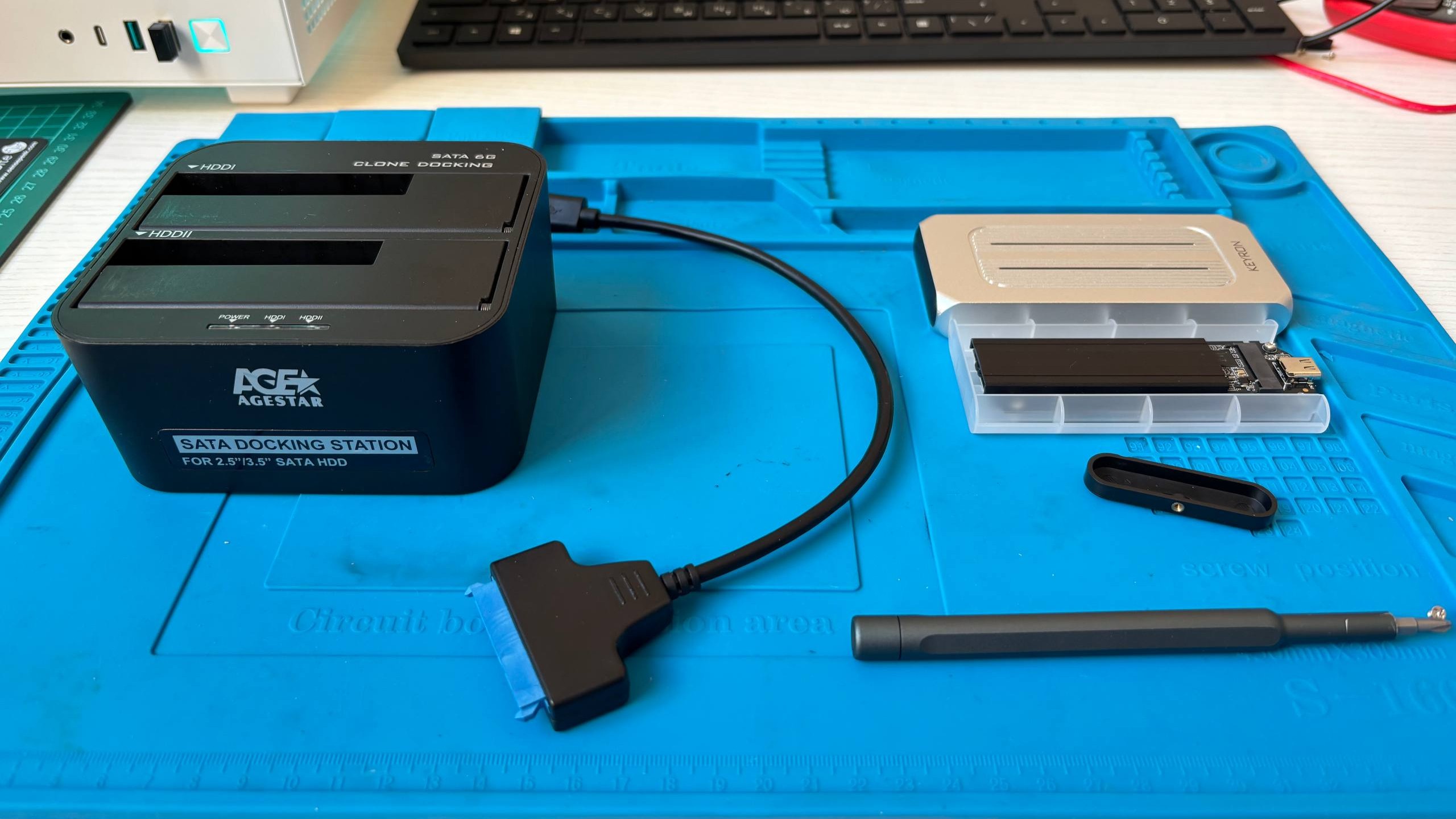
What We Found: The Alarming Discoveries
Among the recovered files, we found genuinely sensitive corporate data:
- Corporate emails with functional credentials still valid
- Client databases with personal information and pricing details
- Supplier contracts and financial records
- System configuration files containing plaintext passwords
- Linux
/etc/shadowfiles with password hashes that we cracked in minutes using Hashcat
The Dell server drive alone contained approximately 8 million text files, including configuration data, logs with credentials in plaintext, and cached email communications that would be perfect for crafting targeted phishing campaigns.
A Real-World Case Study
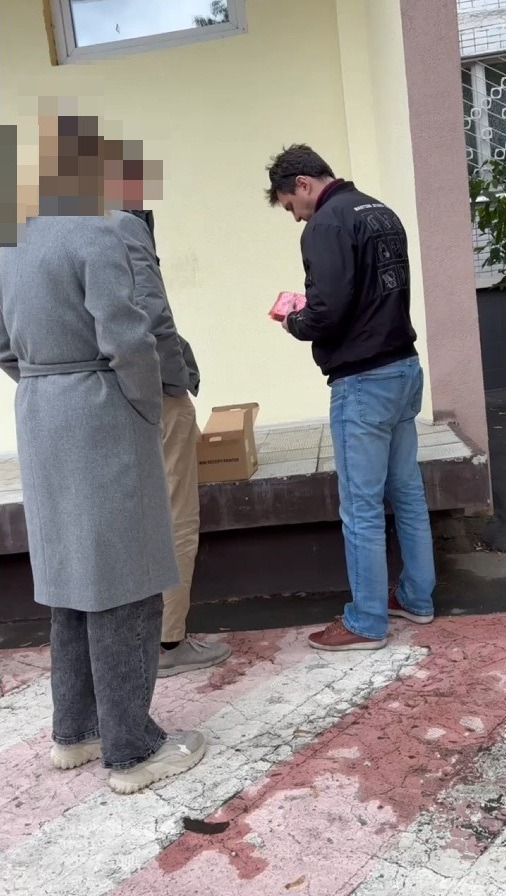
One server disk from a major Russian corporation told a particularly revealing story. We traced the seller's information and conducted an undercover purchase, revealing what appeared to be a small "family business" — an employee (or former employee) was systematically selling decommissioned corporate equipment for personal profit.
The drive contained evidence that "in the company they were doing cleanup" — equipment was being disposed of without any data sanitization procedures. The traceable seller information meant that investigators could have easily identified the source of the leak.
The Shredding Solution
We tested proper data destruction using the shred utility. The results were definitive:
- Quick format: 2 seconds — completely ineffective, data fully recoverable
- Secure shredding via
shred: approximately 7 hours per 500 GB — after which PhotoRec recovered zero files
The difference is night and day. After proper shredding, the drives were genuinely clean. But the 7-hour time investment per drive is precisely why companies skip this step — it's far easier and faster to just reformat and sell.
Why Companies Keep Failing at This
- HDDs are treated as disposable office supplies. When a computer is decommissioned, nobody thinks of the drive as a sensitive asset.
- 7 hours vs. 2 seconds. The time difference between proper destruction and quick formatting is enormous in an office setting.
- The "old data has no value" myth. Companies assume that data on a 5-year-old drive is worthless. It isn't — credentials, organizational structures, and client relationships change slowly.
- Employee incentives are misaligned. When employees are responsible for equipment disposal, the temptation to sell hardware for personal profit is real — especially when nobody checks.
The Legal and Business Implications
Improper disposal of storage media enables a wide range of attacks:
- Identity fraud and credential misuse
- Competitive intelligence gathering
- Ransomware attacks with insider knowledge of the target
- Targeted phishing using real internal communications
As of 2024, Russia's data breach penalties can reach up to 3% of annual revenue for organizations found negligent in protecting personal data. And yet, our research shows that drives containing such data are readily available for the price of a lunch.


Conclusion
Our experiment demonstrated a systemic problem: companies routinely dispose of storage devices without adequate data sanitization. For the price of a few cheap drives from a flea market, anyone with basic technical skills and free tools can obtain passwords, client databases, and confidential corporate documents.

Note: This research was conducted following ethical hacking principles. All analysis was performed in isolated environments, and all recovered data was completely destroyed after the investigation.



