This Article Is Twenty Years Late: DIY Music Center with CD Karaoke, Radio, and Bluetooth on ESP32
A comprehensive build log of a DIY CD player based on ESP32 featuring CD-TEXT support, internet radio, Bluetooth audio streaming, synchronized lyrics display, and Last.fm scrobbling — all controlled via a vintage VFD display.
Introduction
This article is twenty years late. Back in the early 2000s, during the golden age of CD audio, building your own CD player was a pipe dream for most hobbyists. The required components — optical pickups, servo controllers, digital signal processors — were expensive, proprietary, and poorly documented. Today, a combination of dirt-cheap legacy CD-ROM drives and modern microcontrollers makes this project not only possible but surprisingly practical.
The goal was ambitious: build a fully-featured music center that could play audio CDs with track information display, receive Bluetooth audio, stream internet radio, show synchronized lyrics, and even support karaoke — all controlled via physical buttons or a PlayStation 2 controller.
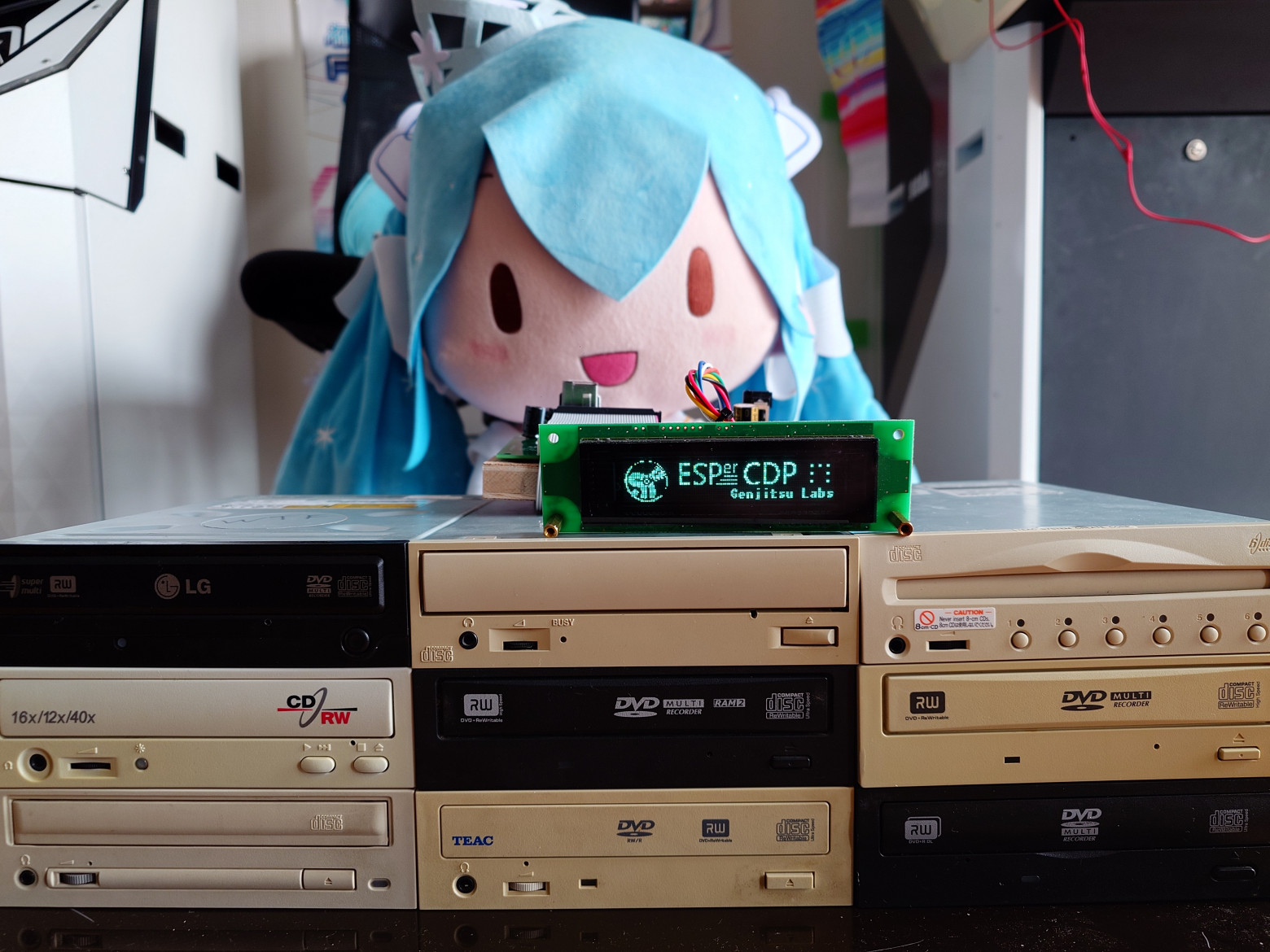
Hardware Architecture
Core Components
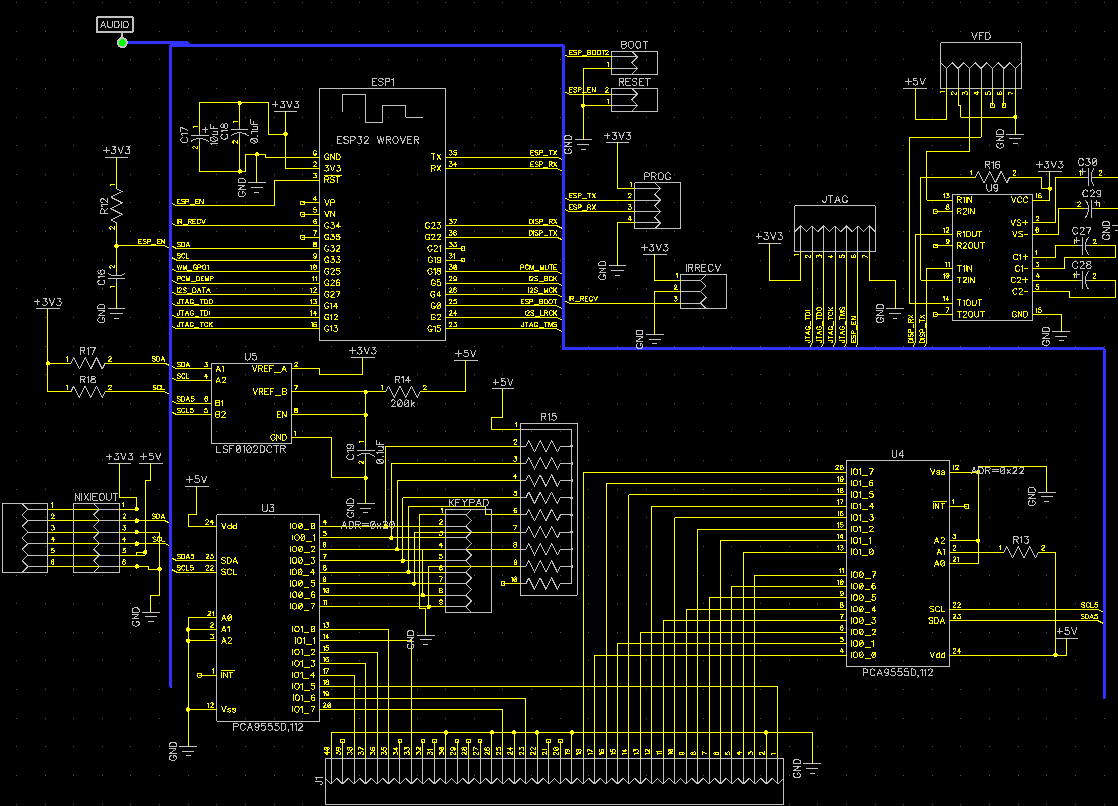
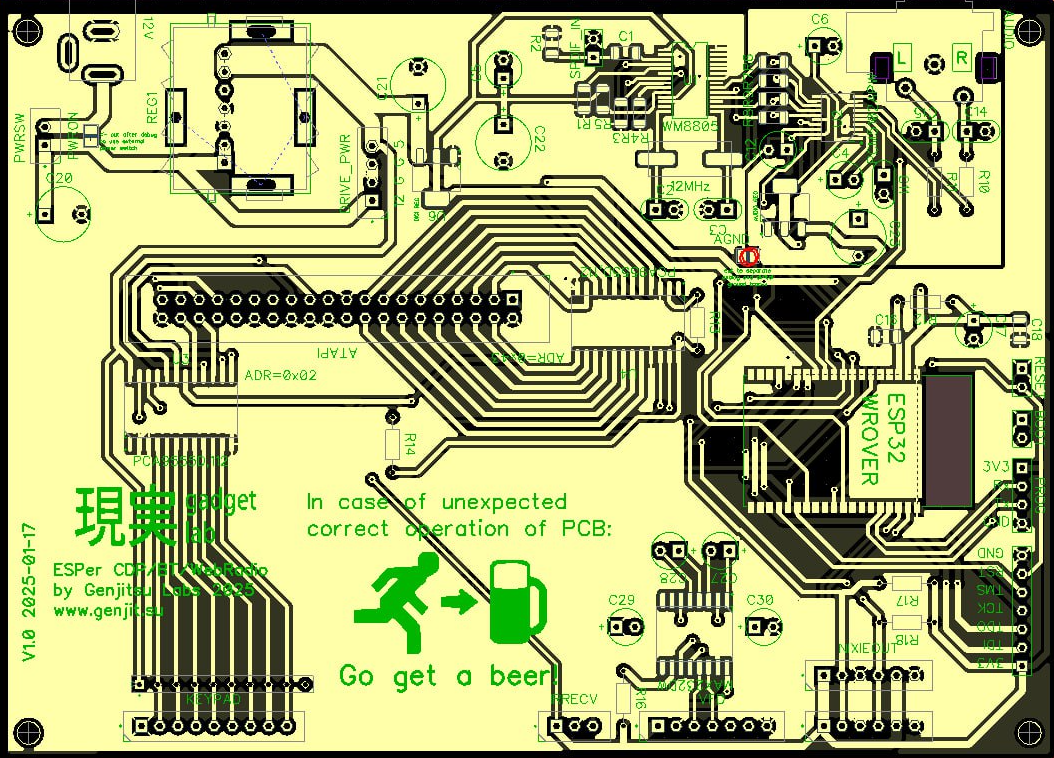
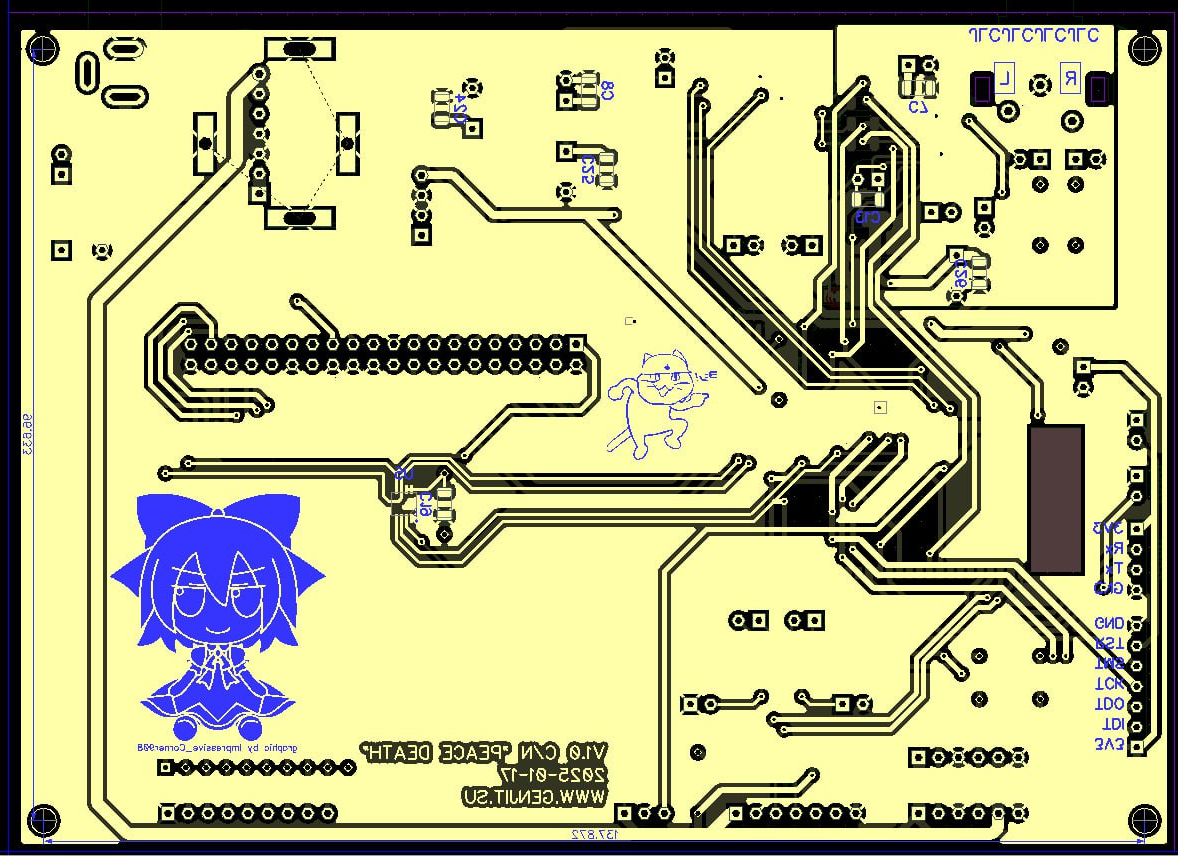
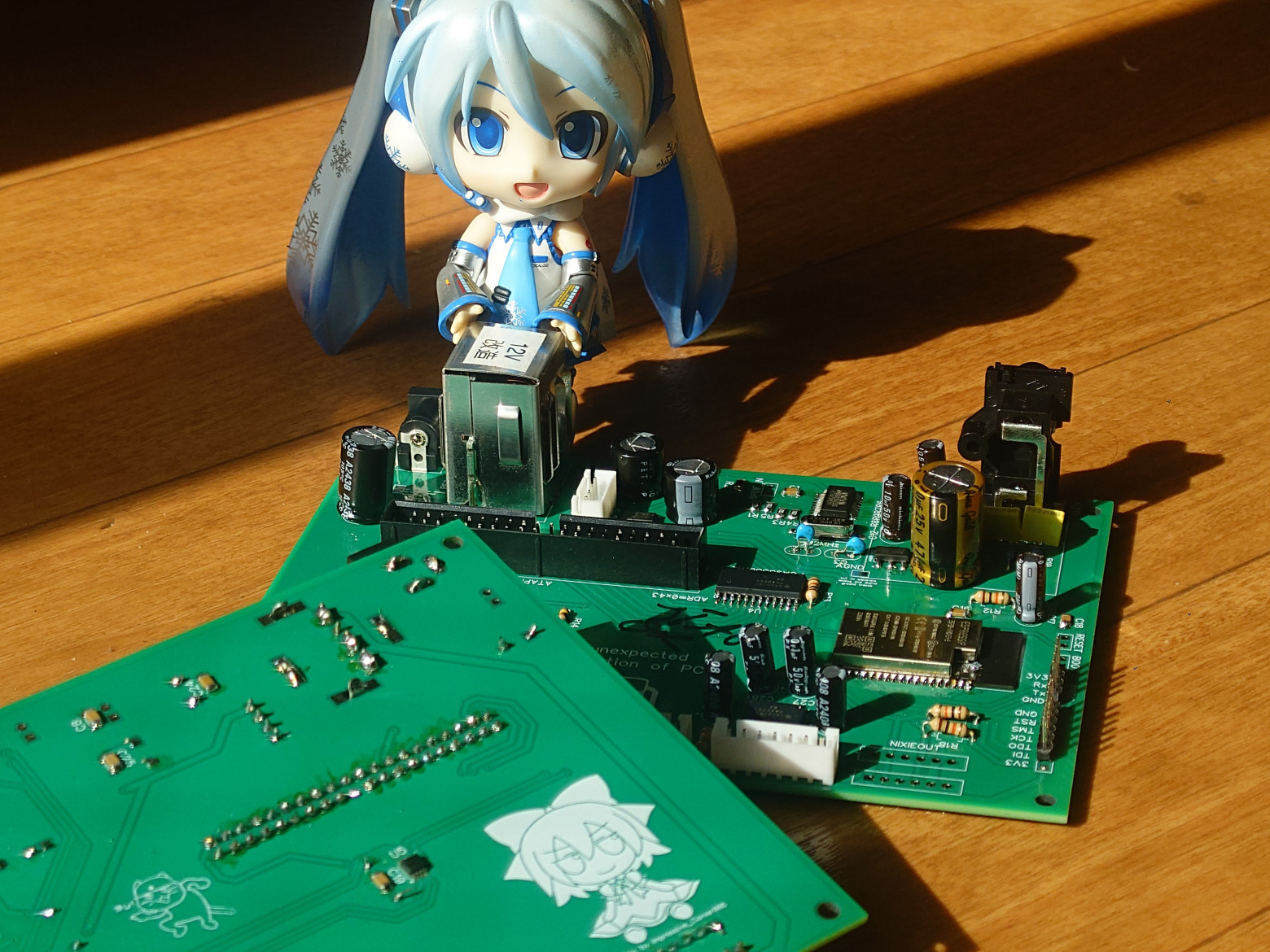
The brain of the operation is an ESP32-WROVER module with 8MB flash and 4MB PSRAM. The WROVER variant was chosen specifically for its additional PSRAM — essential for buffering audio streams and managing multiple concurrent tasks.
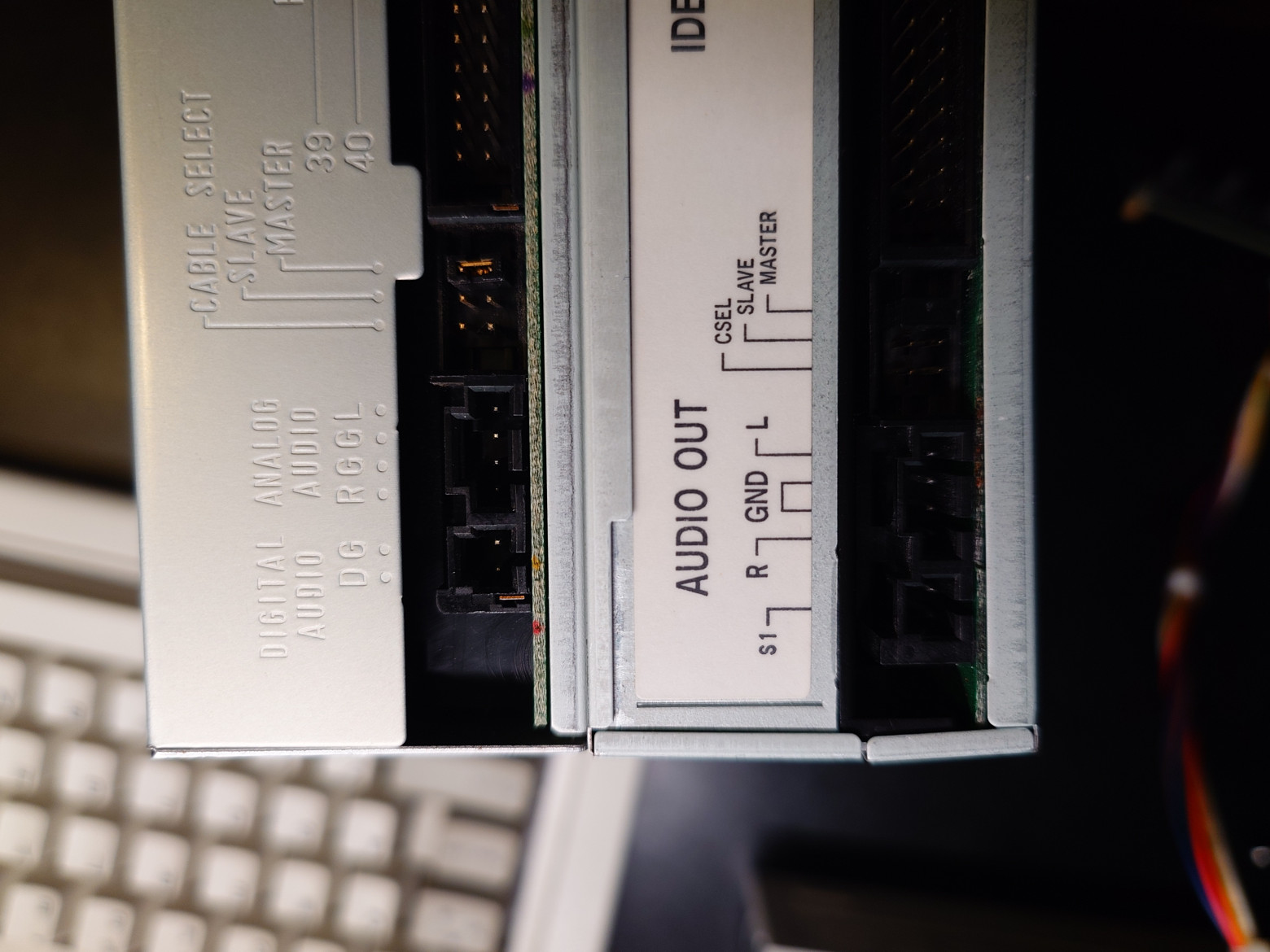
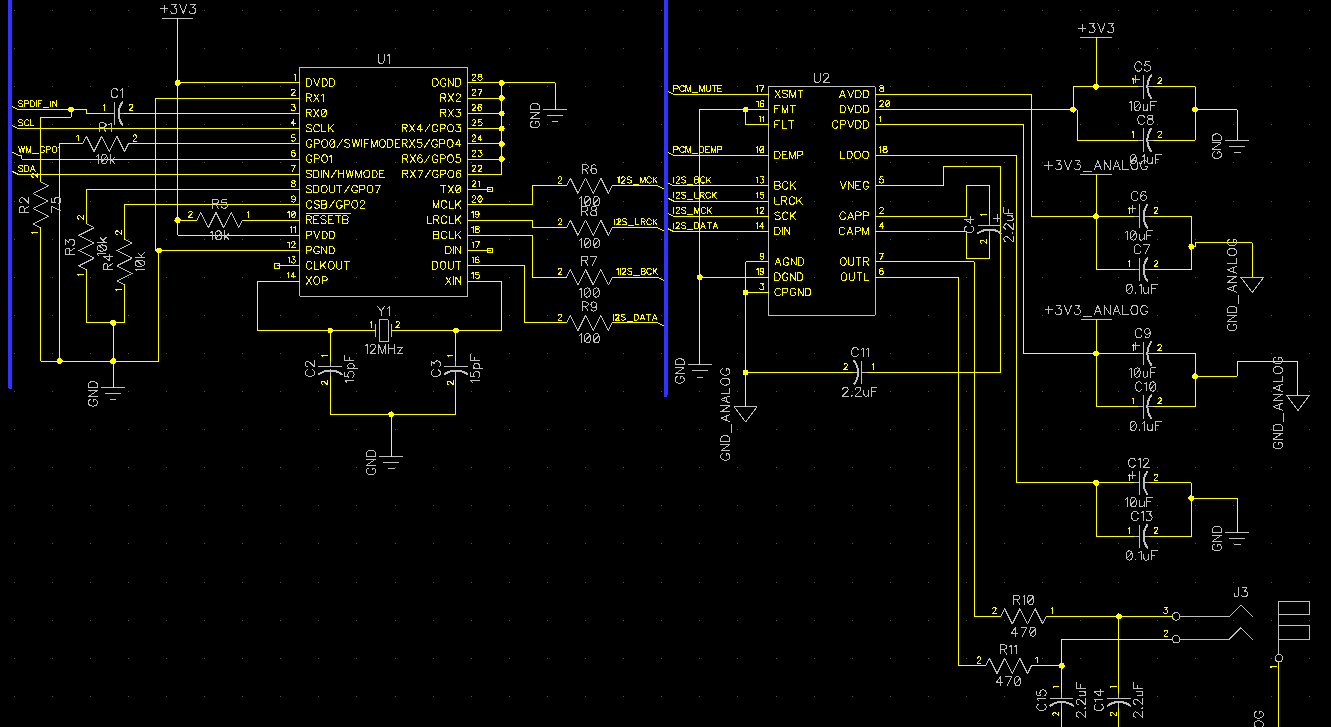
The audio path is entirely digital. Rather than relying on the notoriously poor analog outputs of 1990s-era CD drives, the system extracts digital audio via SPDIF (Sony/Philips Digital Interface). A Wolfson WM8805 SPDIF transceiver receives the digital stream from the CD drive and converts it to I2S format. The I2S data then feeds into a PCM5102A delta-sigma DAC, which handles the final digital-to-analog conversion with excellent audio quality.
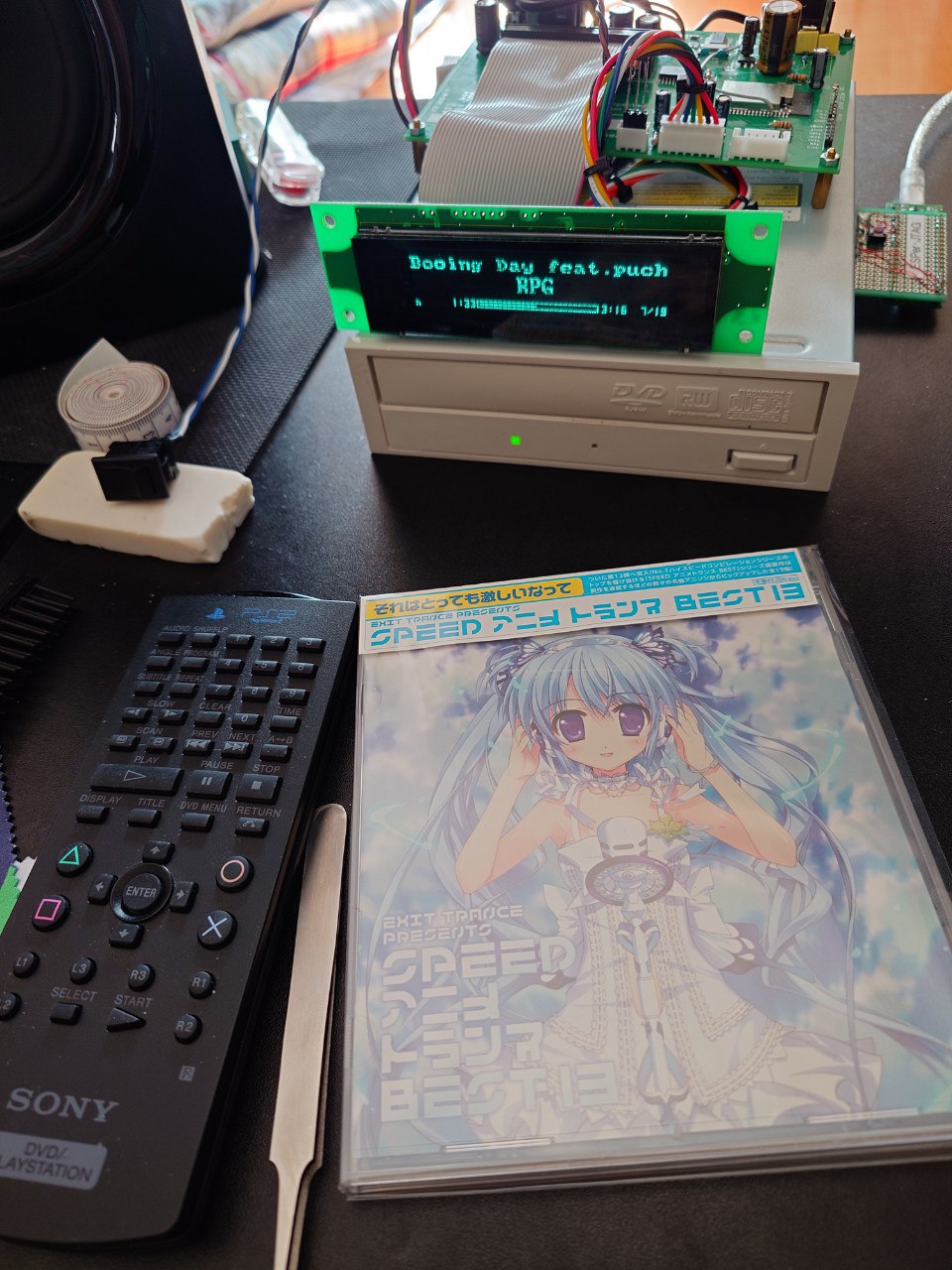
IDE Interface
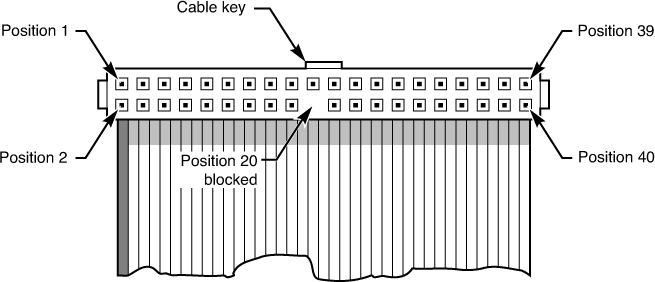
Communicating with legacy CD-ROM drives requires the parallel ATA (IDE) interface — a 40-pin bus with 16 data lines and multiple control signals. The ESP32 simply doesn't have enough GPIO pins to drive this directly.
The solution: a PCA9555D 16-bit I2C GPIO expander. This chip provides the necessary parallel I/O over a simple two-wire I2C bus. While I2C bandwidth (approximately 200 kbps at the speeds used) is far too slow for streaming audio data, it's perfectly adequate for sending ATAPI commands and reading status registers.
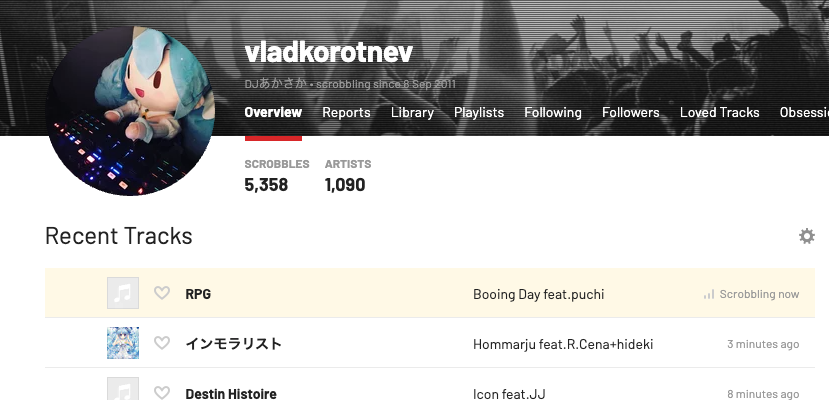
Display
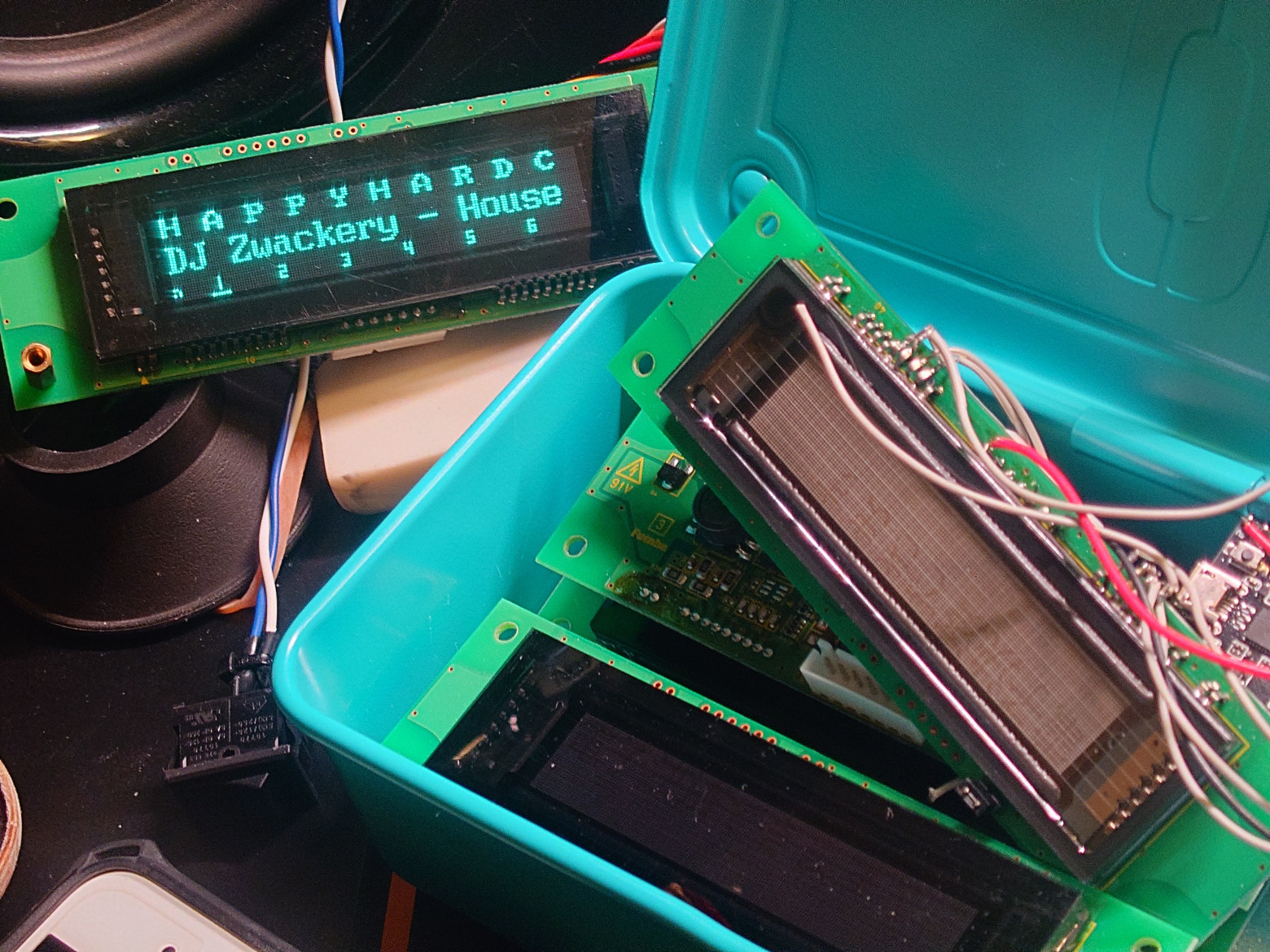
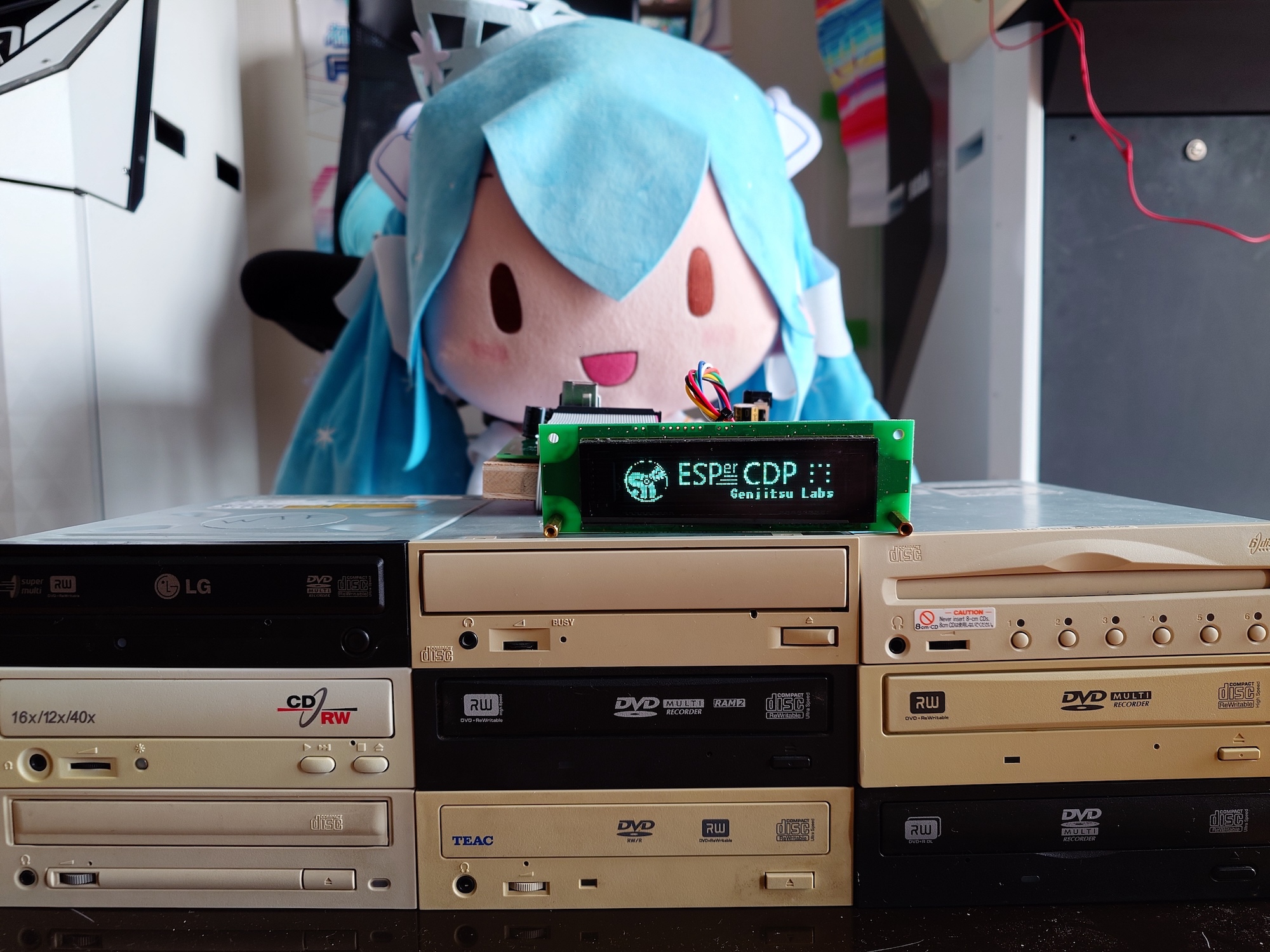
The display is a Futaba GP1232A02 Vacuum Fluorescent Display (VFD), salvaged from Japanese arcade machines. These displays offer brilliant blue-green luminescence, excellent viewing angles, and that unmistakable retro aesthetic. Communication happens over RS232 at 115200 baud.
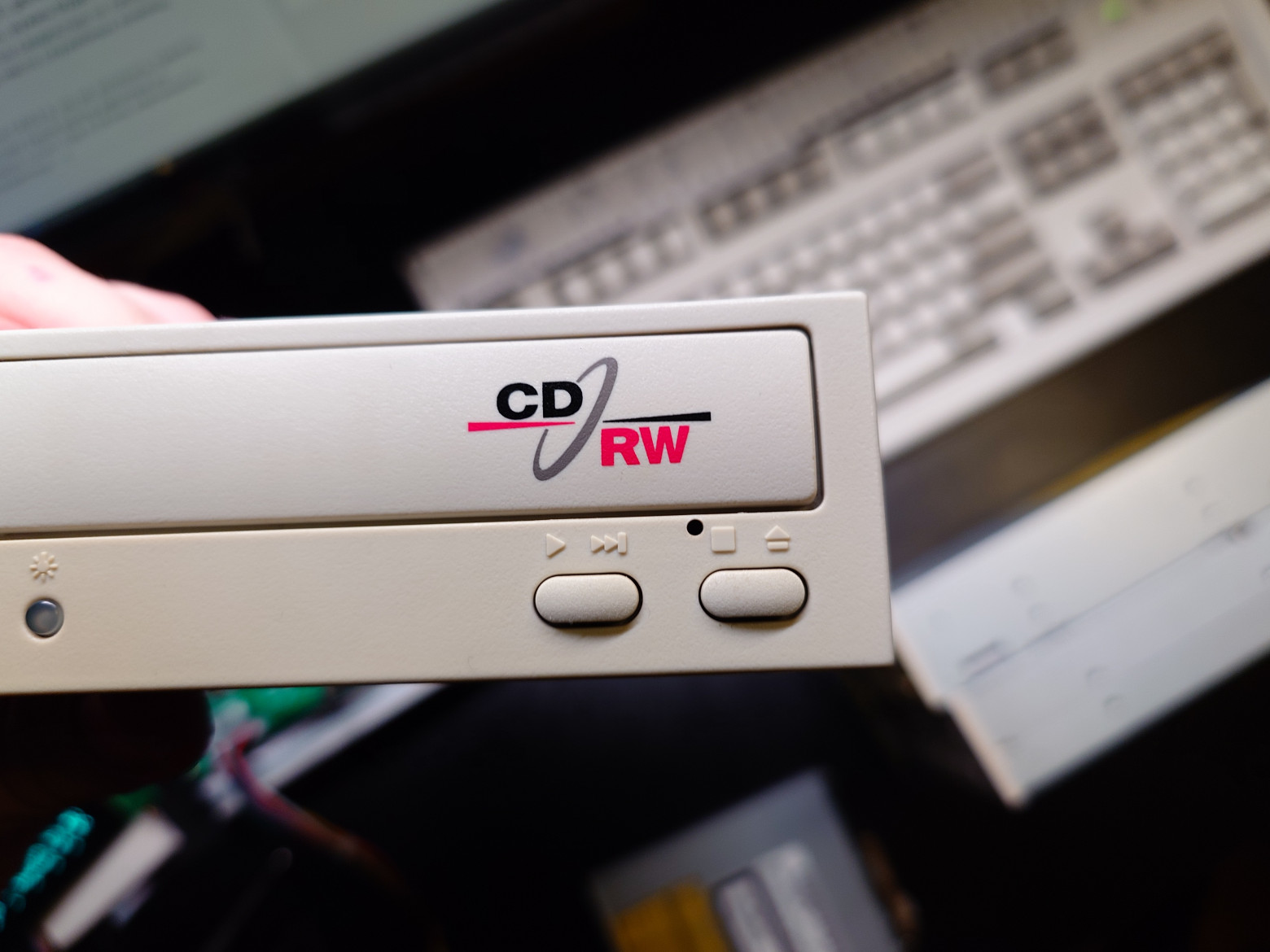
Power Supply
Audio equipment demands clean power. The design uses separate voltage regulators for digital and analog sections, with generous filtering capacitors on the analog supply rails. The CD drive itself requires both 5V and 12V rails, supplied from a standard ATX-style power arrangement.
ATAPI Protocol Implementation
The ATAPI (ATA Packet Interface) protocol enables communication with CD-ROM drives using 12-byte command packets. The implementation required intimate understanding of the ATA specification and numerous workarounds for drive-specific quirks.
Command Structure
Each ATAPI command follows a specific sequence:
- Write the PACKET command (0xA0) to the IDE command register
- Wait for DRQ (Data Request) bit in the status register
- Write the 12-byte command packet to the data register
- Wait for command completion or data transfer phase
- Read returned data if applicable
Key Commands Used
- READ TOC/PMA/ATIP (0x43): Reads the Table of Contents, providing track count, start/end positions, and disc metadata
- PLAY AUDIO MSF (0x47): Initiates audio playback from a specified minute:second:frame position
- PAUSE/RESUME (0x4B): Controls playback state
- READ SUB-CHANNEL (0x42): Returns current playback position for display updates
- STOP PLAY/SCAN (0x4E): Halts audio output
- MECHANISM STATUS (0xBD): Reports tray position and disc presence
Drive Initialization
The initialization sequence involves software reset, self-test verification, and capability detection. The drive's Media Type Code must be checked to determine whether an audio disc is present versus a data disc. This seemingly simple step proved surprisingly unreliable across different drive models.
CD-TEXT Implementation
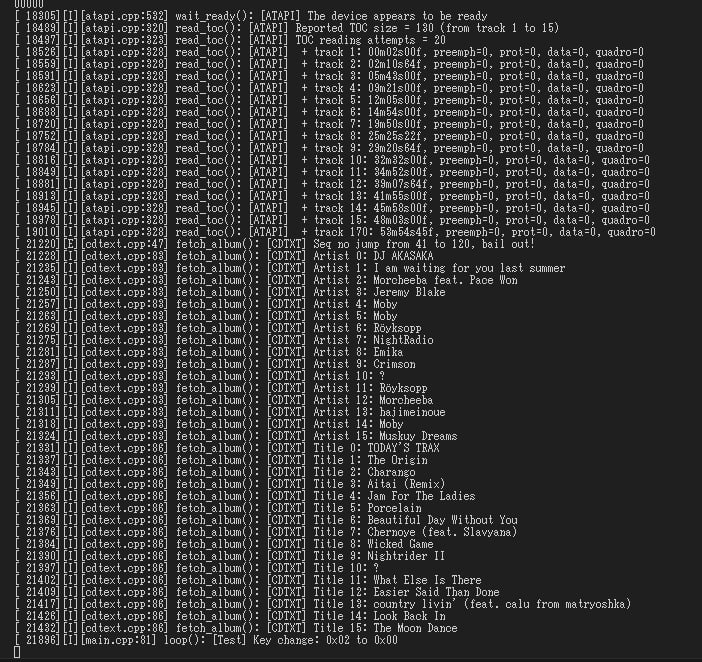
CD-TEXT is an extension to the Red Book audio standard that embeds text metadata (artist, album, track titles) directly on the disc. Not all discs include CD-TEXT, and not all drives support reading it, but when available it provides the highest-quality metadata without network access.
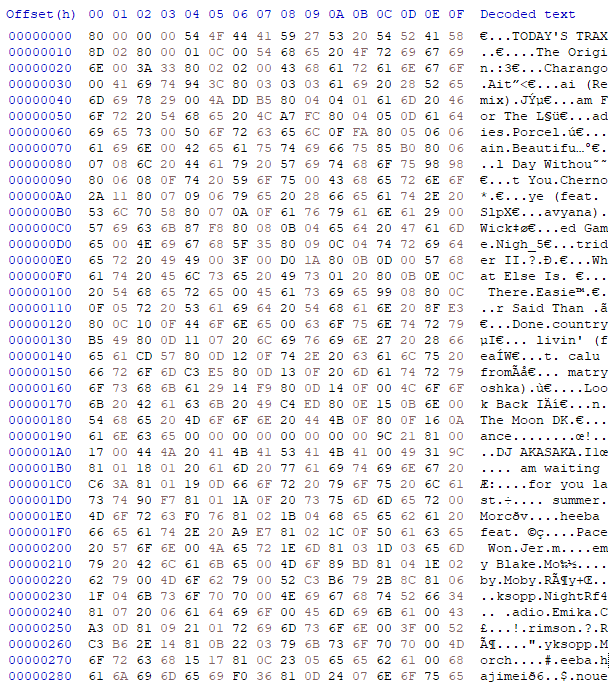
Reading CD-TEXT uses Format 5 of the READ TOC command. The drive returns data in CDTextPack structures — 18-byte packets containing character data, pack type indicators, and CRC checksums. Reassembling complete text strings requires concatenating data across multiple packs and handling character set encoding (typically ISO-8859-1 or occasionally UTF-16).
Online Metadata Lookup
MusicBrainz
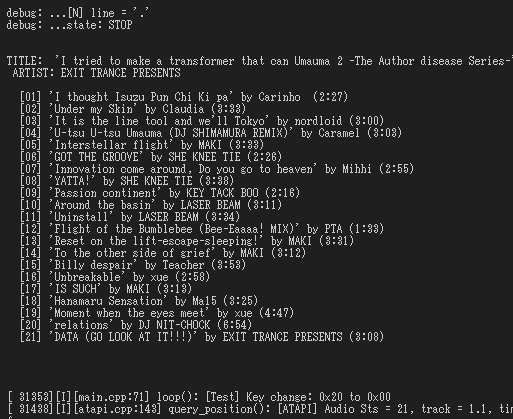
For discs without CD-TEXT, the system queries the MusicBrainz online database. Disc identification uses a SHA-1 hash computed from the Table of Contents — specifically, the number of tracks, lead-out position, and each track's start position. This hash is encoded using RFC 4648 Base64 and sent as a query parameter to the MusicBrainz API.
The API returns XML responses containing album title, artist name, track listings, and release dates. Parsing XML on an ESP32 requires careful memory management given the limited heap space.
CDDB/GnuDB
As a fallback for discs not found in MusicBrainz, the system queries CDDB (Compact Disc Database) via the GnuDB mirror. CDDB uses a simpler identification scheme based on a 32-bit disc ID derived from track offsets. The libCDDB library handles the protocol communication.
Local Caching
To minimize network requests after initial lookup, all retrieved metadata is cached locally in the ESP32's LittleFS filesystem. Subsequent plays of the same disc load metadata instantly from flash storage.
Synchronized Lyrics
The system retrieves time-stamped lyrics from the LRCLib API. LRC format encodes timestamps in [mm:ss.xx] format before each line, enabling precise synchronization with playback position. The current playback position (obtained via READ SUB-CHANNEL commands) is compared against timestamps to highlight the current lyric line on the VFD display.
Bluetooth A2DP Reception
The ESP32's built-in Bluetooth radio enables the device to function as a Bluetooth audio receiver. Using the ESP32-A2DP library (a wrapper around Espressif's native Bluetooth stack), the device advertises itself as an audio sink supporting the SBC codec.
When a phone or computer connects, the decoded audio stream is routed through the same I2S output path to the PCM5102A DAC. AVRCP (Audio/Video Remote Control Profile) metadata is extracted and displayed, showing track title, artist, and album information from the connected device.
Internet Radio
Internet radio streaming required a multi-threaded pipeline carefully optimized for the ESP32's limited resources:
- Thread 1 (Network): HTTP client fetches stream data into a 128KB ring buffer in PSRAM
- Thread 2 (Decoder): MP3 or AAC decoder reads from the ring buffer and outputs PCM samples to an 8KB IRAM buffer
- Thread 3 (Output): I2S driver consumes PCM data from the fast buffer and sends it to the DAC
The two-tier buffering strategy is essential. PSRAM provides abundant capacity but slow access; IRAM offers fast access but limited space. The decoder bridges these two memory tiers, reading slowly from PSRAM and writing quickly to IRAM.
MIME type detection proved unreliable — some stations advertise MP3 streams as generic "audio/mpeg" while actually serving AAC, or vice versa. The decoder implements format sniffing on the first few hundred bytes to determine the actual codec in use.
When the decoder's output sample rate differs from the current I2S configuration (common when switching between stations), automatic resampling kicks in to prevent audio glitches during transitions.
Last.fm Scrobbling
For users who track their listening habits, the system implements Last.fm scrobbling. When a CD track or internet radio song plays for more than half its duration (or 4 minutes, whichever is less), the track information is submitted to Last.fm's API using the user's authenticated session.
Control Interfaces
Physical Buttons
A row of tactile buttons provides basic playback controls: play/pause, next/previous track, stop, and source selection. Button debouncing is handled in software with a 50ms threshold.
PlayStation 2 Controller
For a more comfortable control experience, the system accepts a standard PlayStation 2 controller via the console's proprietary serial protocol. The directional pad navigates menus, face buttons control playback, and shoulder buttons adjust volume. This unlikely pairing proved surprisingly ergonomic for a music player.
VFD Display Graphics
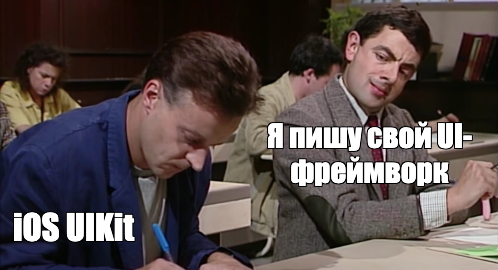
The custom graphics library (ESPer-GUI) manages rendering on the single-bit VFD display. Key features include:
- View hierarchy: Nested UI components with coordinate transformations
- Partial updates: Only changed screen regions are redrawn, critical given the slow RS232 link
- Custom font format (MoFo): A monospace bitmap font format developed for a previous project, optimized for minimal memory usage
- Scrolling text: Long titles automatically scroll horizontally with configurable speed and pause duration
Software Architecture
The firmware is organized into three modular libraries:
- ESPer-CORE: Hardware abstraction layer handling IDE communication, I2C transactions, SPDIF transceiver configuration, and GPIO management
- ESPer-CDP: ATAPI protocol state machine, disc metadata caching, TOC parsing, and CD-TEXT decoding
- ESPer-GUI: Display rendering engine, view management, font rendering, and animation system
Drive Compatibility
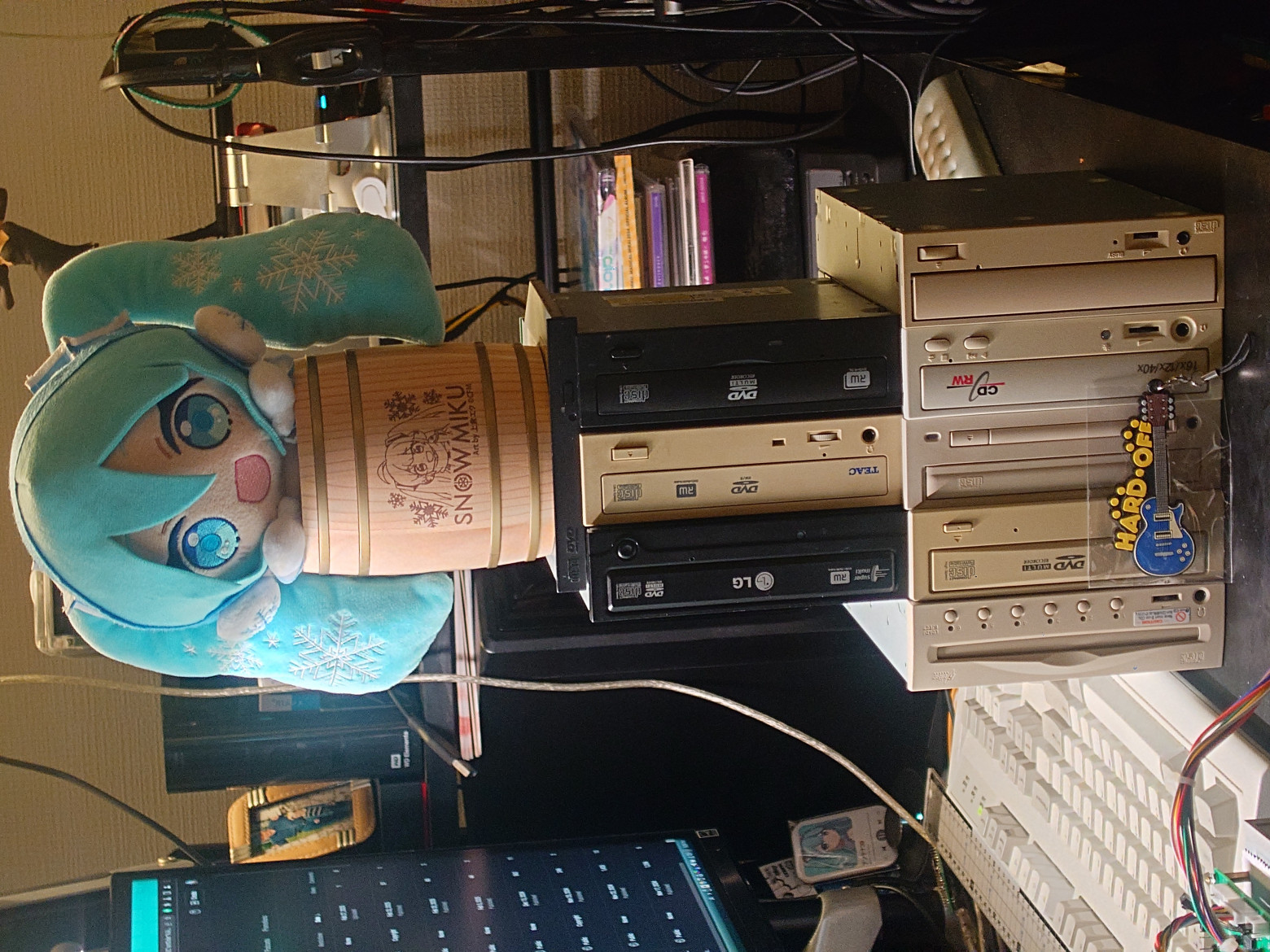
Perhaps the most frustrating aspect of this project was the dramatic variation in ATAPI compliance across different CD-ROM drive models. The author tested numerous drives, documenting their quirks:
- NEC ND-3500A: Exemplary ATAPI compliance. Supports all commands including CD-TEXT, seek operations, and proper media detection. The gold standard.
- Teac CD-540E: Limited seek support. Audio glitches when rapidly changing tracks. No CD-TEXT support despite the chipset theoretically supporting it.
- Lite-On LTN-489S: SPDIF output present but requires specific register configuration not documented in standard ATAPI specs.
- Panasonic CR-594: SPDIF output pins present on the PCB but not connected. Completely incompatible with digital audio extraction.
- LG GCR-8523B: Similar to Panasonic — SPDIF markings on the board are misleading.
- Matsushita SR-8171: Notebook slim drive. READ TOC fails on first attempt but succeeds on third try. Requires explicit workaround.
Several drives proved completely incompatible with command-based operation despite functioning perfectly for basic analog playback. The conclusion: if you're building a similar project, stock up on NEC drives.

Debugging Infrastructure
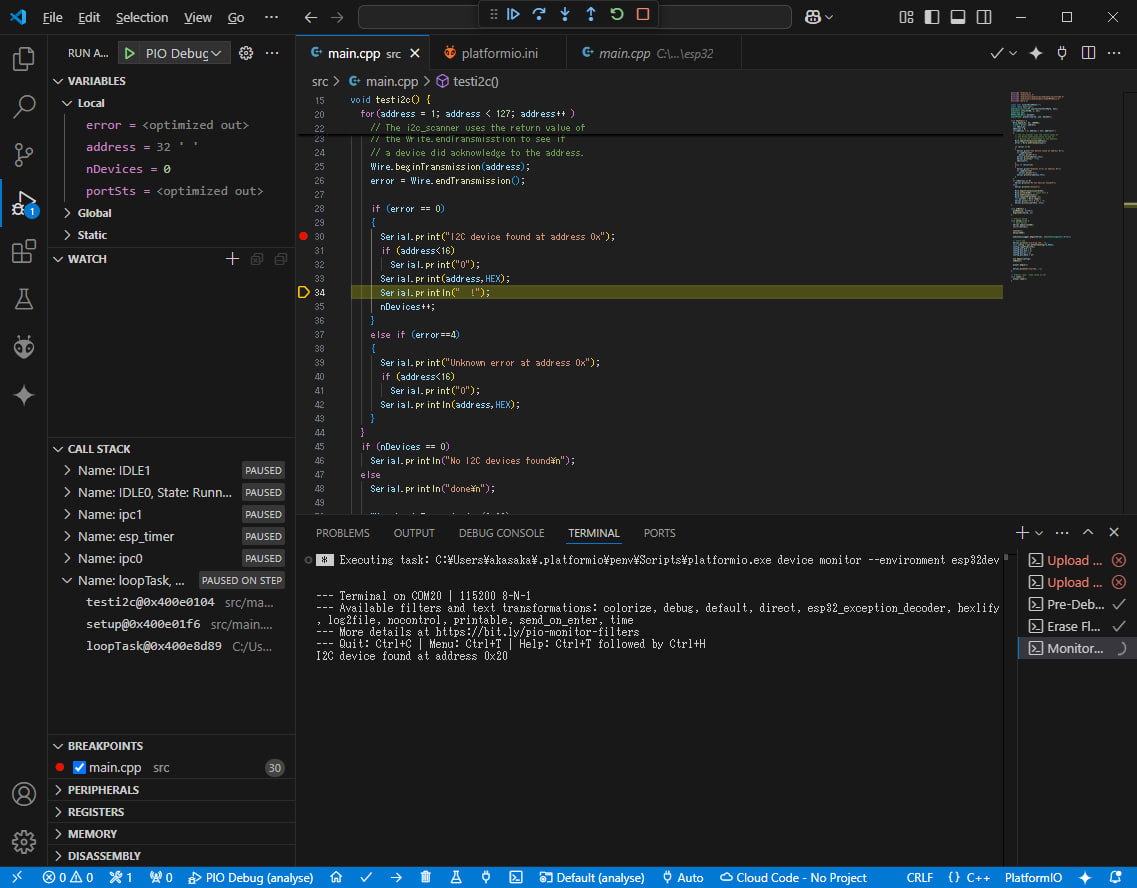
Development uses OpenOCD debugging via an FT2232 JTAG adapter connected to ESP32 GPIO pins, enabling breakpoint debugging and register inspection within VS Code/PlatformIO. This proved invaluable for diagnosing timing-sensitive ATAPI protocol issues that couldn't be caught with simple serial logging.
Current Limitations
- I2C bandwidth prevents direct CD audio data reading — ISO9660 filesystem parsing would be too slow for real-time streaming
- VFD serial interface limits animation complexity and refresh rate
- Some internet radio stations require format detection workarounds due to incorrect MIME type headers
- No dual-drive changer support despite initial design consideration
- Bluetooth transmission (A2DP source mode) not yet implemented — only reception works
Future Development
- OTA (Over-The-Air) firmware updates with CI/CD integration
- Bluetooth audio transmission to wireless headphones
- Custom 3D-printed or laser-cut enclosure
- Second hardware revision with faster SPI bus replacing I2C for direct audio data reading
- MP3 and tracker module file playback from data CD-R discs
Conclusion
This project demonstrates that legacy hardware remains viable when combined with modern microcontroller capabilities. The ESP32's dual cores, Bluetooth radio, WiFi connectivity, and generous memory transform a simple CD-ROM drive into a surprisingly capable multimedia device. The firmware complexity rivals that of professional audio equipment, yet runs on hardware costing less than a restaurant meal.
The source code is available on GitHub for anyone brave enough to attempt their own build. Just remember: stock up on NEC drives, invest in a good JTAG debugger, and prepare for the ATAPI specification to become your least favorite bedtime reading.



