Functional IT Art
A developer's 30-year journey from a university ASCII art experiment to building a custom image codec (BABE) and a peer-to-peer terminal video calling application that runs at 25 FPS over ~100 KB/s with no GUI required.
This article documents a 30-year creative journey that began with a university C/C++ project converting images to ASCII art, and eventually led to creating a custom image format, developing audio and video prototypes, and building a peer-to-peer terminal-based video calling application.
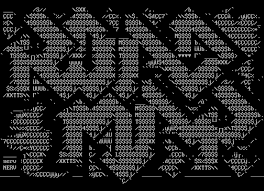
The Long-Forgotten Project Revived
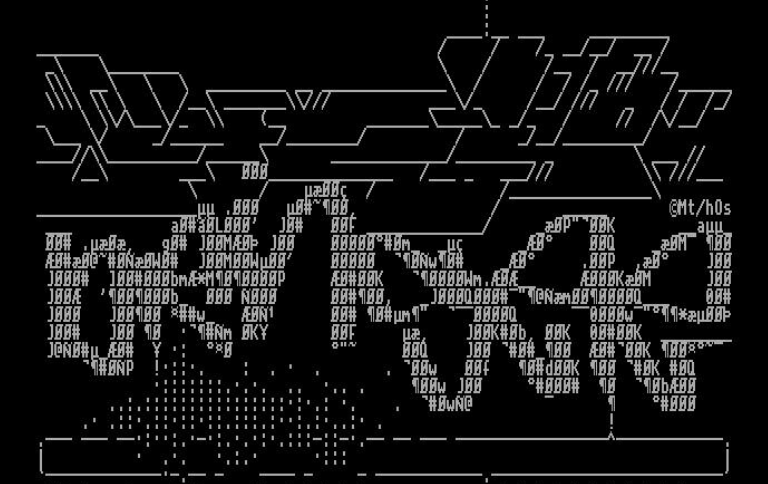
Twenty-five years after that first experiment, the author needed an attractive SSH login banner and revisited the ASCII art concept — this time seeking something more sophisticated. Exploring text-mode graphics editors, decorative fonts, and Japanese emoticon collections inspired deeper investigation into realistic terminal image display.
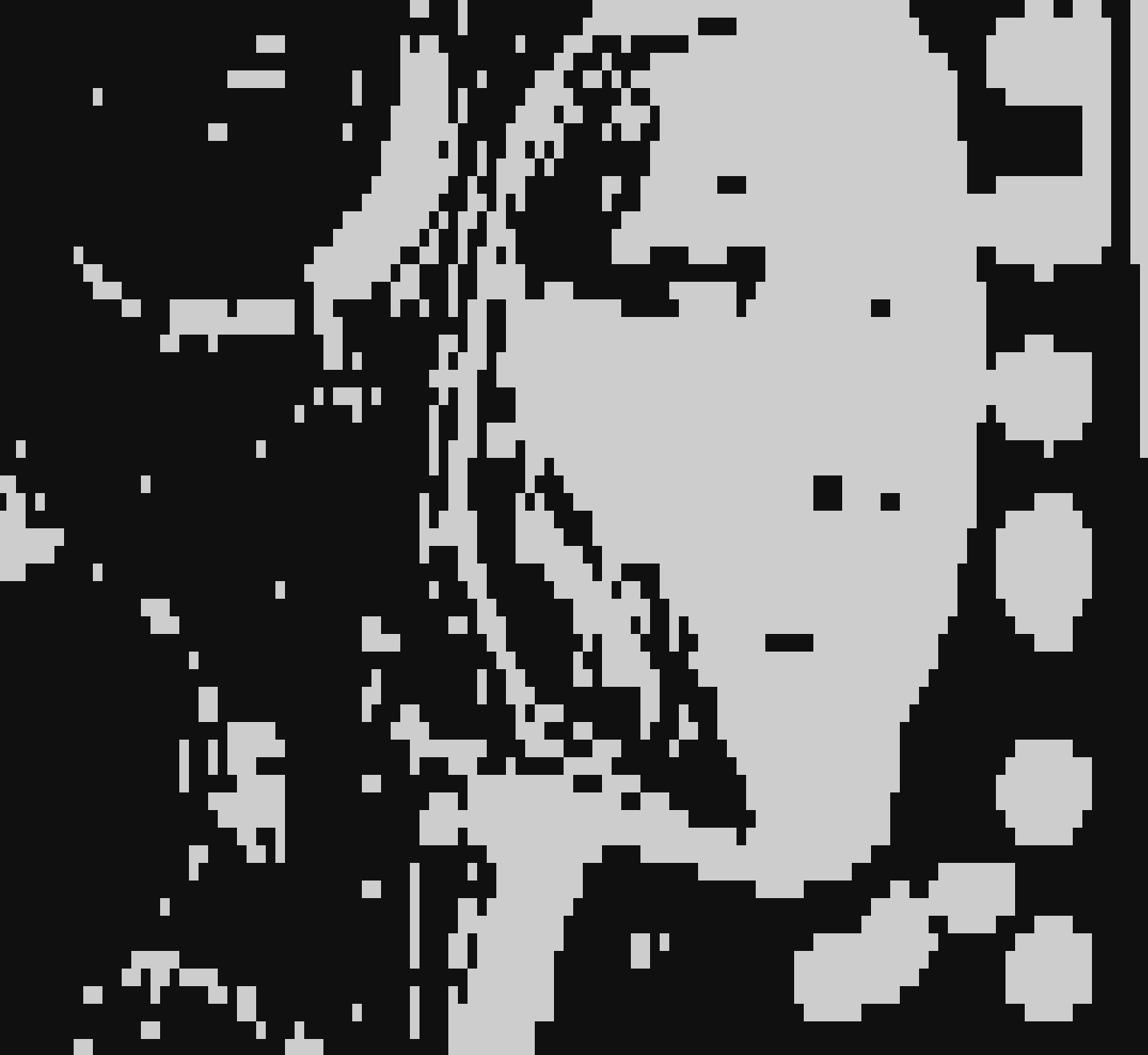
Stage 1: Basic Block Rendering
The first attempt used block characters: space as "off" and █ as "on" pixels, accounting for the rectangular proportions of terminal characters. Results were mediocre.
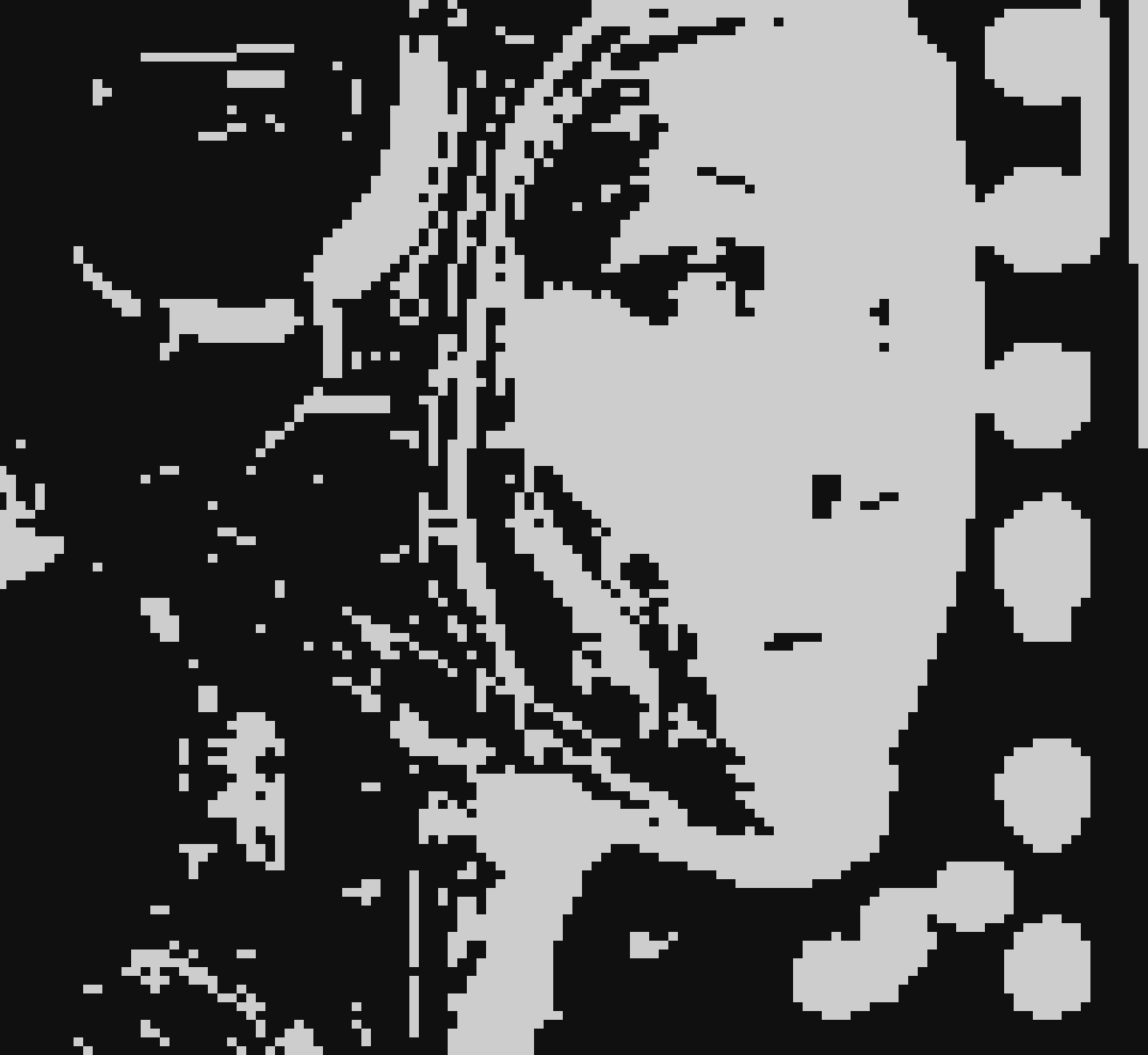
Stage 2: Half-Pixel Approach
Discovering the characters ▄ (lower half-block) and ▀ (upper half-block) enabled better results — a single glyph could encode two pixels using just four symbols total. Resolution effectively doubled.
Stage 3: Quarter-Pixel Innovation
Utilizing the full set of pseudographic symbols (▘, ▝, ▖, ▗, ▐, ▌, ▚, ▞, and others), the system represented four pixels per character, significantly improving image quality and making the output copyable and shareable as plain text.
Stage 4: Grayscale Through Color
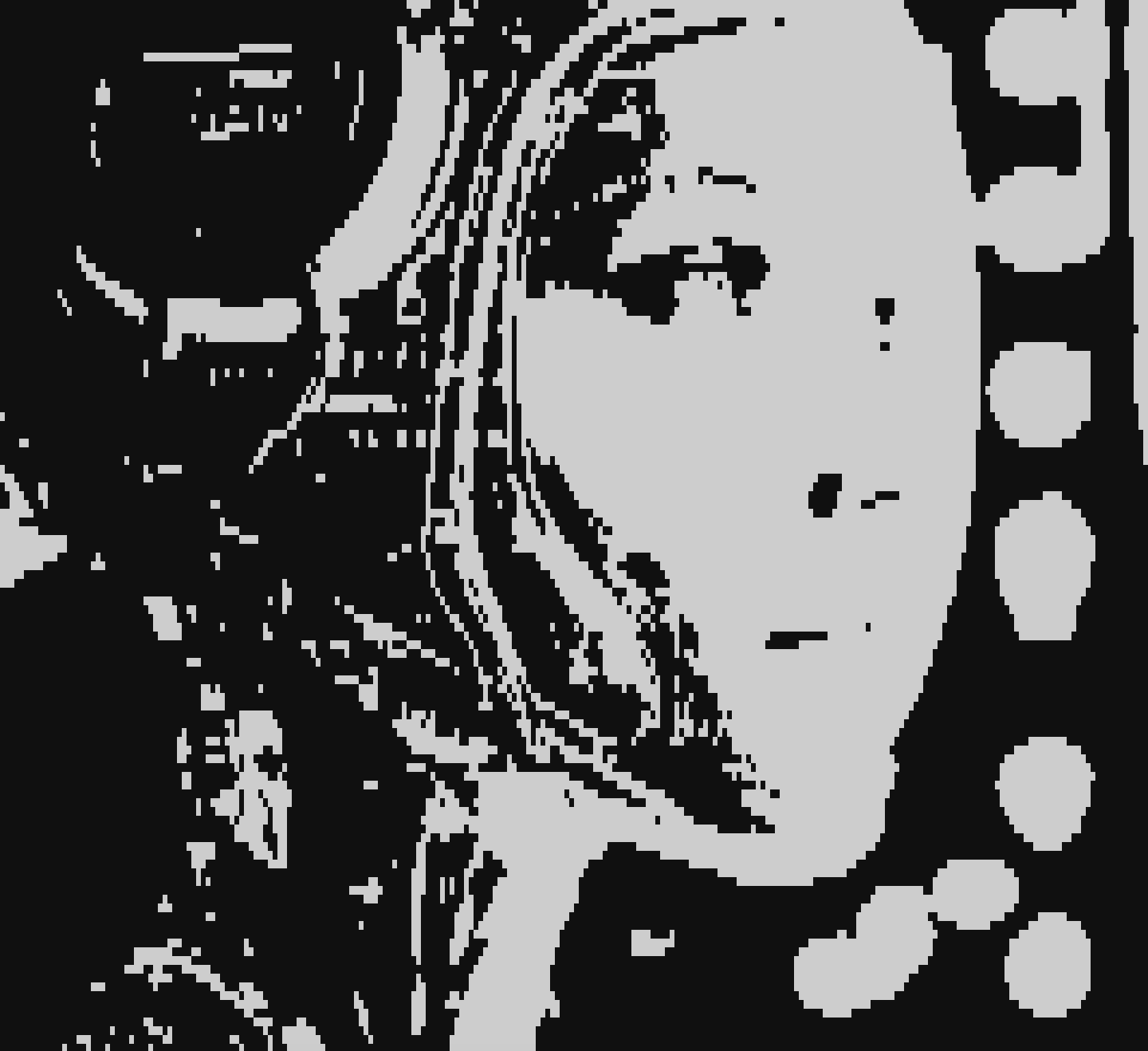
Initially struggling with tone representation, the author realized that only half the symbol set was needed. Using two colors — foreground and background — per character allowed flexible tone management, creating proper halftone effects. Adding color revealed that for colored display, only half the original symbol set was required.
Stage 5: Advanced Multi-Character Encoding
With an expanded character set (▁▂▃▄▅▆▇▊▌▎▖▗▘▚▝━┃┏┓┗┛┣┫┳┻╋╸╹╺╻╏──││╴╵╶╷⎢⎥⎺⎻⎼⎽▪), the system achieved 4×8 pixel grid resolution per character, producing impressively detailed terminal images. This approach genuinely functions — patterns with two colors per block exist not merely as text but as a legitimate graphical technique, analogous to the ZX Spectrum's constrained color system.

The BABE Codec
Genesis
Motivated by the need for fast real-time image transmission, the author created a custom codec: BABE — Bi-Level Adaptive Block Encoding. After evaluating JPEG, QOI, and H.261, BABE proved superior for this specific use case.

Performance
- Compresses faster than QOI and significantly faster than JPEG
- File sizes rival QOI and sometimes approach JPEG compression ratios
- Minimal CPU overhead
- Block-based encoding aligns naturally with video codec architectures
Technical Approach
The algorithm divides images into fixed-size blocks and encodes each color channel independently, maintaining exactly two colors per block. Variable block sizing with recursive subdivision was explored but ultimately abandoned in favor of fixed-size blocks, which produced cleaner results with simpler implementation.
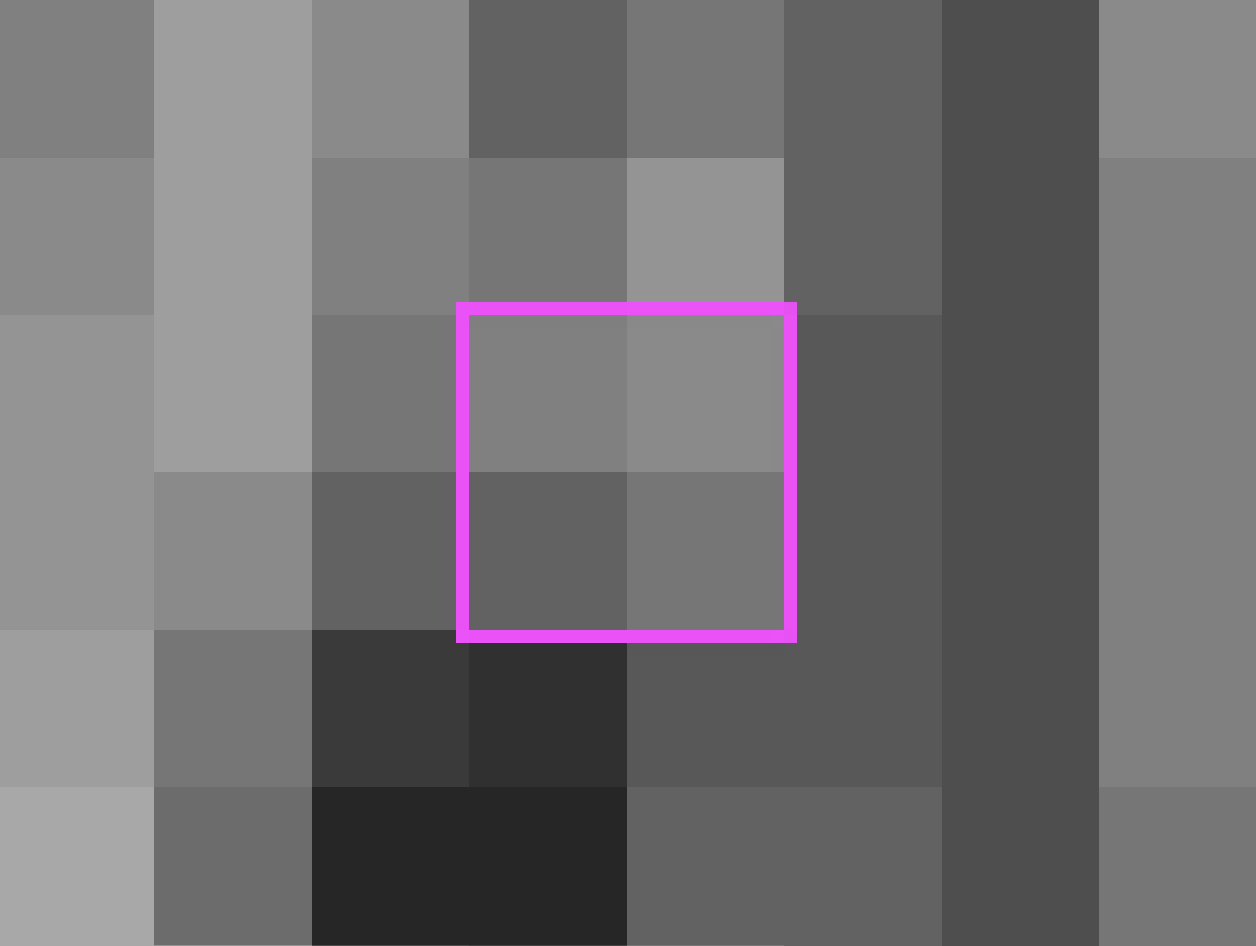
The project repository is available at github.com/svanichkin/babe under the MIT license.
Real-World Application: Terminal Video Calling

The "Say" Project
Building on the BABE codec and terminal rendering techniques, the author developed a peer-to-peer video call application operating directly in terminal windows — no GUI required.
Audio
Initially using the Opus codec (~1 KB/s bandwidth), the author switched to G.722 (~5 KB/s) for superior simplicity and encoding speed without external dependencies. The tradeoff in bandwidth was worthwhile for the dramatic reduction in complexity.
Video
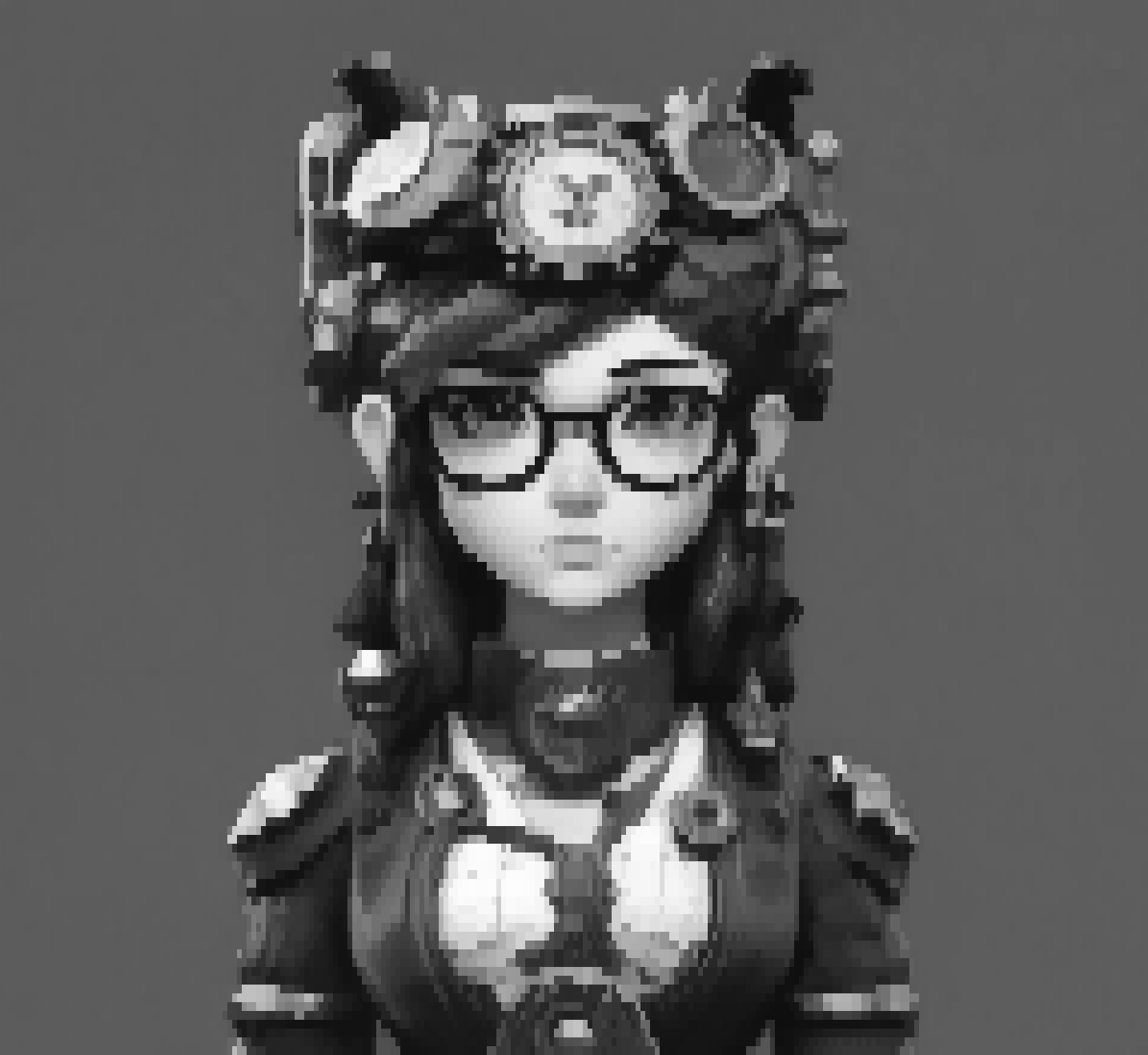
The video stream averages 20 KB/s at 25 FPS, depending on viewport size and motion. The entire system requires only approximately 100 KB/s total bandwidth for stable operation.
Architecture
- TCP handshake for initial signaling
- UDP packets for all media transmission
- Buffers optimized for speed over reliability
- Minimal CPU utilization
- Mesh P2P topology with self-balancing
- NAT traversal capabilities
- Automatic recovery from connection interruptions

The project repository is available at github.com/svanichkin/say.
Conclusion
What began as a student experiment with ASCII art transformed into an integrated technical stack: custom image codecs, audio/video prototypes, and innovative networking solutions. The author emphasizes the value of pursuing unusual ideas — unconventional approaches frequently yield unexpected discoveries. Both BABE and Say are production-ready and demonstrate viable directions for future development.