How DNS Works in Linux. Part 2: All Levels of DNS Caching
A comprehensive deep-dive into every layer of DNS caching in Linux, from kernel conntrack and systemd-resolved to application-level caches in Java, Go, and Python, plus container orchestration with Docker, Podman, and Kubernetes CoreDNS.
Series Navigation
- How DNS Works in Linux. Part 2: All Levels of DNS Caching (Current)
- How DNS works in Linux. Part 3: Understanding resolv.conf, systemd-resolved, NetworkManager and others
- How DNS works in Linux. Part 4: DNS in containers
Introduction
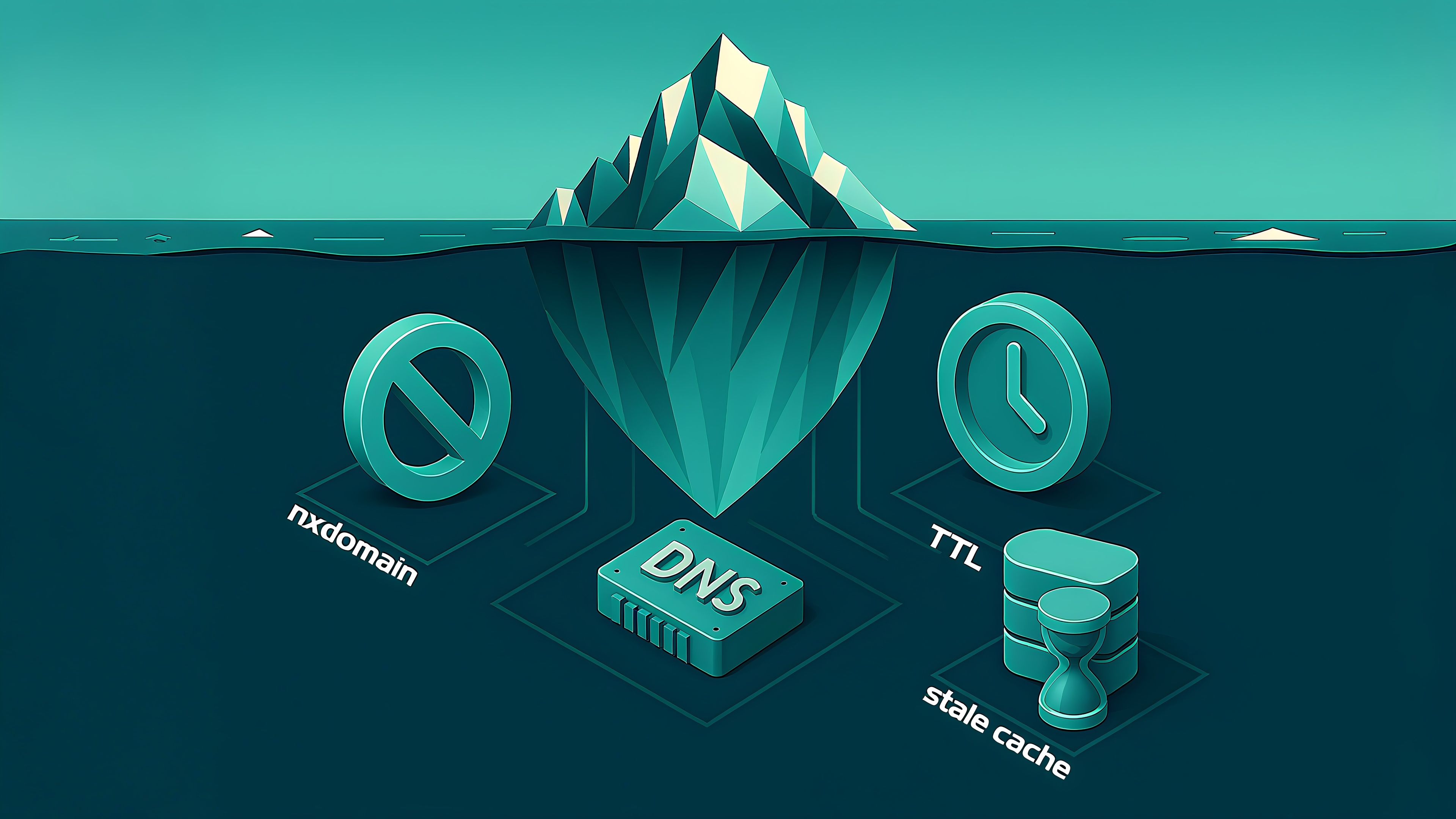
DNS caching is a multi-layered system that prevents inefficient repeated network queries. Caching accelerates performance but creates additional complexity when troubleshooting — old DNS records can persist even after updates.
What Is DNS Cache and Why Is It Needed
DNS cache operates as a hierarchical mechanism across system components rather than a single storage unit. Each DNS query represents expensive network latency, prompting various layers to cache results locally.
TTL (Time To Live) defines the cache record lifespan in seconds, after which data requires a refresh.
Benefits:
- Enhanced speed for repeated DNS queries
- Reduced infrastructure load
- Resilience during temporary connectivity loss
- Minimized application delays
Drawbacks: Stale data can cause service disruptions during infrastructure changes.
DNS Caching Levels in Linux
Kernel Level
The Linux kernel implements indirect "caching" via netfilter/conntrack with stateful filtering. Though UDP lacks connection establishment, the kernel tracks query-response packet pairs (~30-second default duration) for NAT and firewall rules like iptables -m conntrack --ctstate ESTABLISHED,RELATED.
Diagnostic commands:
conntrack -L -p udp --dport 53
conntrack -D -p udp --dport 53
System Level
1. systemd-resolved
Modern systemd distributions employ systemd-resolved as the primary DNS client offering:
- Native DNS query caching (positive and optional negative responses)
- Split DNS support via systemd-networkd or NetworkManager
- DNS-over-TLS with fallback servers and DNSSEC
- D-Bus API (org.freedesktop.resolve1) for management via resolvectl
2. nscd (Name Service Cache Daemon)
A legacy daemon caching NSS calls including DNS. Configuration in /etc/nscd.conf:
enable-cache hosts yes
positive-time-to-live hosts 600
negative-time-to-live hosts 20
Note: nscd is deprecated; systemd-resolved replaces it in Debian systems, though RHEL-based distributions still use it.
3. Popular Local Caching Resolvers
dnsmasq configuration:
cache-size=1000
neg-ttl=60
unbound configuration:
msg-cache-size: 50m
rrset-cache-size: 100m
cache-min-ttl: 30
cache-max-ttl: 86400
bind configuration:
options {
    max-cache-ttl 86400;
    max-ncache-ttl 3600;
};
Application and Programming Language Level
glibc
While officially lacking full DNS caching, glibc implements NSS (Name Service Switch) delegating to nscd, systemd-resolved, or other caching components via /etc/nsswitch.conf:
hosts: files resolved myhostnameWhen nscd runs, glibc functions like getaddrinfo() transparently utilize its cache. Internally, glibc contains minor optimizations like socket reuse within single function calls — not inter-process caching.
Java
Java maintains built-in DNS caching with configurable TTL:
Without Security Manager (Java 11+ default):
- Positive responses: 30-second cache maximum
- Negative responses (NXDOMAIN): 10 seconds
With Security Manager:
- Positive responses: indefinite caching
- Negative responses: no caching
Configuration:
java -Dnetworkaddress.cache.ttl=60 -jar app.jarOr programmatically:
Security.setProperty("networkaddress.cache.ttl", "60");Go
Go offers two resolution models:
Via cgo: Invokes system getaddrinfo() using /etc/nsswitch.conf and /etc/resolv.conf
Pure Go resolver: Custom DNS client bypassing system libraries
Selection:
GODEBUG=netdns=go
GODEBUG=netdns=cgo
The pure Go resolver implements in-memory DNS caching respecting TTL for successful (A, AAAA, CNAME) and negative (NXDOMAIN) responses. The cache uses LRU eviction, exists per-process, and isn't shared across instances.
Python
The standard socket module and most libraries (requests, urllib3) use getaddrinfo() without built-in caching, relying on system resolvers.
dnspython supports explicit caching since version 2.0:
import dns.resolver
resolver = dns.resolver.Resolver()
resolver.cache = dns.resolver.Cache()
Containers and Orchestration
Docker
Containers use host DNS (with host networking mode) or embedded resolvers. Default Docker uses address 127.0.0.11 — dockerd's embedded DNS via libnetwork.
Podman
CNI backend (default in Podman 3.x and earlier): Uses dnsname plugin for DNS in virtual networks. Caching occurs within containers using systemd-resolved, dnsmasq, or other local resolvers; dnsname itself doesn't cache.
Netavark backend (default in Podman 4.0+): Runs aardvark-dns lightweight server supporting A and PTR records, forwarding external requests to system DNS without caching responses.
Kubernetes
CoreDNS handles Kubernetes DNS with differentiated behavior:
Internal records (e.g., my-svc.my-namespace.svc.cluster.local): Always cached via kubernetes plugin with specified TTL (typically 5 seconds for headless services, 30 for others).
External requests (e.g., google.com): Handled by forward plugin; without cache plugin, every query hits upstream resolvers.
Enable caching by adding the cache plugin to Corefile:
.:53 {
    errors
    health
    cache 30 .
    forward . 8.8.8.8 1.1.1.1
    kubernetes cluster.local in-addr.arpa ip6.arpa {
        pods insecure
        fallthrough in-addr.arpa ip6.arpa
    }
    prometheus :9153
    reload
}
Proxy Servers: Nginx and HAProxy
Nginx caches DNS records for their TTL duration, which is problematic in container environments with dynamic IPs. Solution: use variables in proxy_pass with resolver 8.8.8.8 valid=30s for forced refresh every 30 seconds.
HAProxy offers flexible DNS resolution via a resolvers block with parameters:
resolvers mynameservers
  nameserver ns1 192.168.2.10:53
  nameserver ns2 192.168.3.10:53
  hold valid    10s
  hold obsolete 0s
  resolve_retries 3
  timeout retry 1s
  timeout resolve 2s
Monitoring note: Watch logs for "DNS resolution failed" (HAProxy) and "upstream timed out" (Nginx).
Alpine Linux caveat: musl library uses a minimal resolver without a separate cache but fixed timeout/retry; each call triggers a new DNS query.
Special Caching Cases
Negative Caching (NXDOMAIN)
Non-existent domain responses are cached per RFC 2308. TTL varies by resolver:
- Unbound: SOA.MINIMUM or val-ttl-negative (default ~15 minutes)
- Dnsmasq: 10 seconds
- systemd-resolved: 0 seconds (no caching)
- Bind: TTL from SOA Minimum field plus max-negative-cache-ttl
Stale DNS (Serve Expired)
Some resolvers support RFC 8767 "serve expired" mode — returning stale cache entries when upstream is unavailable. Useful for resilience but risks using outdated records.
Diagnostics: Determining DNS Response Origin
Compare results across tools to identify the caching level:
1. System resolver (libc):
getent hosts example.com2. Direct systemd-resolved query:
dig @127.0.0.53 example.com
resolvectl query example.com
3. External DNS bypass:
dig @8.8.8.8 example.com4. View TTL values:
dig +nocmd +noall +answer example.comDifferences in IP addresses or TTL values indicate caching at specific layers.
Network Traffic Monitoring
tcpdump -i any udp port 53 -n -X -w dns_dump.pcapAbsence of traffic suggests a cache hit.
Example output:
13:37:45.123 IP 10.0.0.1.4321 > 8.8.8.8.53: 12345+ A? google.com. (28)
13:37:45.456 IP 8.8.8.8.53 > 10.0.0.1.4321: 12345 1/0/0 A 142.250.185.174 (44)
System Call Tracing
strace -e trace=network curl example.comObservable sendto() and recvfrom() calls confirm network-based resolution versus cache.
Common Problem Solutions
| Situation | Cause | Solution |
|---|---|---|
| "Site opens everywhere except for me" | Stale browser/system cache | Compare ping IP to expected; clear cache |
| "Changed A-record but traffic goes to old server" | Insufficient TTL planning | Set short TTL (60s) 24-48 hours before change |
| "curl works, browser doesn't" | Browser DNS cache | Clear browser cache |
| "Nginx stopped routing after DNS change" | Nginx cache (valid parameter) | Reduce valid=1s or restart |
| "Library uses old address after flush" | Language/library internal cache | Configure TTL in code or restart application |
Cache Clearing Checklist
| Category | Software | Command | Note |
|---|---|---|---|
| System | systemd-resolved | resolvectl flush-caches | Cache clearing |
| System | nscd | sudo nscd -i hosts | Invalidate hosts cache |
| System | dnsmasq | sudo systemctl restart dnsmasq | Restart clears cache |
| System | unbound | unbound-control flush | Full cache purge |
| System | unbound (zone) | unbound-control flush_zone example.com | Zone-specific purge |
| System | bind | rndc flush | Full cache purge |
| System | bind (name) | rndc flushname example.com | Zone purge |
| System | bind (type) | rndc flushname -type=A example.com | Record-type specific |
| Application | Chrome | chrome://net-internals/#dns | Browser interface |
| Application | Firefox | Settings > Clear DNS Cache | Or via about:config |
| Application | Java/Go | Restart applications | Needed for clearing |
| Container | docker/podman | restart <container> | Container restart |
| Container | CoreDNS | kubectl rollout restart deployment/coredns -n kube-system | New pods created; restart clients too |
Best Practices for Cache Management
Development
- Use short TTLs for test domains (60-120 seconds)
- Set minimal NXDOMAIN TTL (5-30 seconds) via resolver config
- Know cache-clearing methods for each component
- Test DNS changes in isolated environments
Production
- Plan DNS changes; lower TTL beforehand
- Monitor caching via stale answer and NXDOMAIN logging
- Deploy centralized resolvers with controlled caching
- Configure appropriate TTLs:
- Frequently changing services: 60-300 seconds
- Static data: 3600+ seconds
Key metrics: Cache hit rate, stale responses, NXDOMAIN rate, query latency.
System Resolver Monitoring
| Resolver | Command | Purpose |
|---|---|---|
| systemd-resolved | resolvectl statistics | Cache hits/misses |
| nscd | nscd -g | System call cache stats |
| dnsmasq | Add: log-queries log-facility=/var/log/dnsmasq.log | Query logging |
| unbound | unbound-control stats_noreset | Server statistics |
| unbound | unbound-control dump_cache | Cache content analysis |
| bind | rndc stats | Server statistics |
| bind | rndc dumpdb -cache | Cache content analysis |
Kubernetes Monitoring
CoreDNS metrics enable identification of caching efficiency, name resolution errors (NXDOMAIN spikes), and abnormal latency.
Example metrics:
sum(rate(coredns_cache_hits_total{type="success"}[5m])) / sum(rate(coredns_cache_requests_total[5m]))
rate(coredns_dns_responses_total{rcode="NXDOMAIN"}[5m])
histogram_quantile(0.99, rate(coredns_dns_request_duration_seconds_bucket[5m]))
Example alerts:
rate(coredns_dns_responses_total{rcode="NXDOMAIN"}[5m]) > 10
histogram_quantile(0.99, rate(coredns_dns_request_duration_seconds_bucket[5m])) > 1
rate(coredns_cache_misses_total[15m]) / rate(coredns_cache_requests_total[15m]) > 0.5
Conclusion
Effective DNS cache management requires understanding where caching occurs, planning DNS changes strategically, diagnosing and clearing cache at appropriate levels, and configuring TTL values matching data characteristics.
The forthcoming third part will explore resolver interactions (glibc, systemd-resolved, dnsmasq, NetworkManager), the role of 127.0.0.53 in /etc/resolv.conf, and identifying the actual DNS system manager.



