I Built a Life Management System and It Will Shock You
An 18-year journey building FocusCanvas, a comprehensive life management system on Obsidian that tracks activities, finances, habits, and life balance through Telegram bot integration and automated data processing, optimized for minimal cognitive load.
For 18 years I've been developing a life management system. I've tested and discarded hundreds of approaches, dozens of applications, and piles of methodologies. The result is FocusCanvas — the Single Canvas System — a comprehensive solution built on Obsidian that minimizes user effort while covering all aspects of life.
The Core Problem
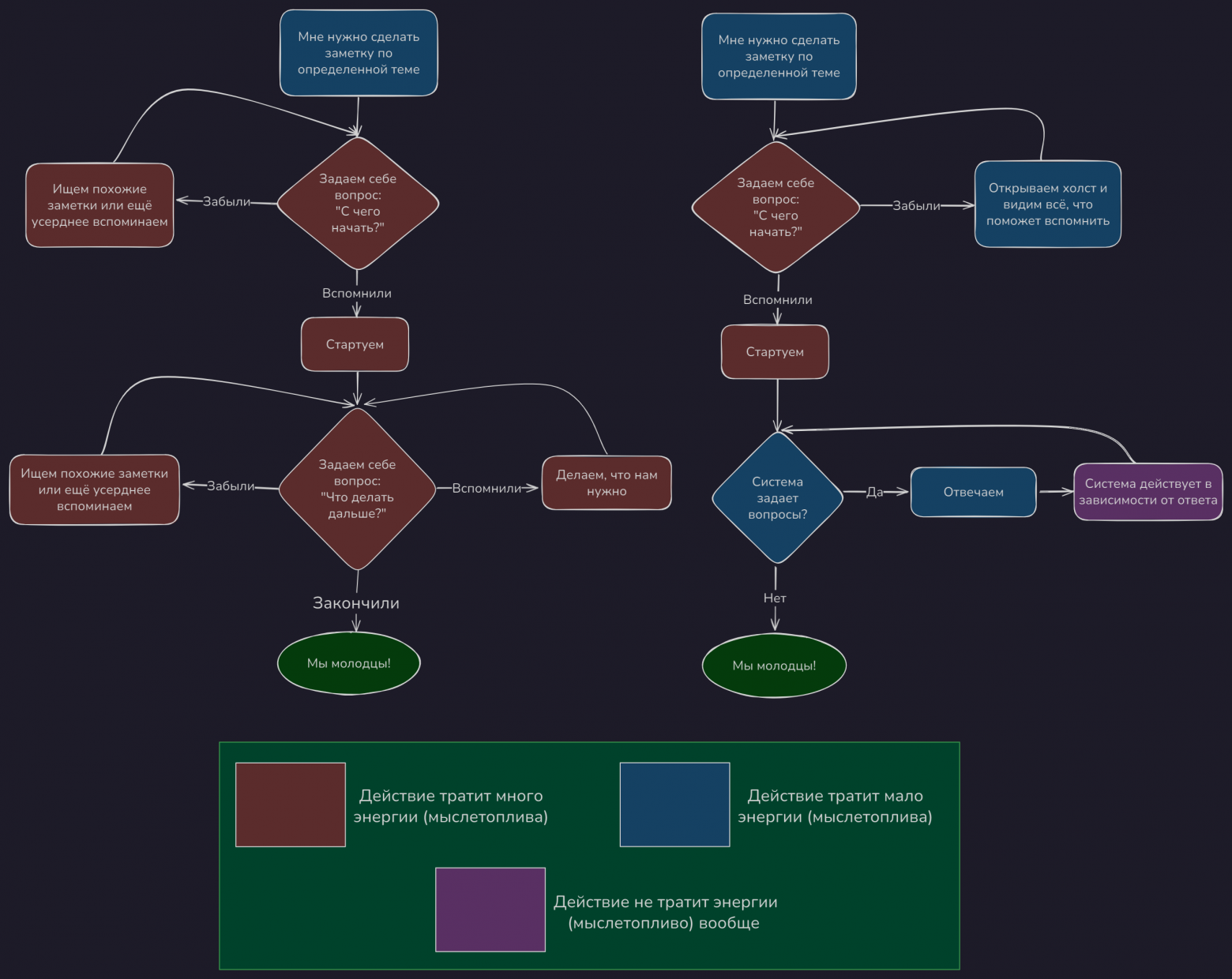
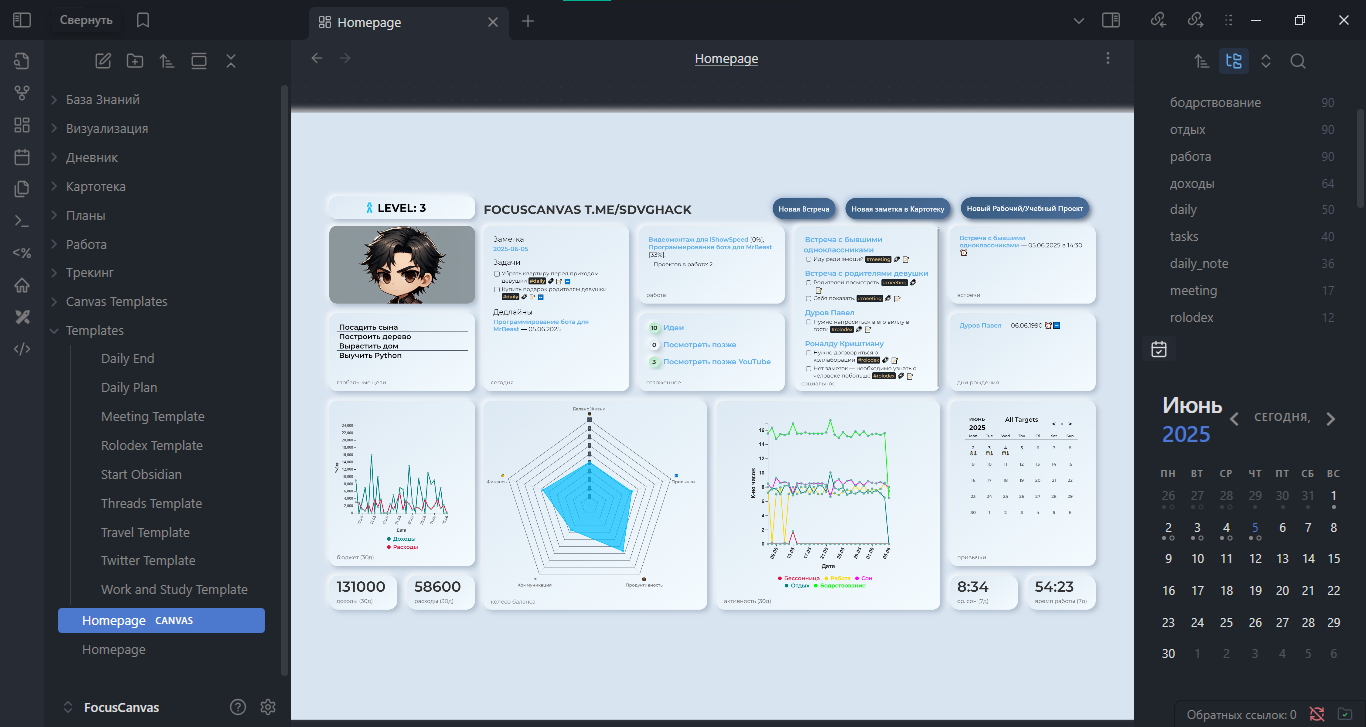
Most productivity tools increase cognitive load through repetitive actions. Adding just one parameter exponentially increases mental branching. Imagine two scenarios: you come home exhausted and can't even decide what to eat, versus having support that asks clarifying questions while handling execution. "The system should ask questions while you answer, nod, and shake your head — while it does everything." That's the efficiency level I was targeting.

Why Obsidian?
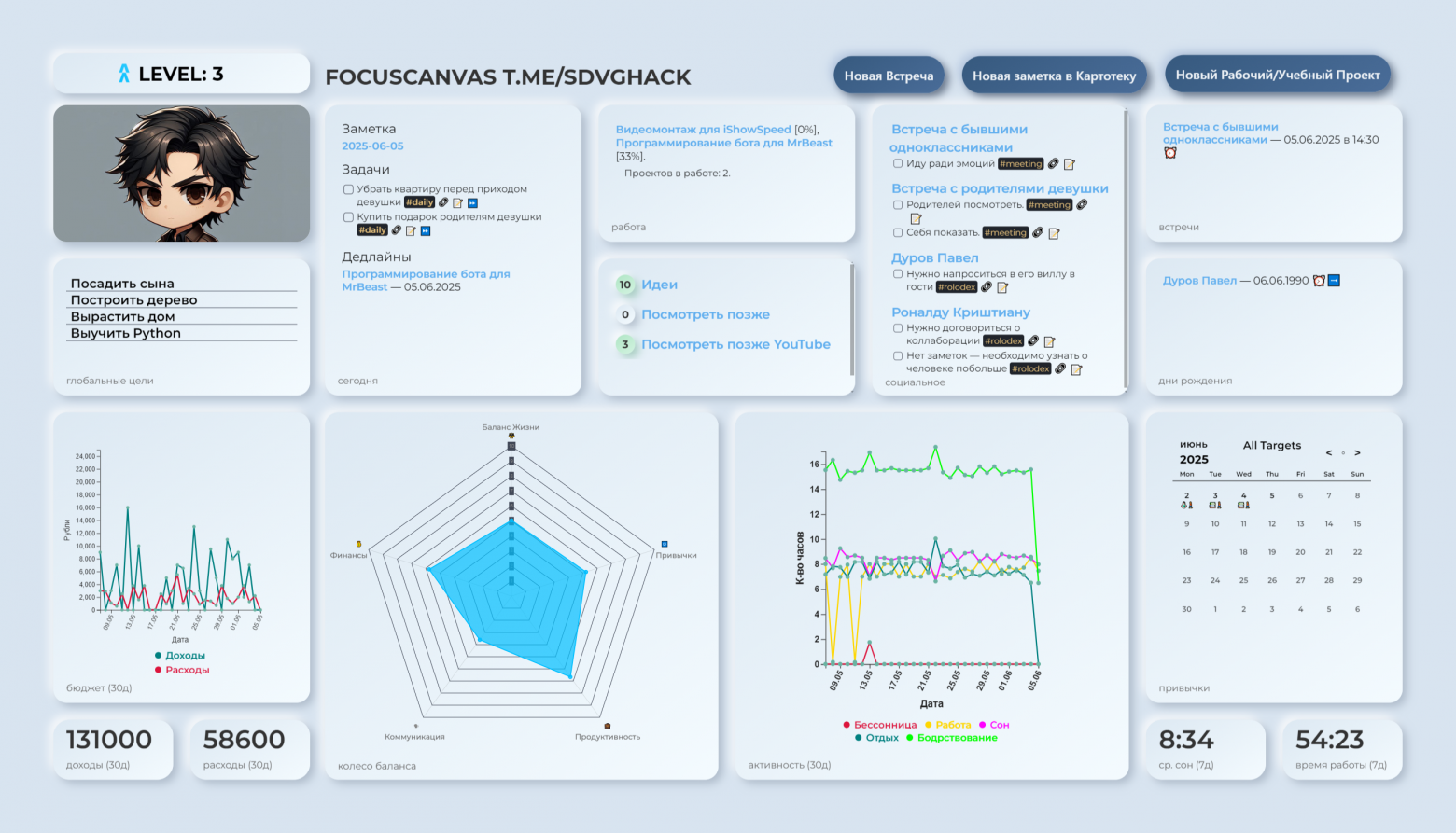
Unlike Notion, Obsidian offers offline functionality, plugin extensibility, CSS customization, Canvas tools, and scripting freedom — prioritizing flexibility over polish. The Canvas feature was the decisive factor: all critical information displays on one screen, eliminating the need to navigate between pages.
System Architecture
The foundation consists of:
- Platform: Obsidian (offline-first, extensible)
- Data Capture: Telegram bot interface (minimal friction)
- Processing: JavaScript via NodeJS (core automation script)
- Auxiliary Tracking: Python script for computer activity monitoring
11 Core Plugins: Calendar, Tasks, Dataview/Dataviewjs, ICS, Meta Bind, Metadata Menu, QuickAdd, Shell commands, Templater, Tracker, Charts
Template Systems
Seven Templater templates form the operational backbone:
- Start Obsidian: Initialization routine that loads the daily canvas
- Daily Plan: Morning setup with automated task parsing from Google Calendar via ICS feed
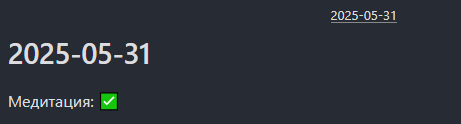
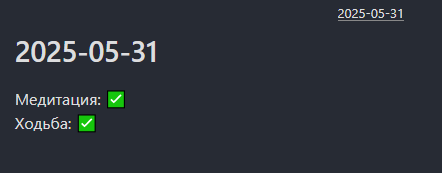
- Daily End: Evening reflection and habit tracking — the only required daily "work"
- Meeting Template: Structured meeting documentation
- Rolodex Template: Contact management with automatic reminder scheduling
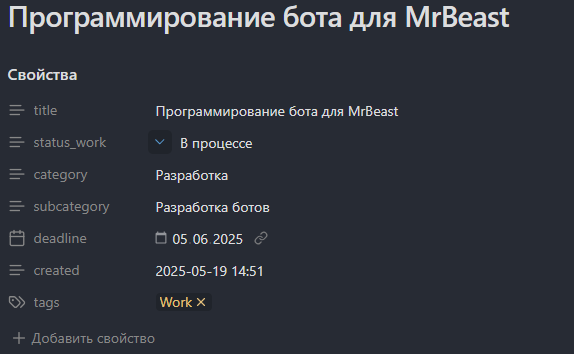
- Work/Study Template: Project management with status tracking
- Travel Template: Trip planning and logistics
Activity Tracking
All activity tracking happens through Telegram messages. Five categories cover the full day:
- Sleep (#sleep) — triggers: "sleep", "sleeping", "falling asleep", etc. (12-40 keyword variations)
- Work (#work) — any productive activity
- Rest (#rest) — intentional downtime
- Wakefulness (#awake) — default active state
- Insomnia (#insomnia) — auto-triggers when certain phrases follow sleep entries
The Infinite Action System
This is the key innovation that makes tracking effortless. Three rules enforced automatically:
- The last activity remains open — it has no end time until a new activity begins
- Consecutive duplicate activities merge automatically
- Activities auto-extend until the next activity begins, eliminating gaps
This means you never need to "stop" an activity. You just declare what you're doing now, and the system handles the rest. A 5-10 second Telegram message is all it takes.
Financial Tracking
Finances use a dead-simple format in Telegram:
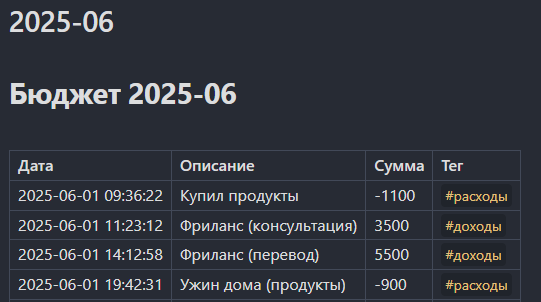
+1000 sold script— income-1500 bought groceries— expense
The automation script parses these, generates monthly summaries, and feeds them into Dataview for visualization on the Canvas.
Data Processing Pipeline
The JavaScript core script runs on startup, hourly, and shutdown. It reads Telegram messages and generates:
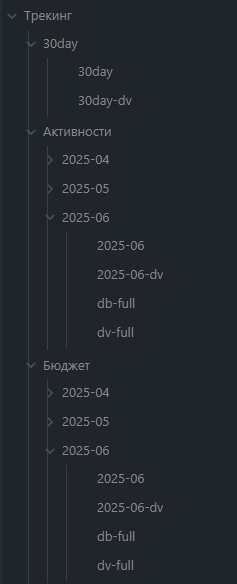
YYYY-MM.md— raw monthly data tablesYYYY-MM-dv.md— Dataview-compatible formatdb-full.md— daily summariesdv-full.md— Dataview daily summaries30day.md/30day-dv.md— rolling 30-day aggregates for graph visualization
The Balance Wheel (Radar Graph)
This is the centerpiece visualization — an algorithmic life balance scoring system displayed as a radar graph. It evaluates multiple dimensions:
- Sleep: Weighted 0.4 — undersleep penalized more heavily than oversleep
- Work: Ideal weekly range with penalties for both underwork and overwork
- Bedtime: 22:30 scored as ideal, with escalating penalties for later times
- Finances: Income vs. configurable MAX_INCOME threshold with non-linear penalty coefficient
- Habits: Weighted achievements (walking 0.5, meditation 0.2, etc.)
- Social: Contact tasks (#rolodex, #meeting) with minimum expectations
- Productivity: Daily task completion targets
Penalty factors apply non-linear scoring — missing small amounts causes proportionally larger score reductions, creating strong incentive to maintain consistency.
The Single Canvas Rule
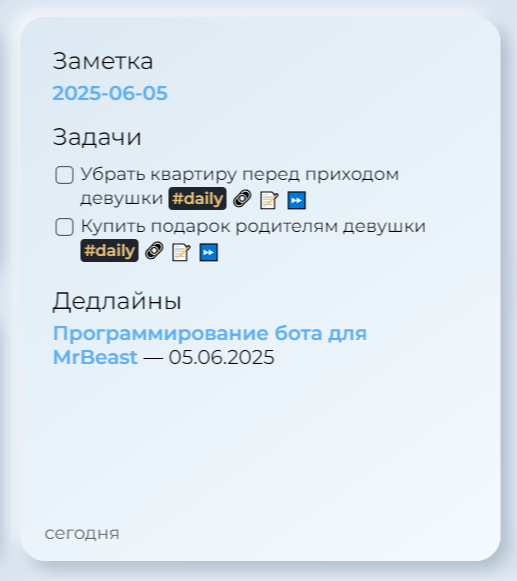
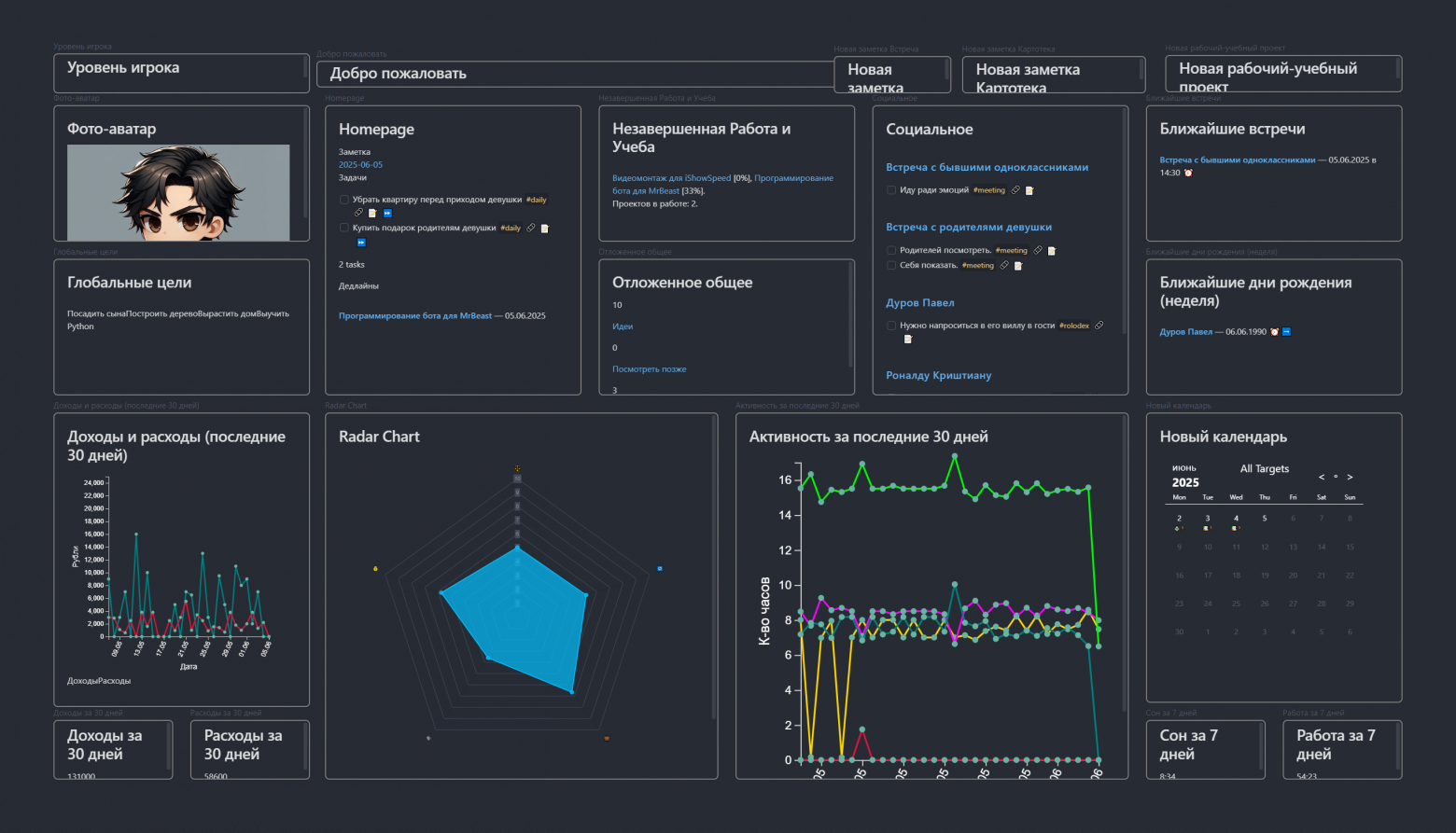
All critical information displays on one Obsidian Canvas screen. You only navigate away for:
- Starting a work/study project
- Viewing detailed contact information
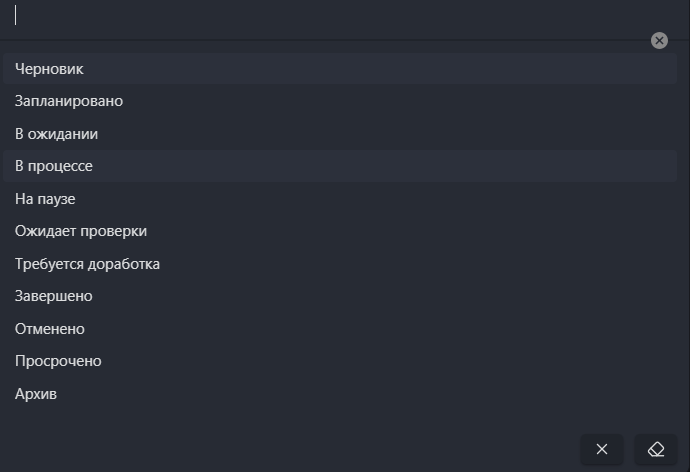
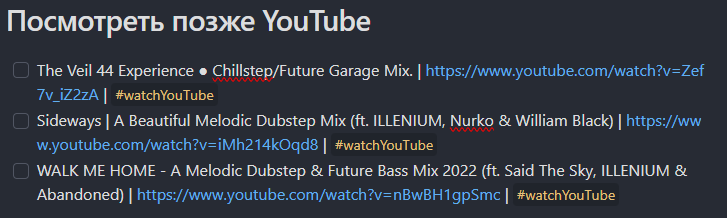
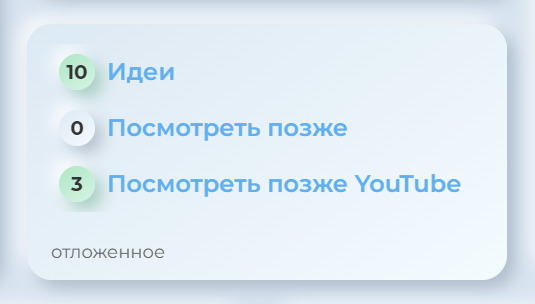
- Processing deferred content
- End-of-day reflection
Keyboard shortcuts Shift+1 and Shift+2 expand sections without requiring layout changes. The principle is "touched the mouse — you lost." Everything should be visible or accessible with minimal effort.
Automation Principles
The system is built on four pillars:
- Minimal Input Friction: 5-10 second daily tasks (type "sleep" in Telegram for sleep tracking)
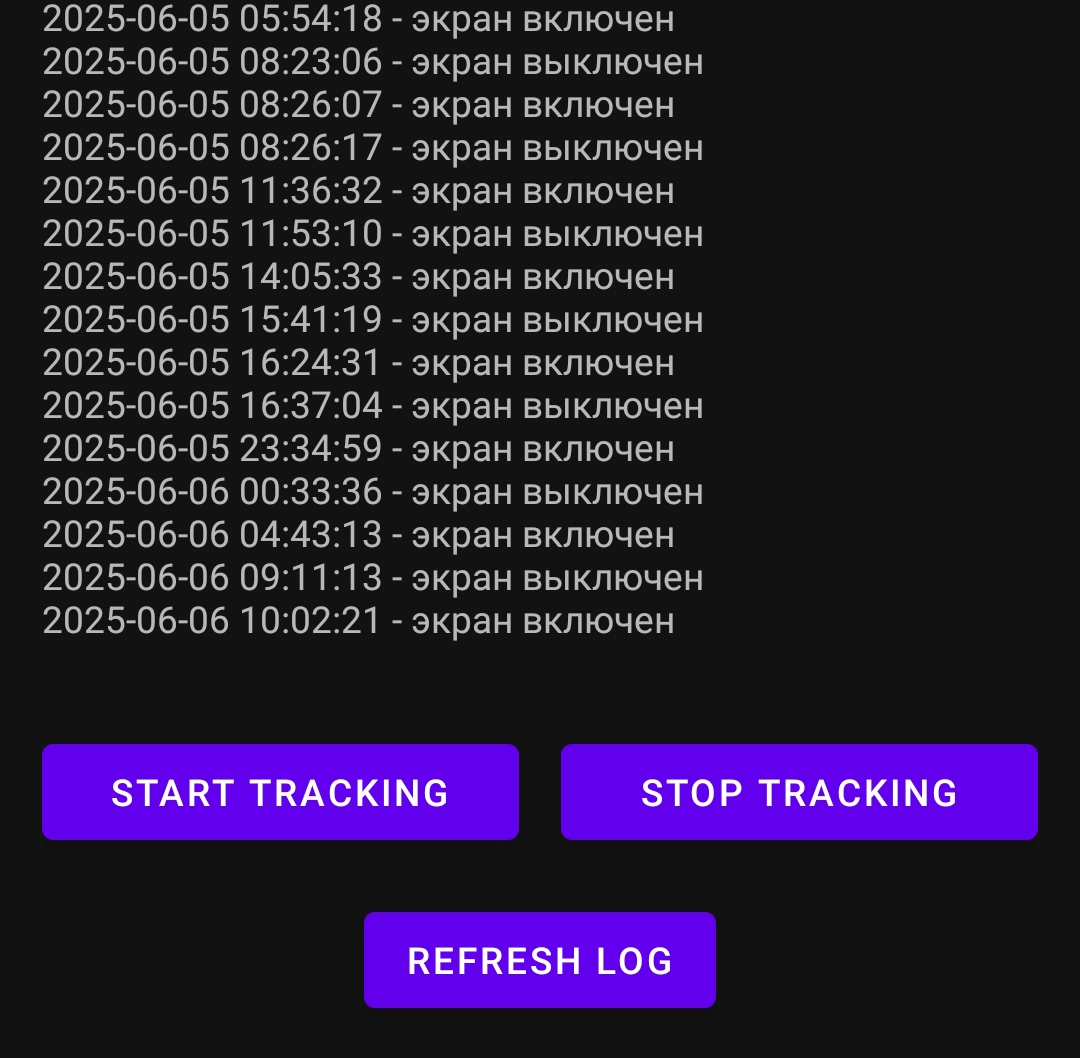
- Passive Data Collection: Python monitors keyboard/mouse activity automatically
- Autonomous Processing: JavaScript runs on startup, hourly, and shutdown
- Dopamine Reinforcement: Canvas view triggers after template completion — seeing your data visualized provides a psychological reward
Design Constraints
Several deliberate limitations keep the system sustainable:
- Maximum 3 simultaneous habits — accounts for ADHD limitations and the Tracker plugin visualization limit
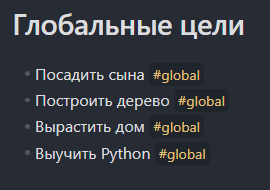
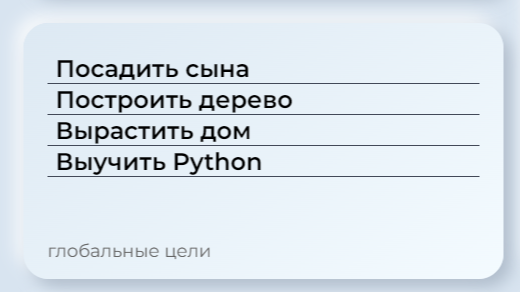
- No week/year planning — only projects, events, and global missions
- No Zettelkasten integration — the knowledge base stays separate from the operational system
- No secondary screens tracked — eliminates mental overhead of remembering peripheral displays
CSS Customization
Two custom CSS stylesheets hide the Obsidian UI except on hover and fix theme-specific rendering bugs. The goal is a clean, distraction-free canvas that shows only your data.
Google Calendar Integration
The ICS plugin parses a Google Calendar feed for automatic deadline and birthday insertion into the daily plan. No manual calendar checking required.
Python Activity Monitor
A lightweight Python script runs in the background tracking keyboard and mouse activity. It uses 5-minute sleep periods with 2-attempt insensitivity windows to distinguish between work and rest states. Resource consumption is minimal.
System Statistics
- 11 Obsidian plugins
- 7 Templater templates
- 23 visualization files
- 21 canvas blocks
- 2 CSS stylesheets
- 1 JavaScript/NodeJS script
- 1 Python script
- 1 Android monitoring app
Planned Enhancements
- Starting financial balance tracking
- Multi-currency support
- Loan and debt tracking
- Subscription expense management
- Unfinished task carryover automation
- Sleep tracking via background app (blocked by Google Health Connect restrictions)
- Travel system refinement
- Comparative historical radar graphs
- AI analysis (deferred pending privacy resolution)
Why This System Sustains
Traditional productivity systems fail through energy depletion — complexity increases without proportional benefit. FocusCanvas inverts that dynamic: reduce routine to the point where the brain doesn't consider it energy-expensive, or recognizes it as the most efficient action available.
The system specifically addresses ADHD constraints — working memory limitations, dopamine dependency, and decision fatigue — while remaining effective for general cognitive overload. By automating decisions and minimizing activation friction, it avoids the common pattern of initial enthusiastic adoption followed by quiet abandonment.
FAQ
What is this article about in one sentence?
This article explains the core idea in practical terms and focuses on what you can apply in real work.
Who is this article for?
It is written for engineers, technical leaders, and curious readers who want a clear, implementation-focused explanation.
What should I read next?
Use the related articles below to continue with closely connected topics and concrete examples.





