How to Tame AI Pixel Art
Neural networks don't understand pixels as discrete units, producing fake pixel art with misaligned grids and oversaturated palettes. This article presents a four-stage algorithm to fix AI-generated pixel art into authentic sprites.
If you've tried generating pixel art with neural networks, you've likely noticed the results look... off. The reason is simple: neural networks don't understand the concept of a pixel as a discrete unit. They work with "continuous noise" in the latent image representation, which leads to a range of characteristic artifacts.
The Problems with AI Pixel Art
Typical AI-generated pixel art suffers from several issues:
- Uneven pixel grid — the "pixels" are not all the same size
- Grid misalignment — pixels don't snap perfectly to a regular grid
- Excessive color palette — far too many unique shades compared to genuine pixel art
- Scaling artifacts — details that break the pixel art illusion when resized
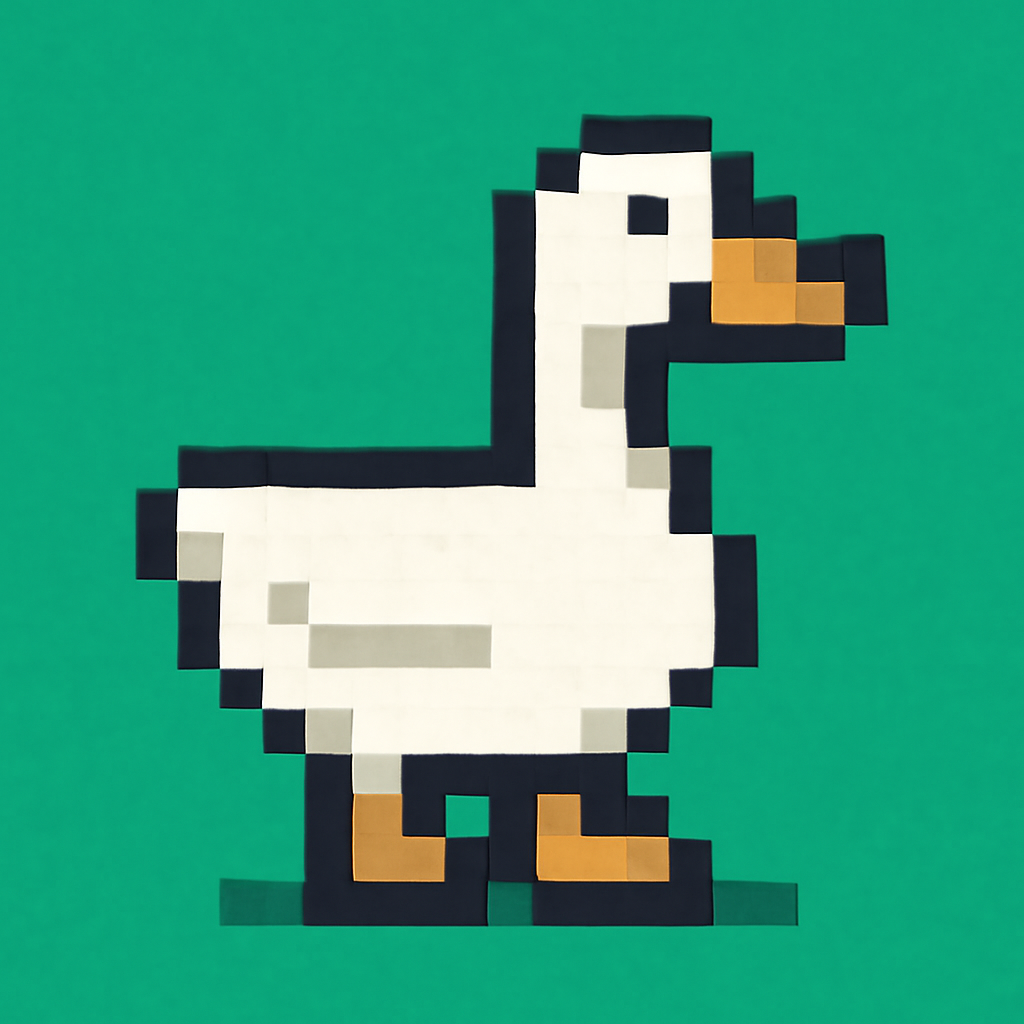
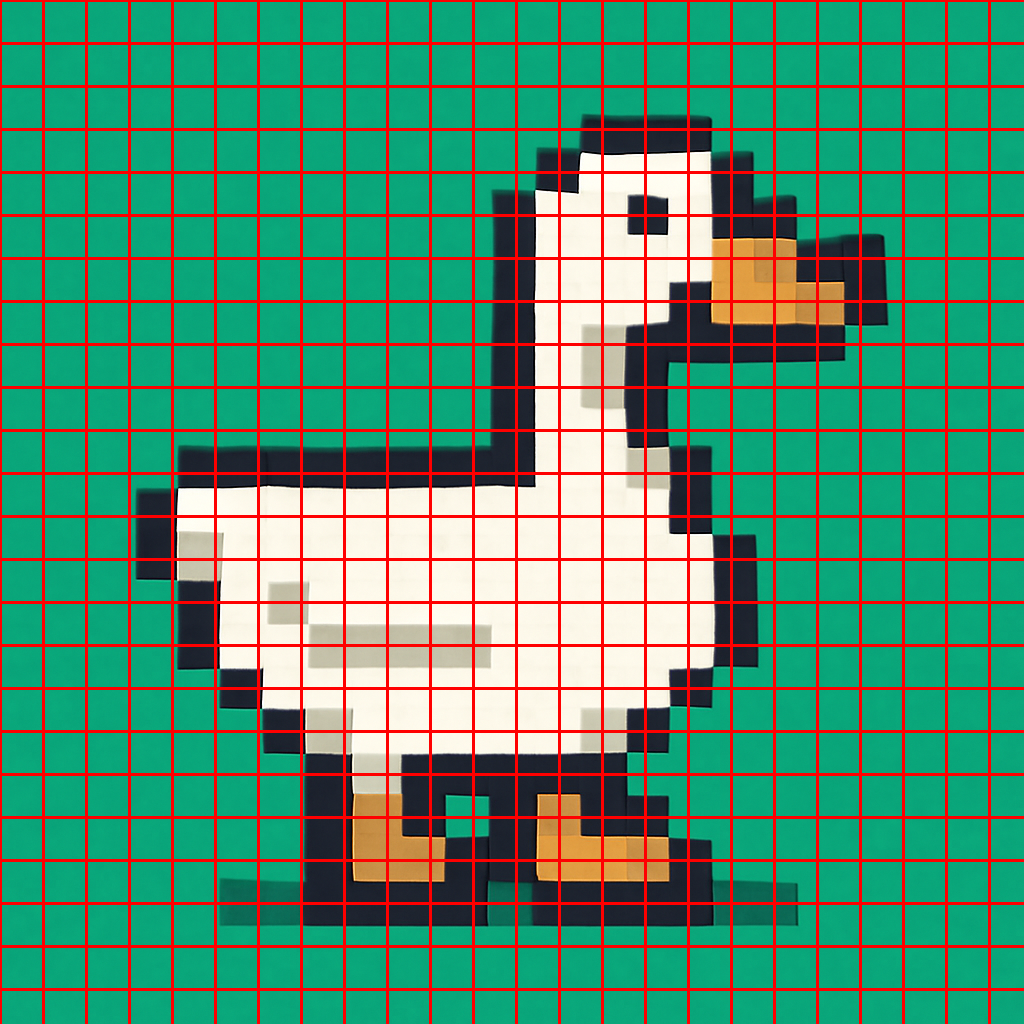
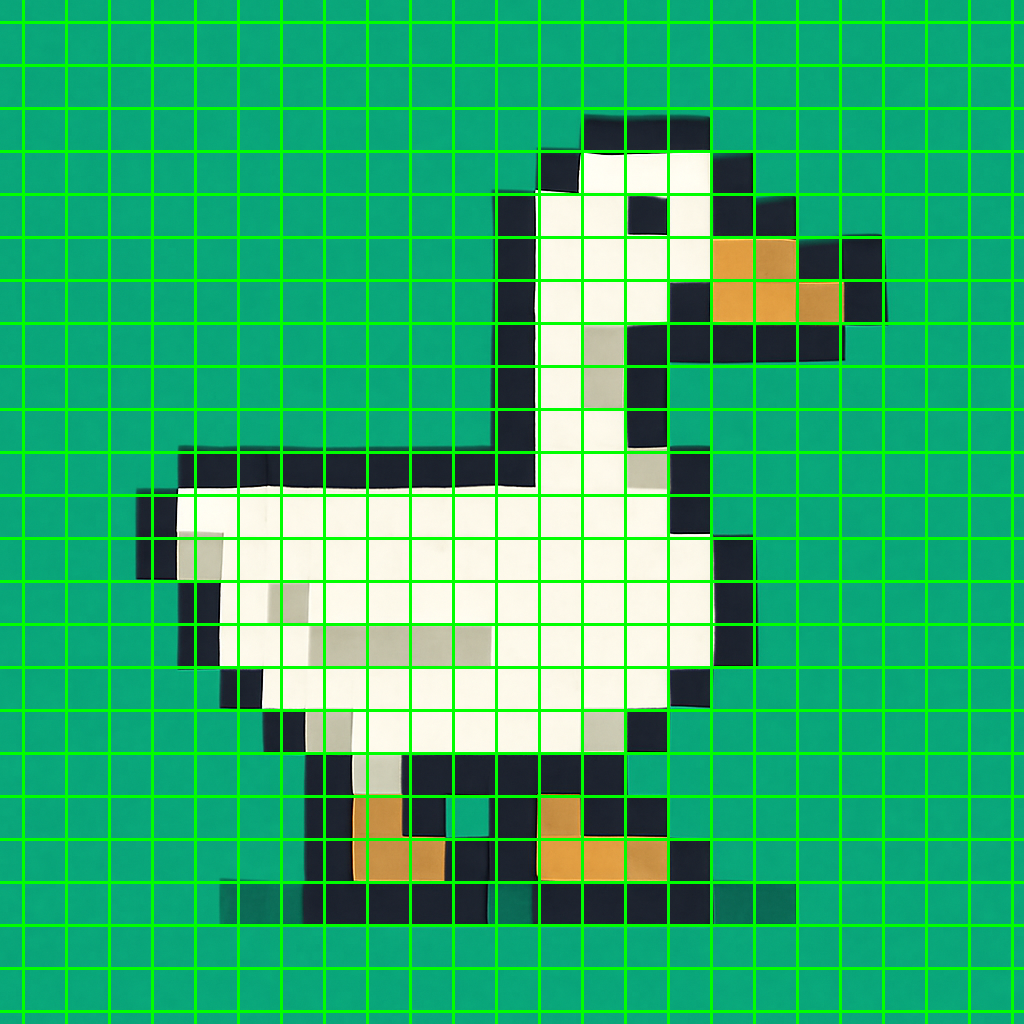

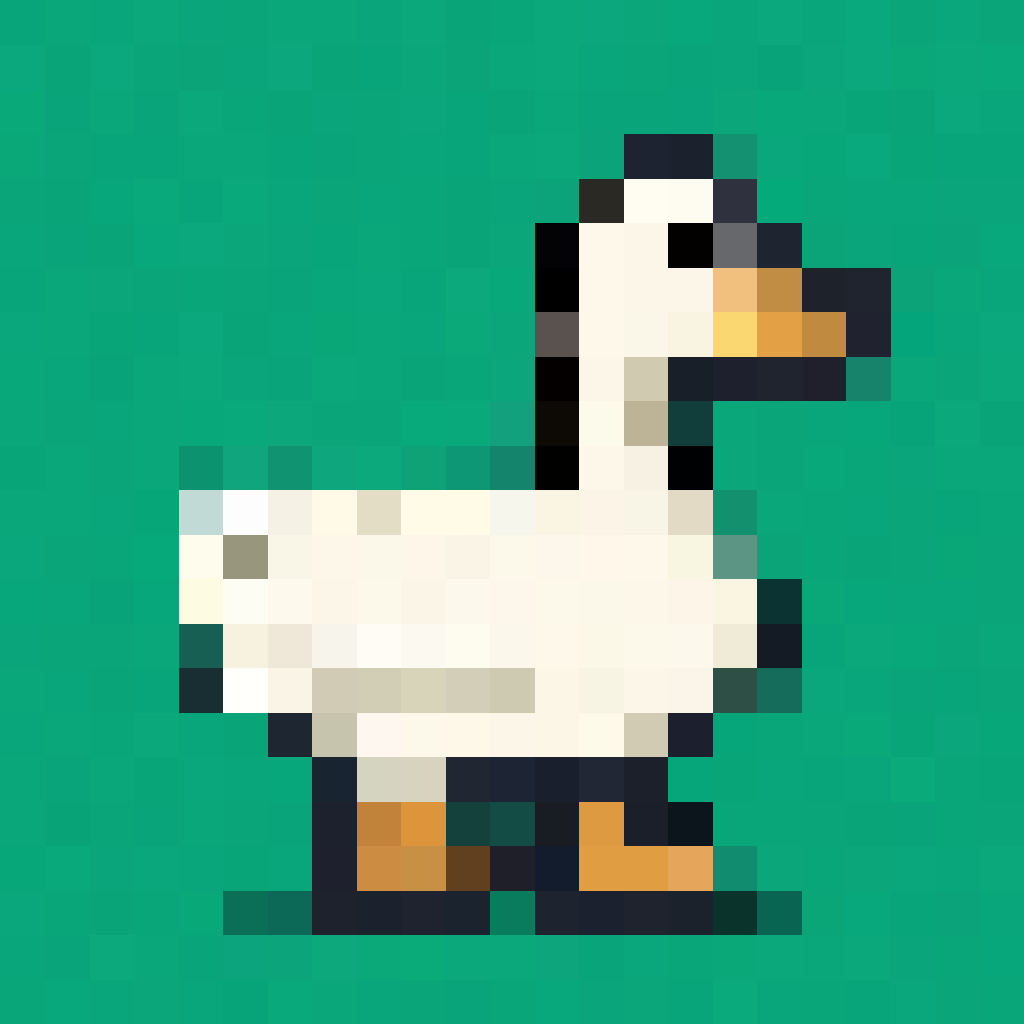
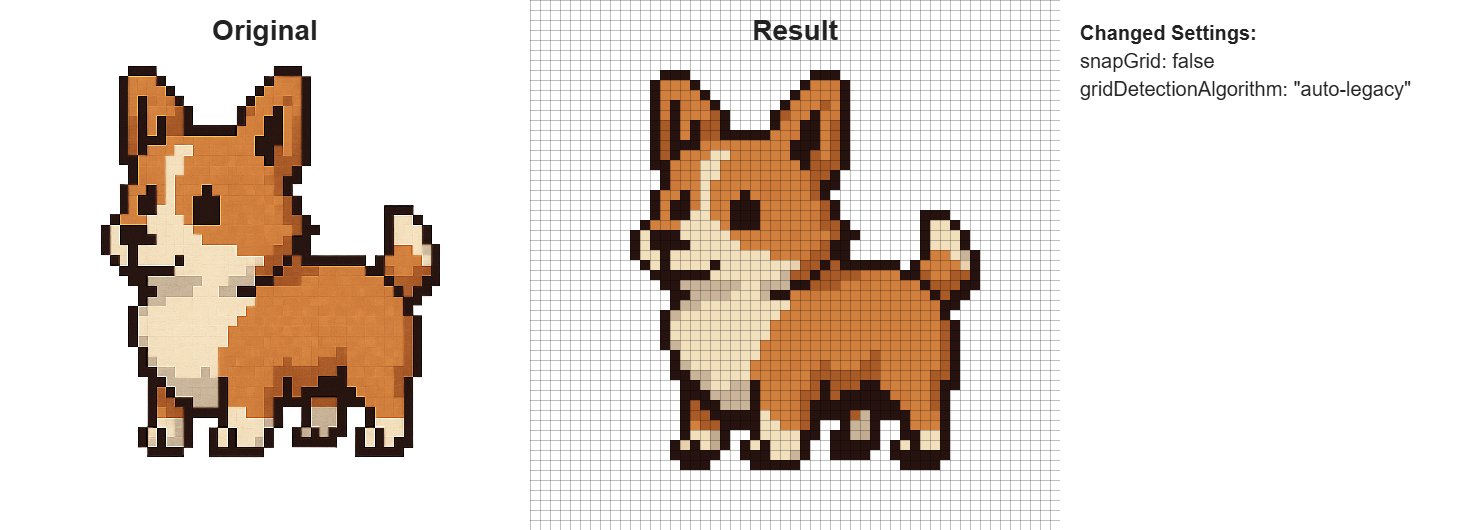
I decided to build a tool that converts this "fake" pixel art into proper, clean sprites. The solution works in four stages.
Stage 1: Scale Detection
First, we need to figure out how large the pseudo-pixels are in the source image. We use Sobel filters to analyze the intensity of color transitions along the X and Y axes.
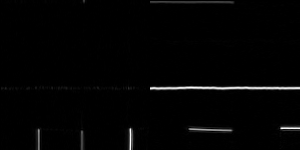
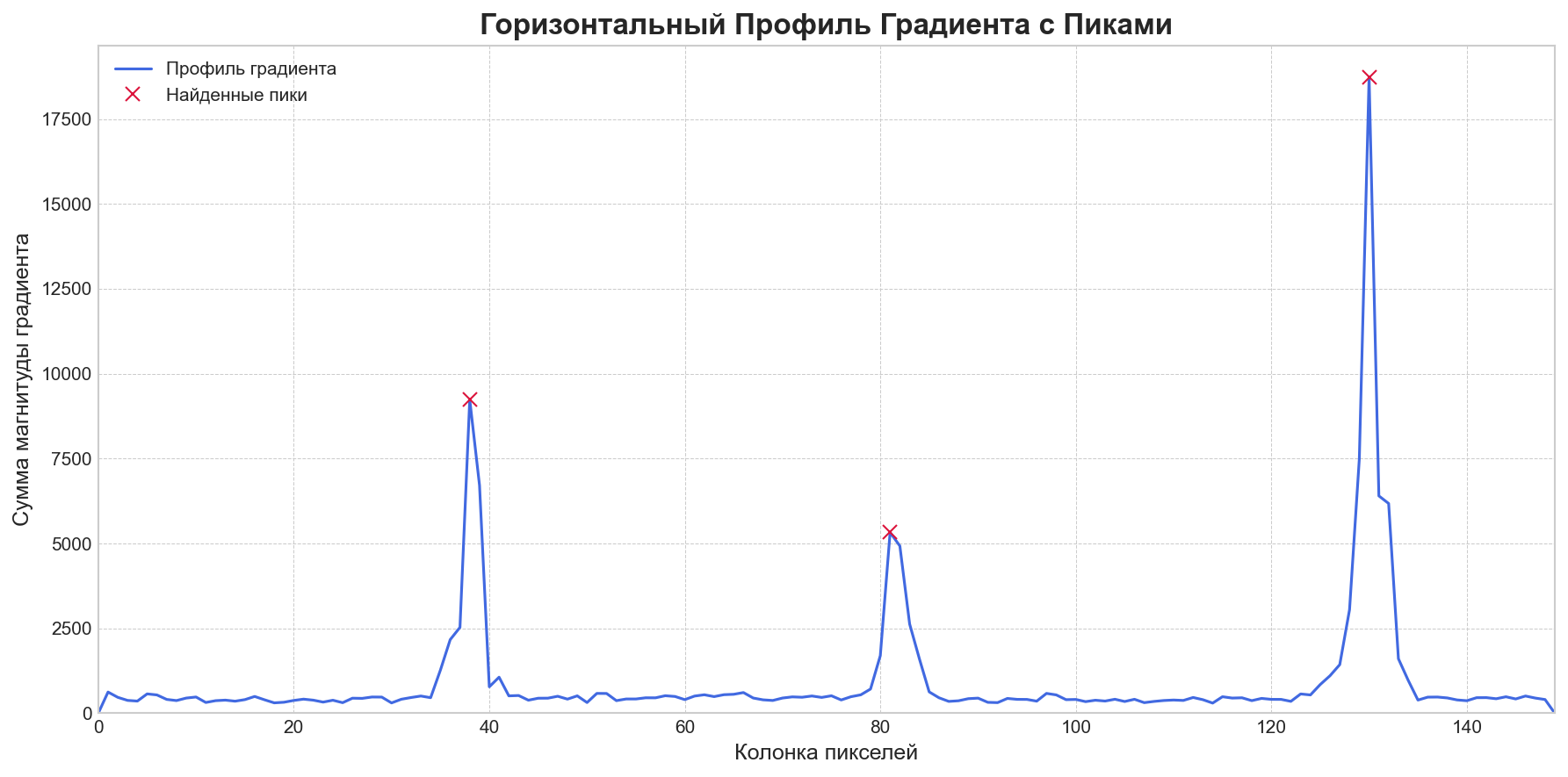
The algorithm divides the image into tiles, selects those with high variance (i.e., actual detail rather than flat regions), and examines the gradient profile along each row and column. The distance between peaks in the gradient corresponds to the pseudo-pixel size.
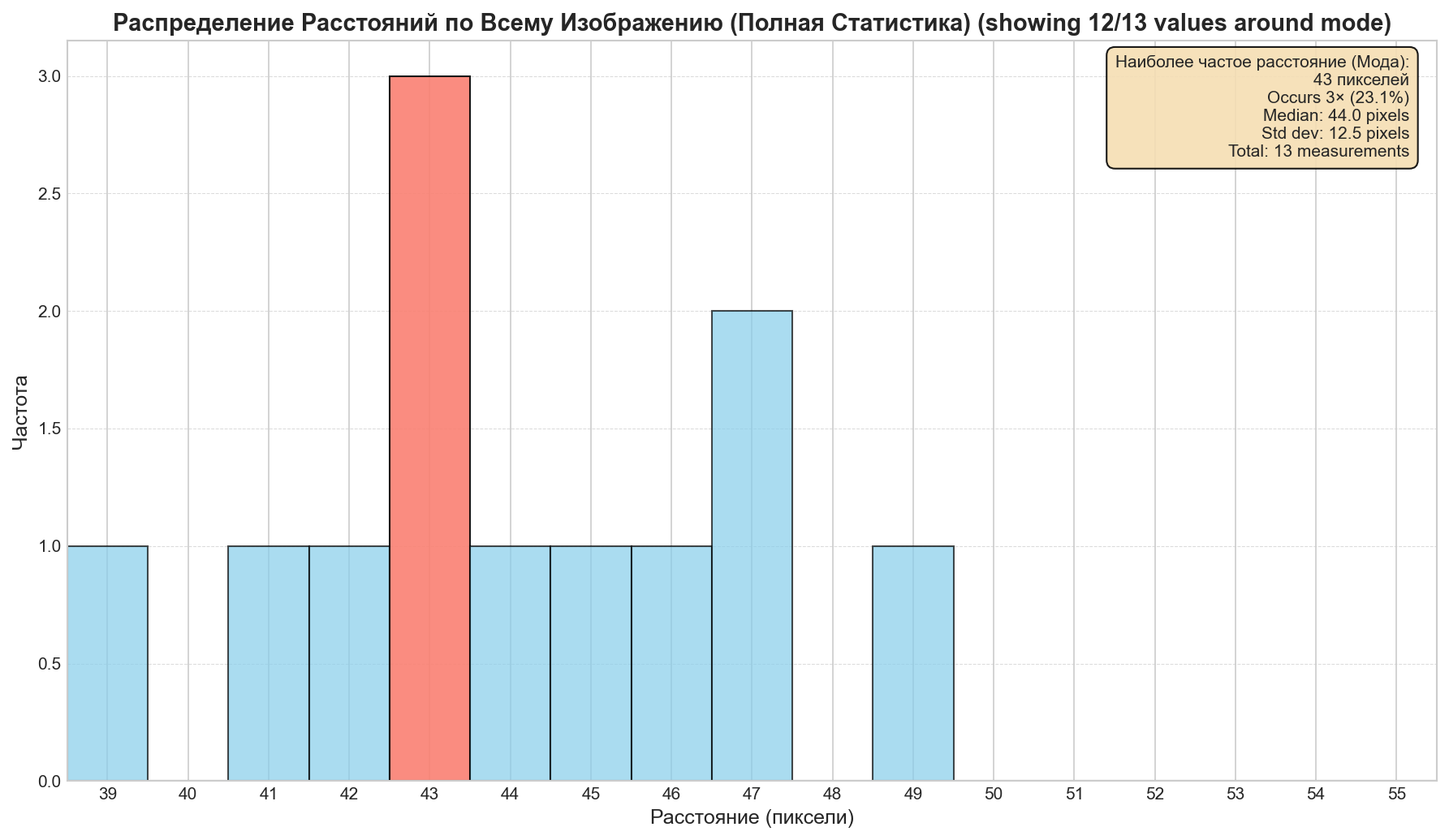
We gather votes from all tiles and build a histogram. The dominant peak reveals the most common pseudo-pixel size.
Stage 2: Grid Alignment
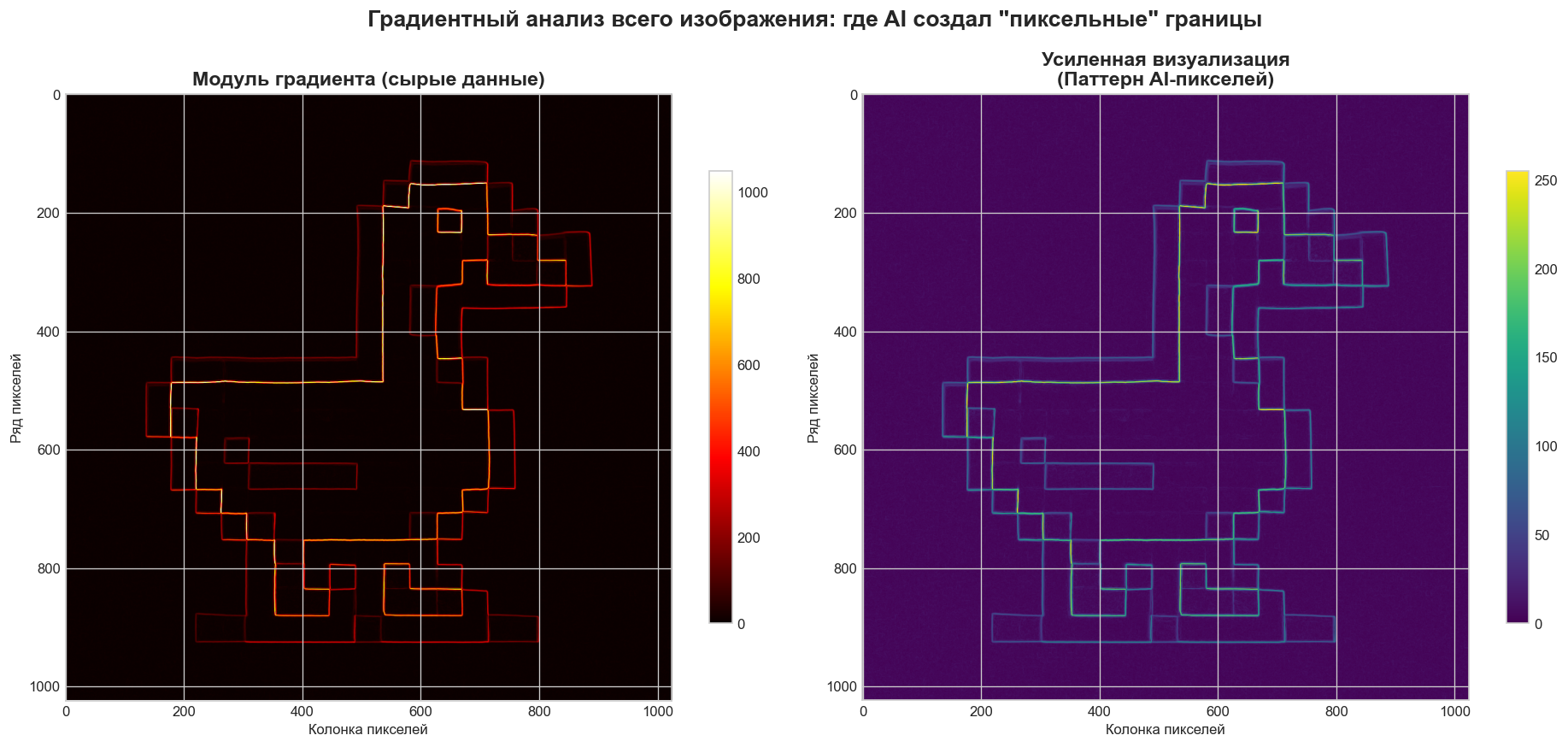
Once we know the scale, we need to find where exactly the grid starts — the optimal offset. We build profile summaries across rows and columns, measuring how well a candidate grid position aligns with the actual color boundaries in the image.
function findOptimalCrop(grayMat, scale, cv) {
  const sobelX = new cv.Mat();
  const sobelY = new cv.Mat();
  try {
    cv.Sobel(grayMat, sobelX, cv.CV_32F, 1, 0, 3);
    cv.Sobel(grayMat, sobelY, cv.CV_32F, 0, 1, 3);
    const profileX = new Float32Array(grayMat.cols).fill(0);
    const profileY = new Float32Array(grayMat.rows).fill(0);
    // Profile calculation and best offset determination follow
  }
}
Stage 3: Palette Quantization
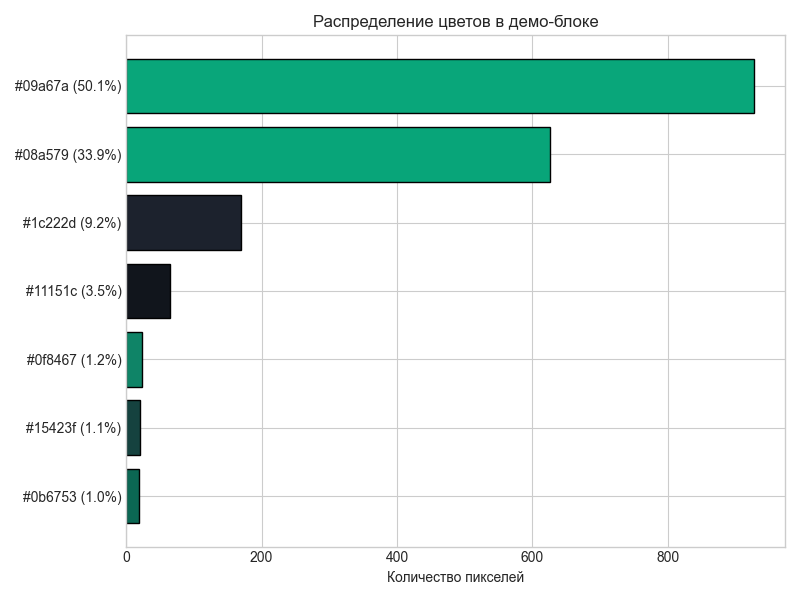
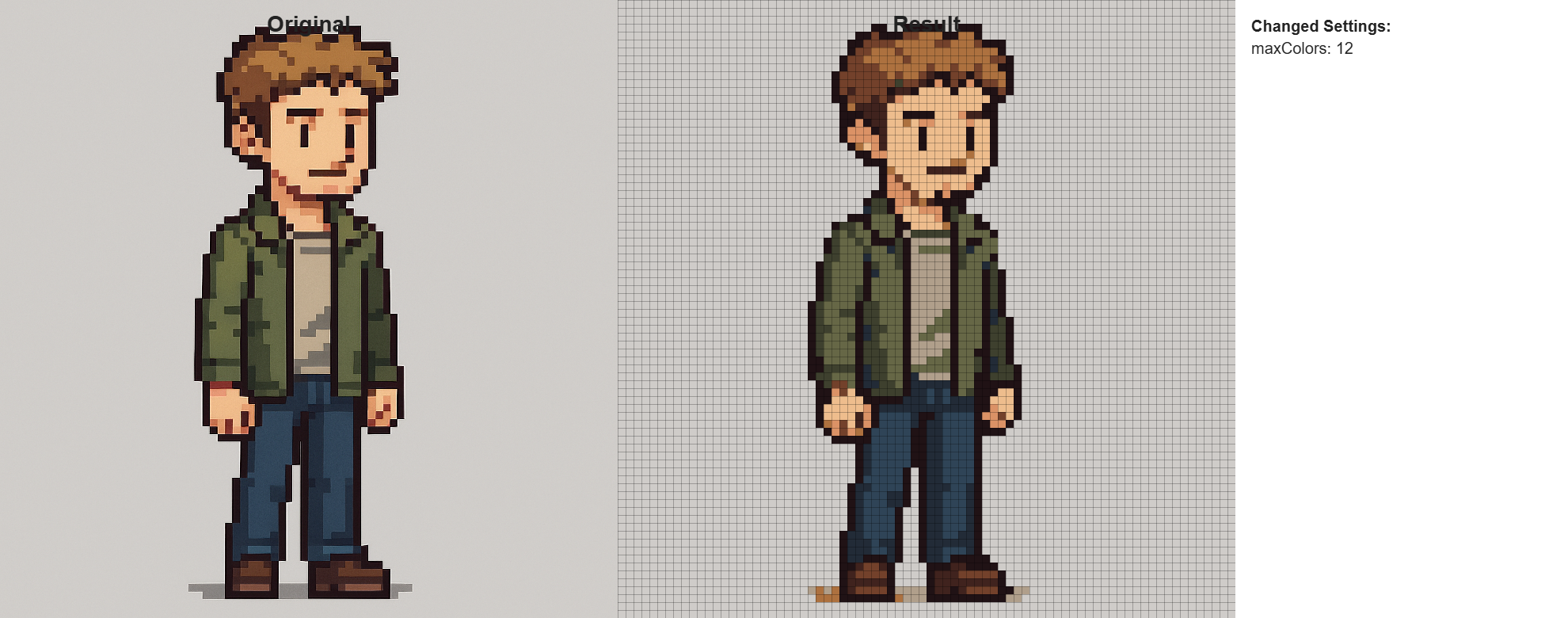
AI-generated images tend to have hundreds or thousands of unique colors — real pixel art typically uses 8 to 32. We use the WuQuant algorithm from the image-q library to reduce the color palette to a limited set, bringing the result closer to authentic retro aesthetics.

Stage 4: Block Downscale
For each grid block, we conduct a color vote: the most frequent color within the region becomes that pixel's final value, provided it exceeds a 5% threshold. If no single color dominates, we fall back to RGB averaging.
Results
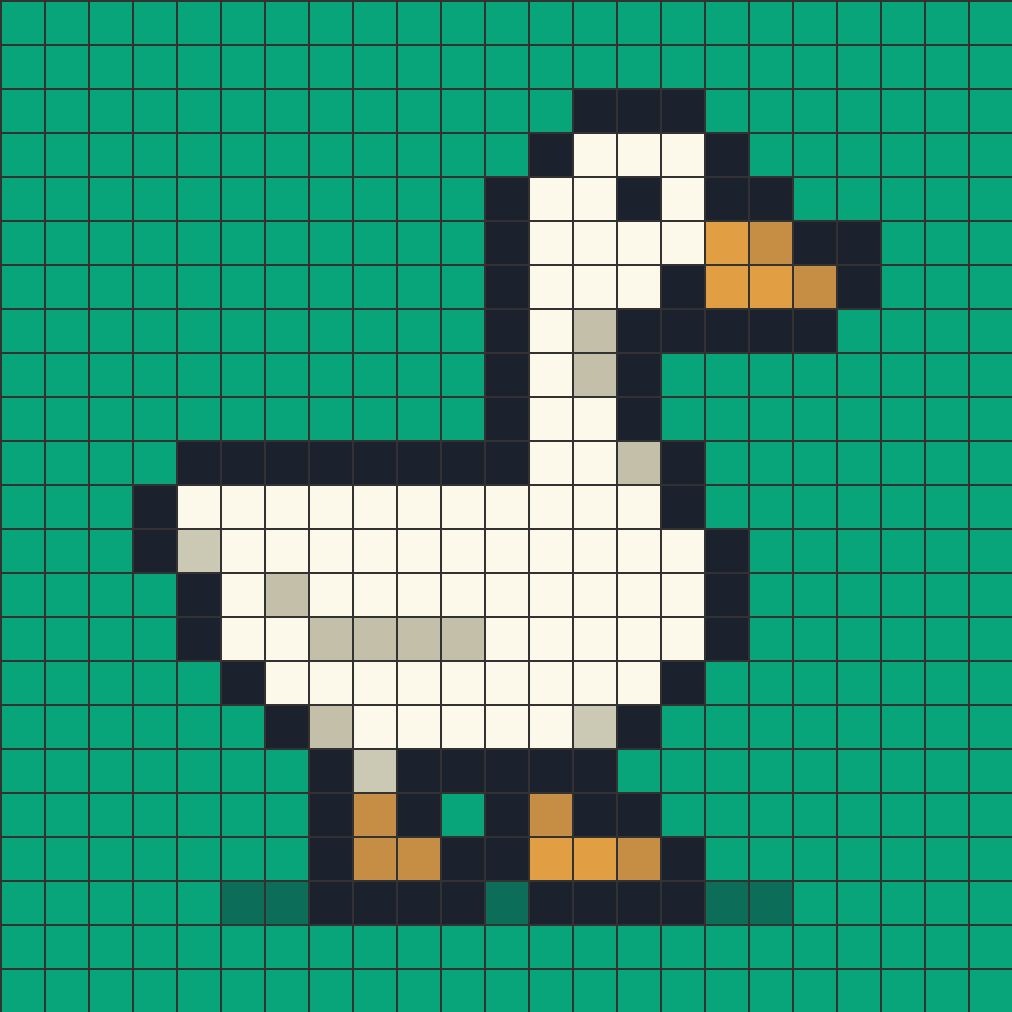
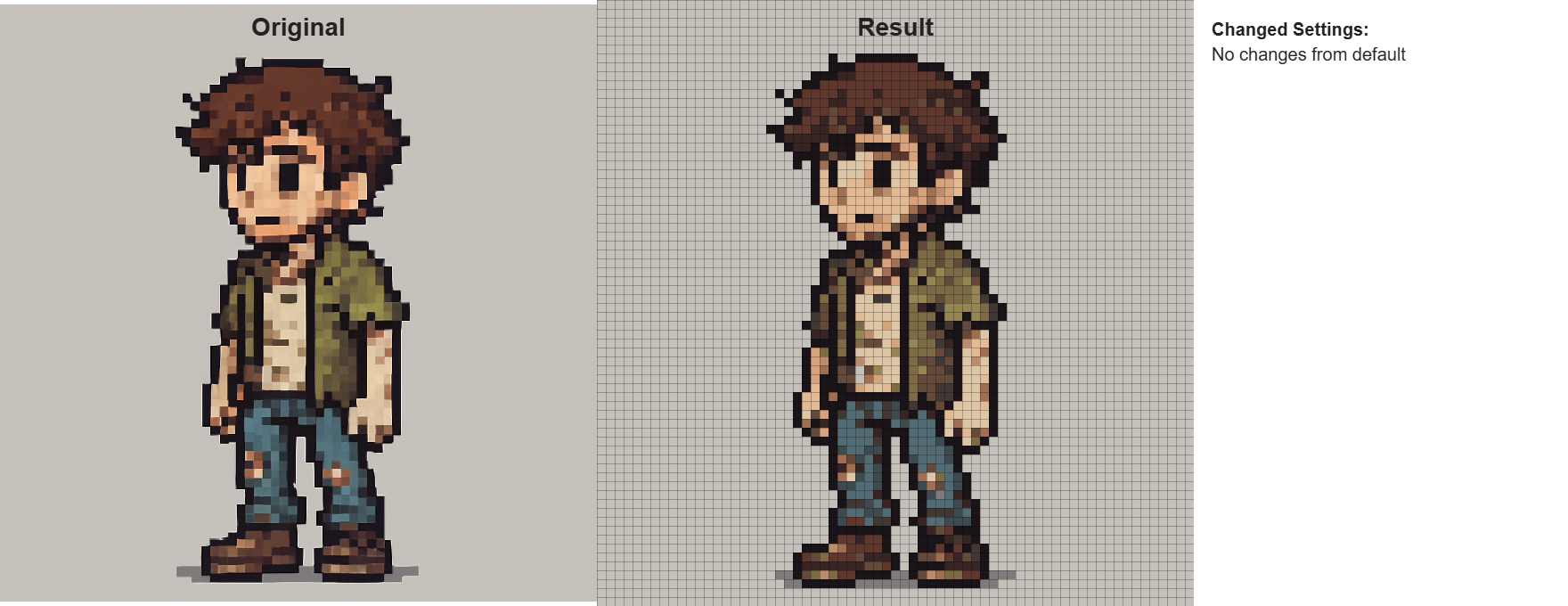
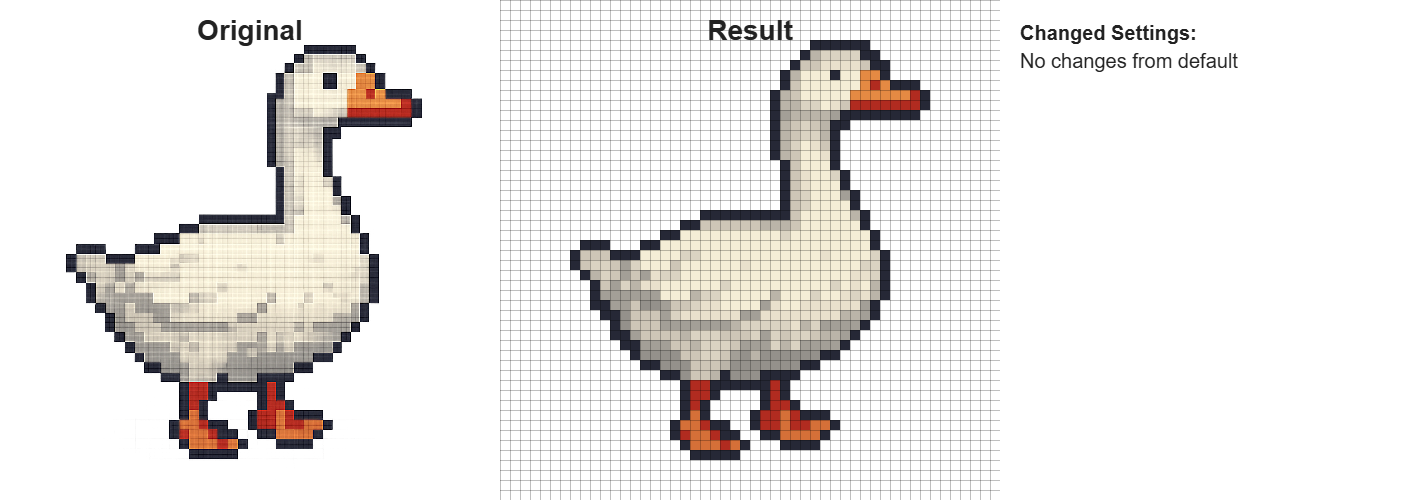
Here's what the final output looks like — a clean 43x43 pixel sprite derived from a noisy AI-generated image:
The tool is available on itch.io, and the source code is on GitHub.



