Visopsys: The Operating System Written by One Person
Visopsys is a unique hobby operating system developed entirely from scratch since 1997 by a single British programmer, Andy McLaughlin, featuring its own kernel, GUI, and custom API after 23 years of continuous development.
There are legendary projects in the world of operating systems that were created not by corporations or large teams, but by individual enthusiasts. Linux started as Linus Torvalds' personal project. TempleOS was built by Terry Davis alone. Today we'll talk about another such system — Visopsys, which has been developed by a single person for over 23 years.
History and Origins
Visopsys began in 1997 as a project by British developer Andy McLaughlin. He wanted to deeply understand x86 architecture and low-level programming. Inspired by the examples of Minix and Linux, he decided to create his own operating system from scratch — including the kernel and the graphical interface.
The name "Visopsys" stands for "Visual Operating System," reflecting the presence of a GUI — something that set it apart from the text-based hobby operating systems of that era.
Key Characteristics
- Architecture: IA-32 (Intel Pentium as reference platform)
- Programming languages: C and Assembly
- Features: Preemptive multitasking, virtual memory
- Development period: 23 years of active development (1997 to 2025)
- Status: Open source
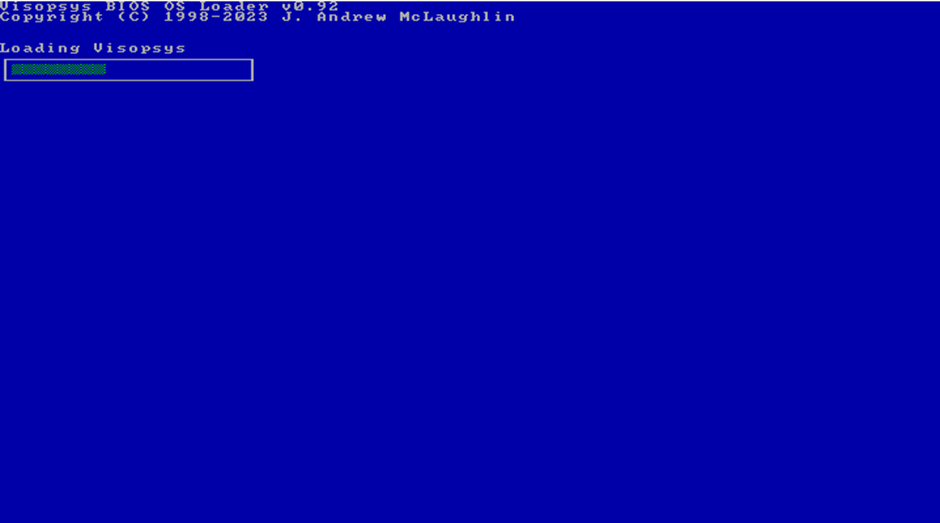
McLaughlin intentionally kept the design minimal and straightforward, avoiding cross-platform considerations. The initial version focused on boot management and memory handling, later expanding to include drivers, filesystems, and a graphical interface.
Installation and Configuration
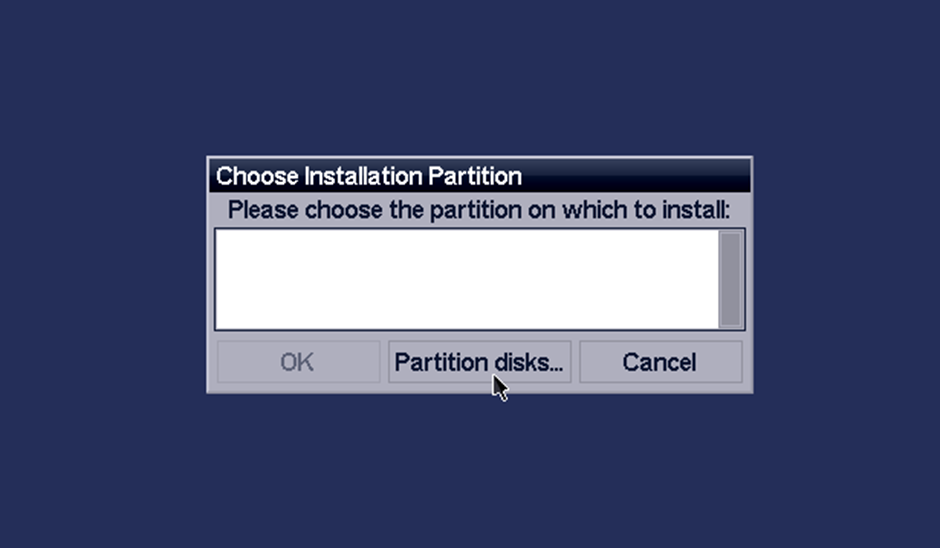
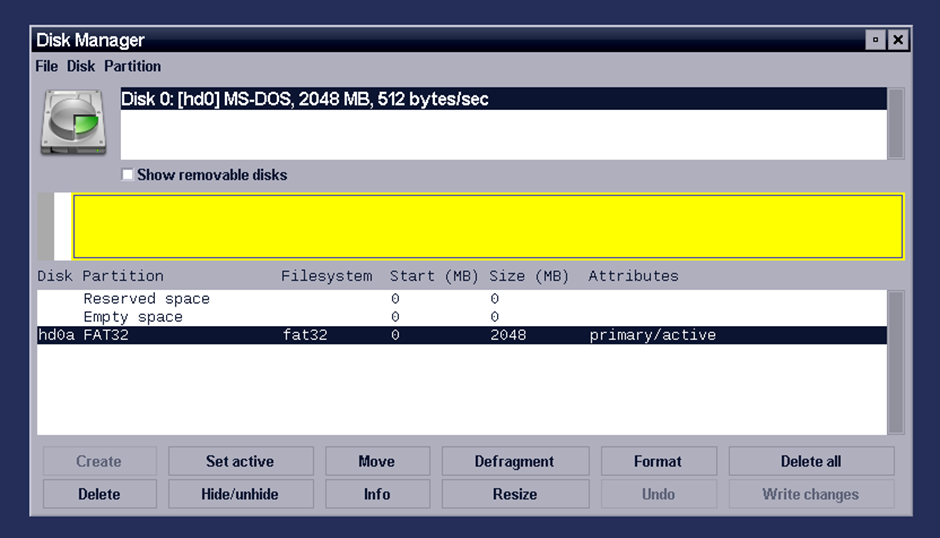
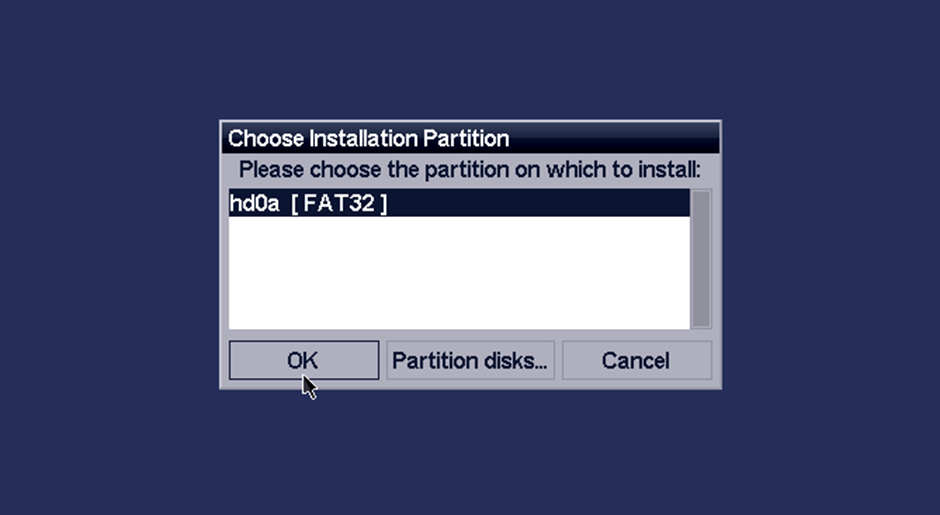
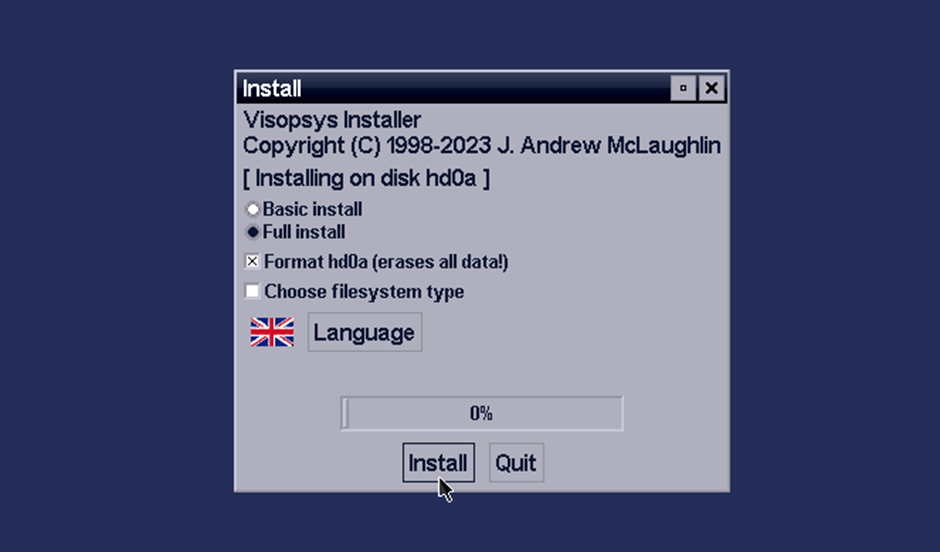
The installation process includes several stages:
- Download the ISO image of version 0.92
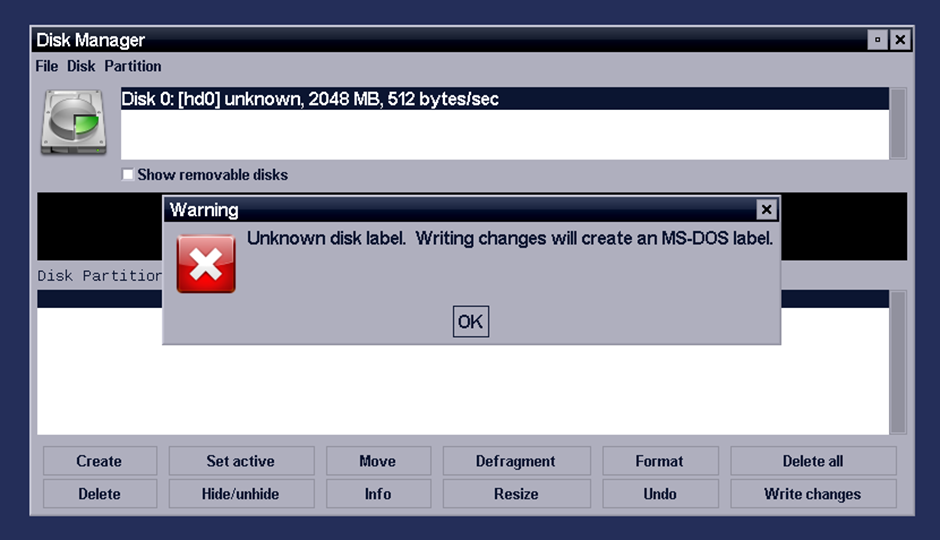
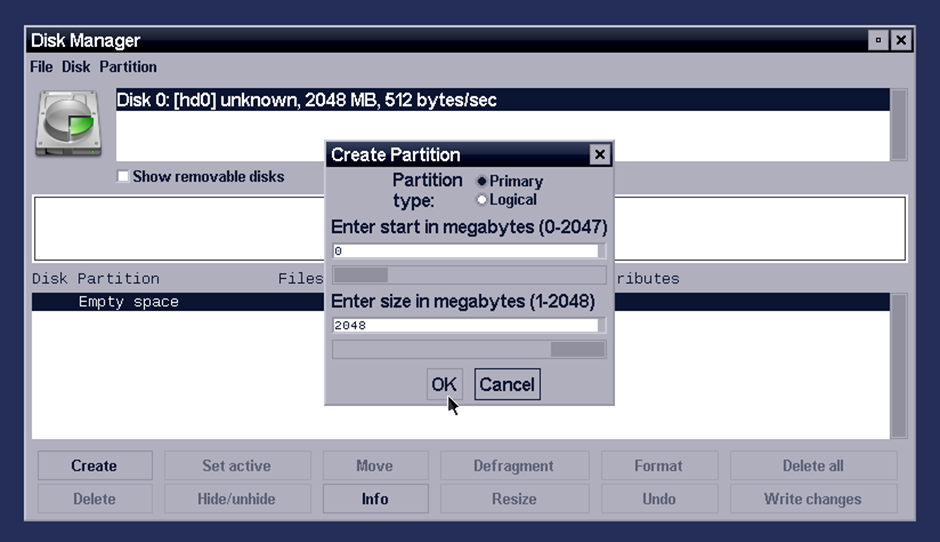
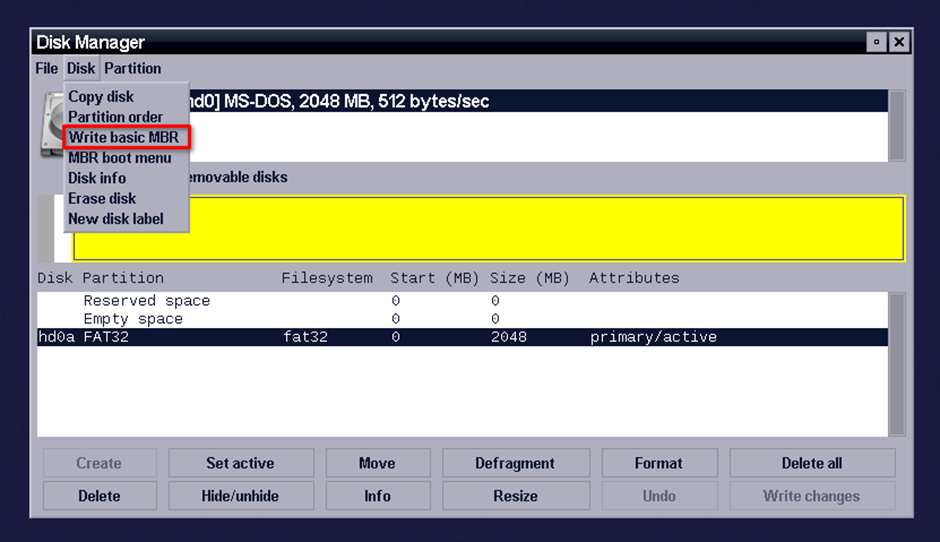
- Partition the disk (MBR)
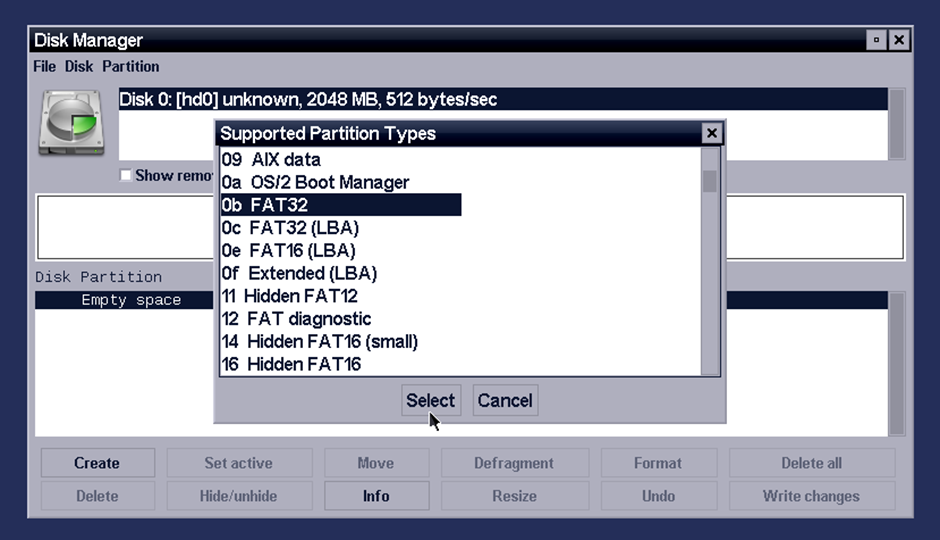
- Format to FAT32
- Select packages and system language
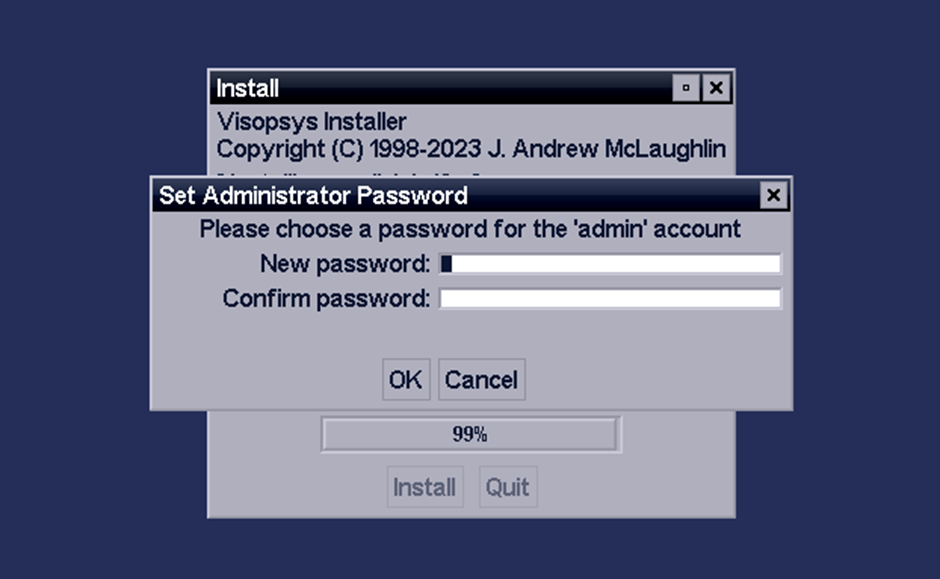
- Set the administrator password
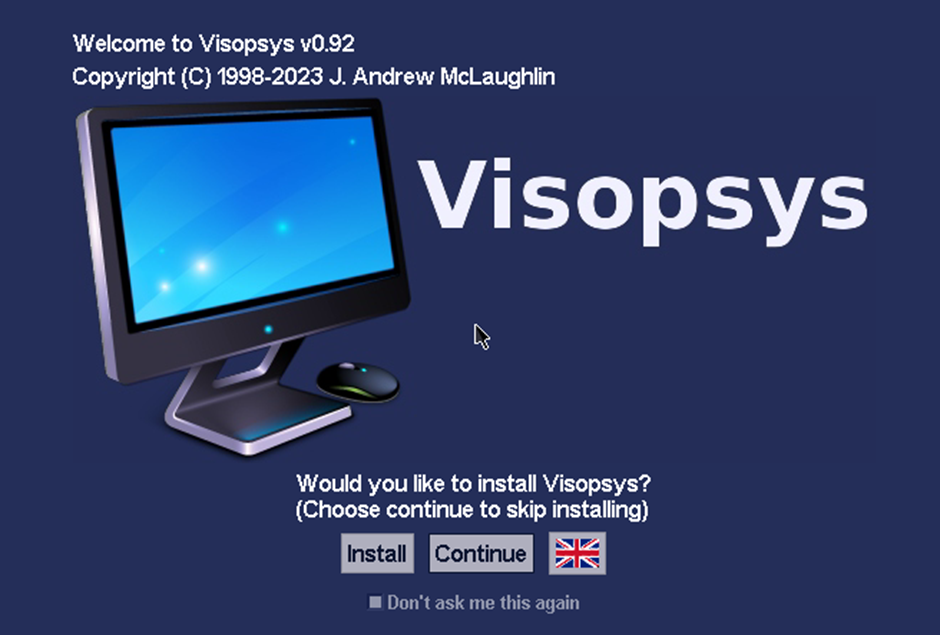
The process of writing changes to the Master Boot Record and selecting installation packages is reminiscent of Linux installers from the early 2000s — simple and functional.
User Interface
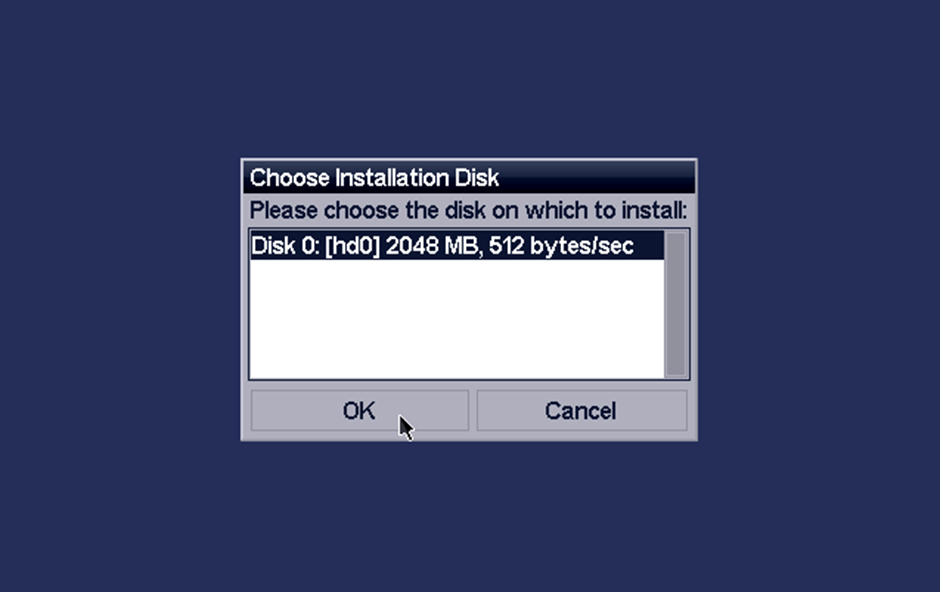
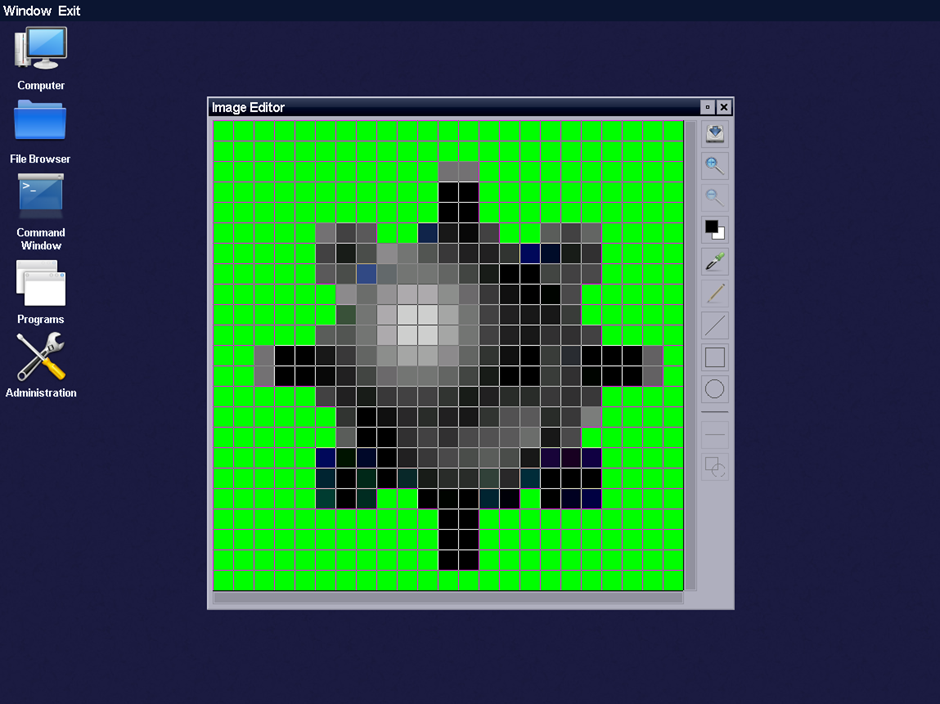
The desktop offers an intuitive design:
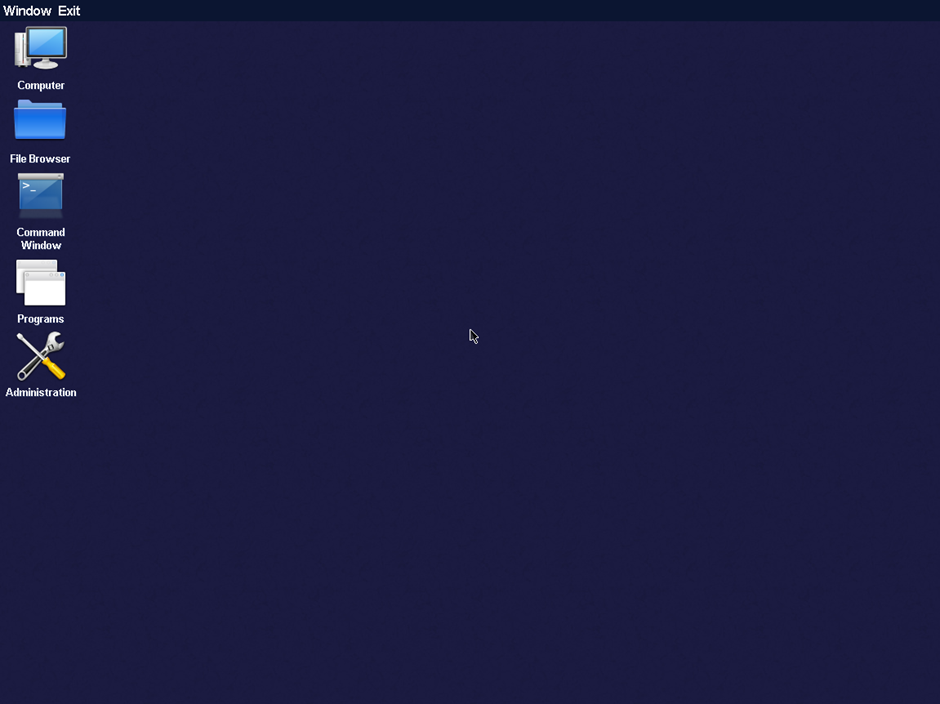
- A top menu bar with system controls
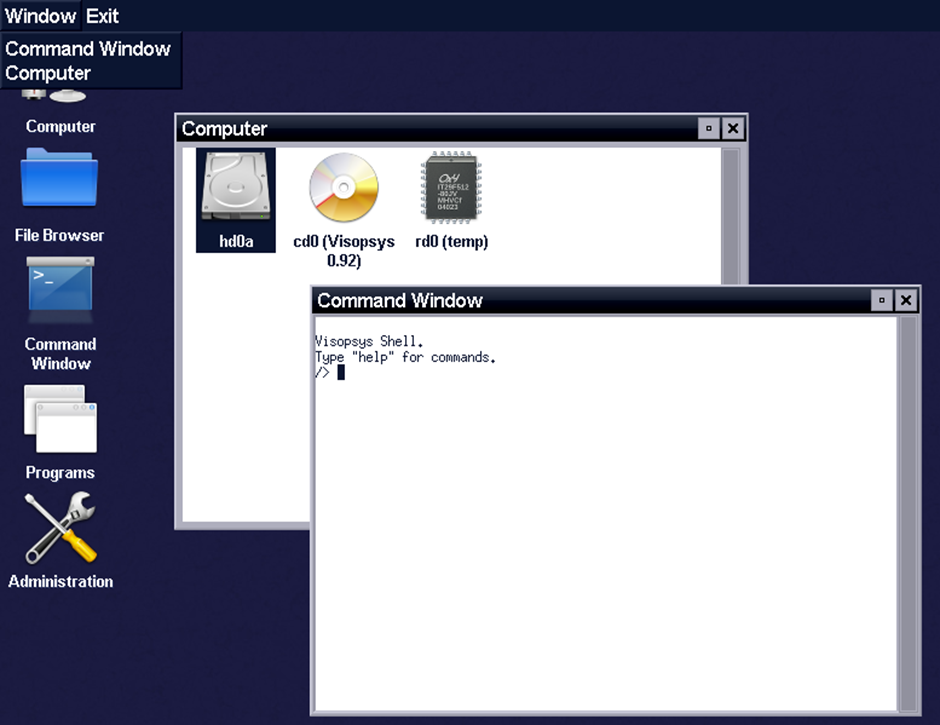
- A Window menu on the left for managing open applications
- Two window management buttons: minimize and close
- Application launching via single click (unlike the typical double-click convention)
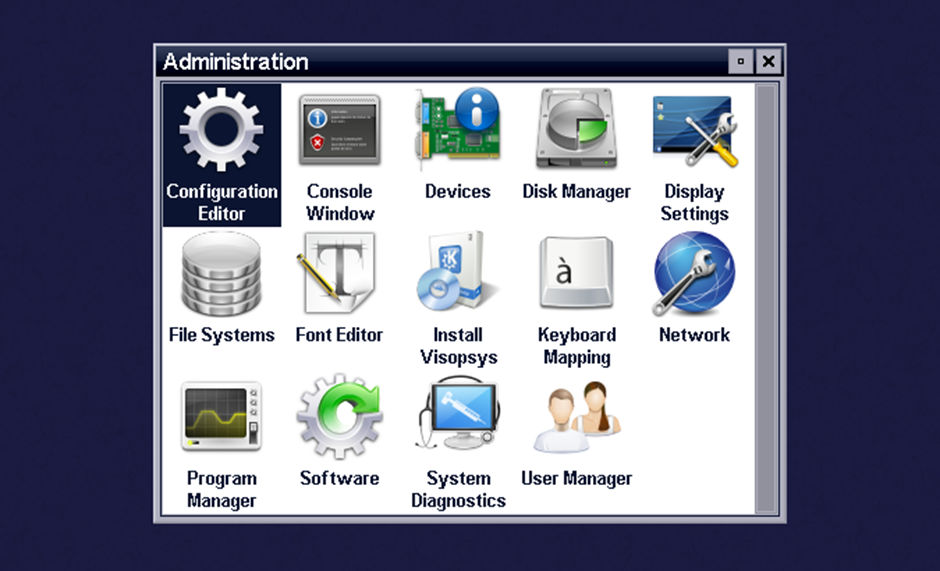
- An Administration panel for system configuration
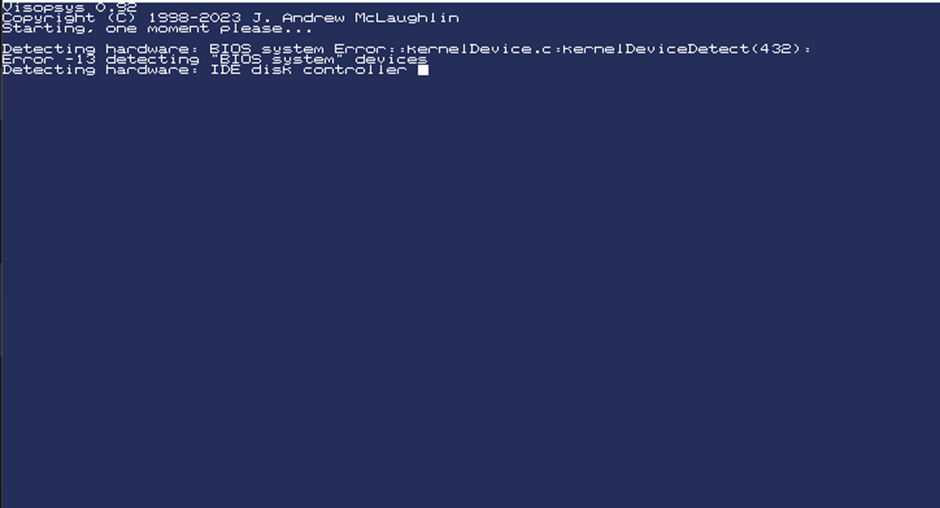
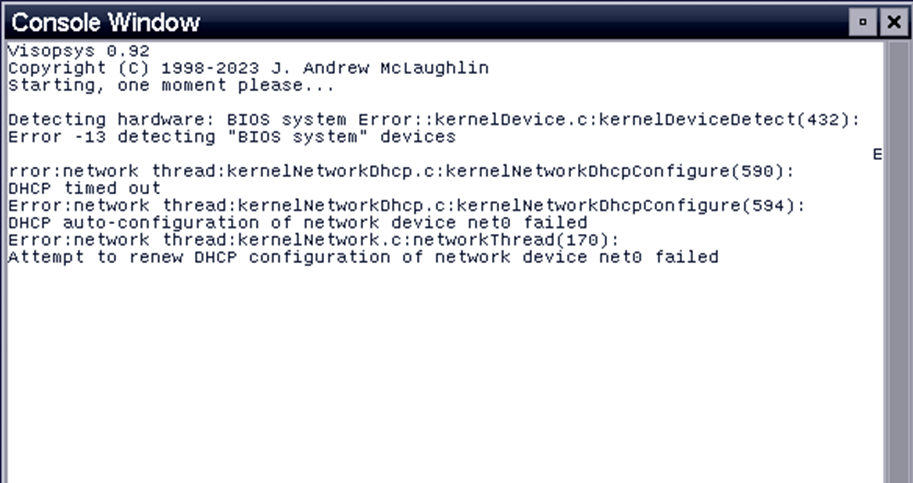
The console displays error messages, including BIOS issues and DHCP problems. While the interface may look dated by modern standards, it's important to remember this was all created by a single developer.
Command Shell
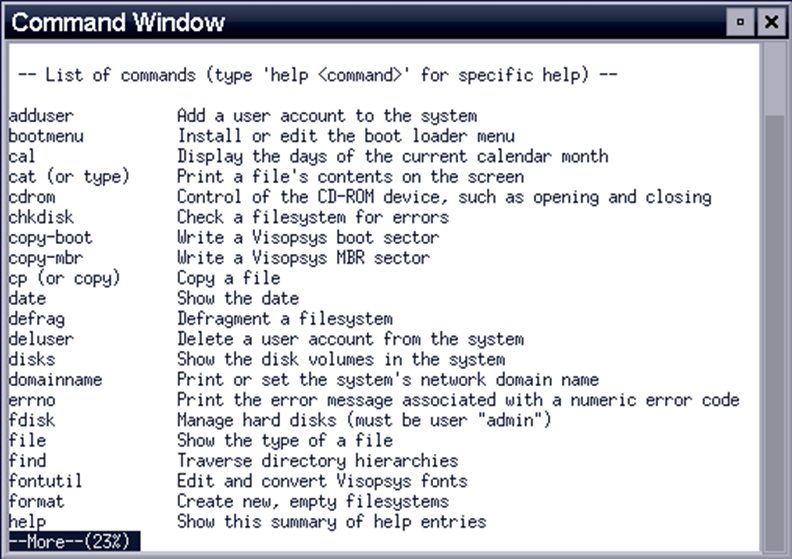
Visopsys includes its own shell with commands that work similarly to Linux. For example, cat file.txt displays file contents. Additional utilities include:
- fdisk — disk partitioning
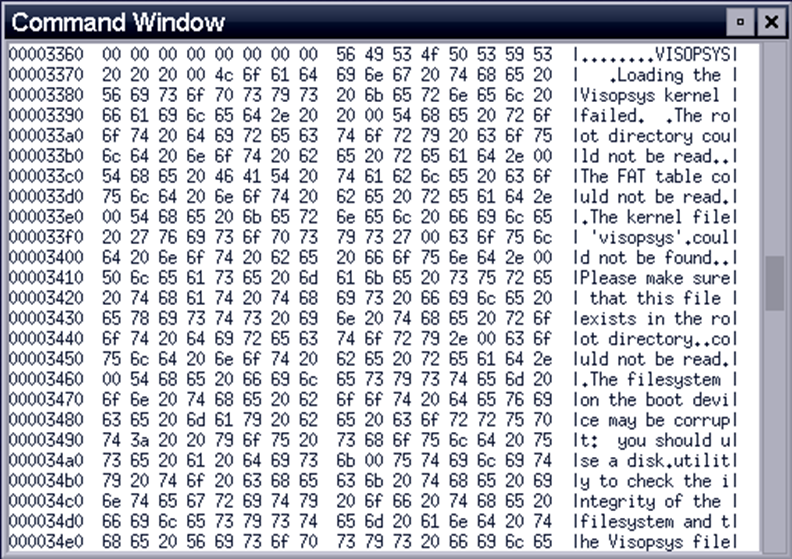
- hexdump — viewing content in hexadecimal format
The shell is functional enough for basic system administration tasks, though it lacks the rich ecosystem of tools available in mainstream Unix-like systems.
Applications
The software library is limited, since applications must be compiled using the Visopsys API (located at /system/headers/sys/api.h).
Built-in programs include:
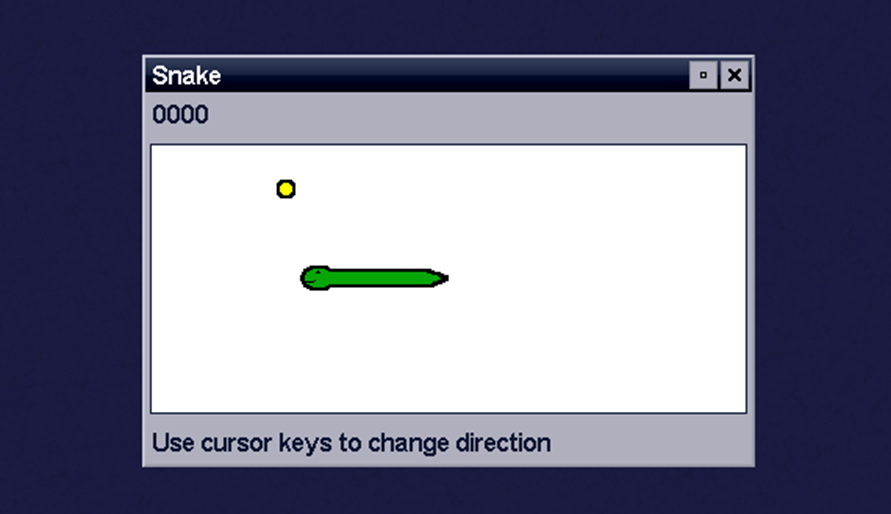
- Snake (a casual game)
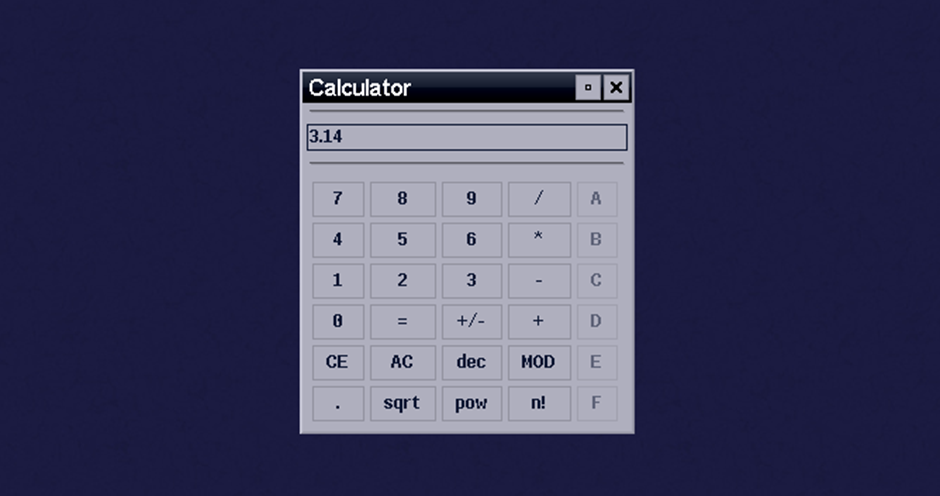
- Calculator
- Pixel art editor
Applications must use the proprietary Visopsys API, which makes porting software from other platforms challenging. The API documentation is available within the system and on the project website, but the limited ecosystem means users won't find familiar applications here.
Assessing the Project
In terms of polish and features, Visopsys significantly trails most modern operating systems. But when you remember that all of this was done by one person, the colossal amount of work becomes evident.
Visopsys is a complete system with its own kernel, graphical shell, and proprietary API. The project has open source code and a dedicated section for developers on the official website.
The last update was in 2023. The forum was active through April 2025, but the project may be frozen. Still, as a testament to what a single dedicated developer can accomplish, Visopsys remains an impressive and inspiring achievement in the world of hobby operating systems.
FAQ
What is this article about in one sentence?
This article explains the core idea in practical terms and focuses on what you can apply in real work.
Who is this article for?
It is written for engineers, technical leaders, and curious readers who want a clear, implementation-focused explanation.
What should I read next?
Use the related articles below to continue with closely connected topics and concrete examples.





